4
ELECTRICAL CONNECTIONS
18
VA40 - VA45
www.krohne.com 08/2015 - 4000424402 - MA VA40-45 R04 en
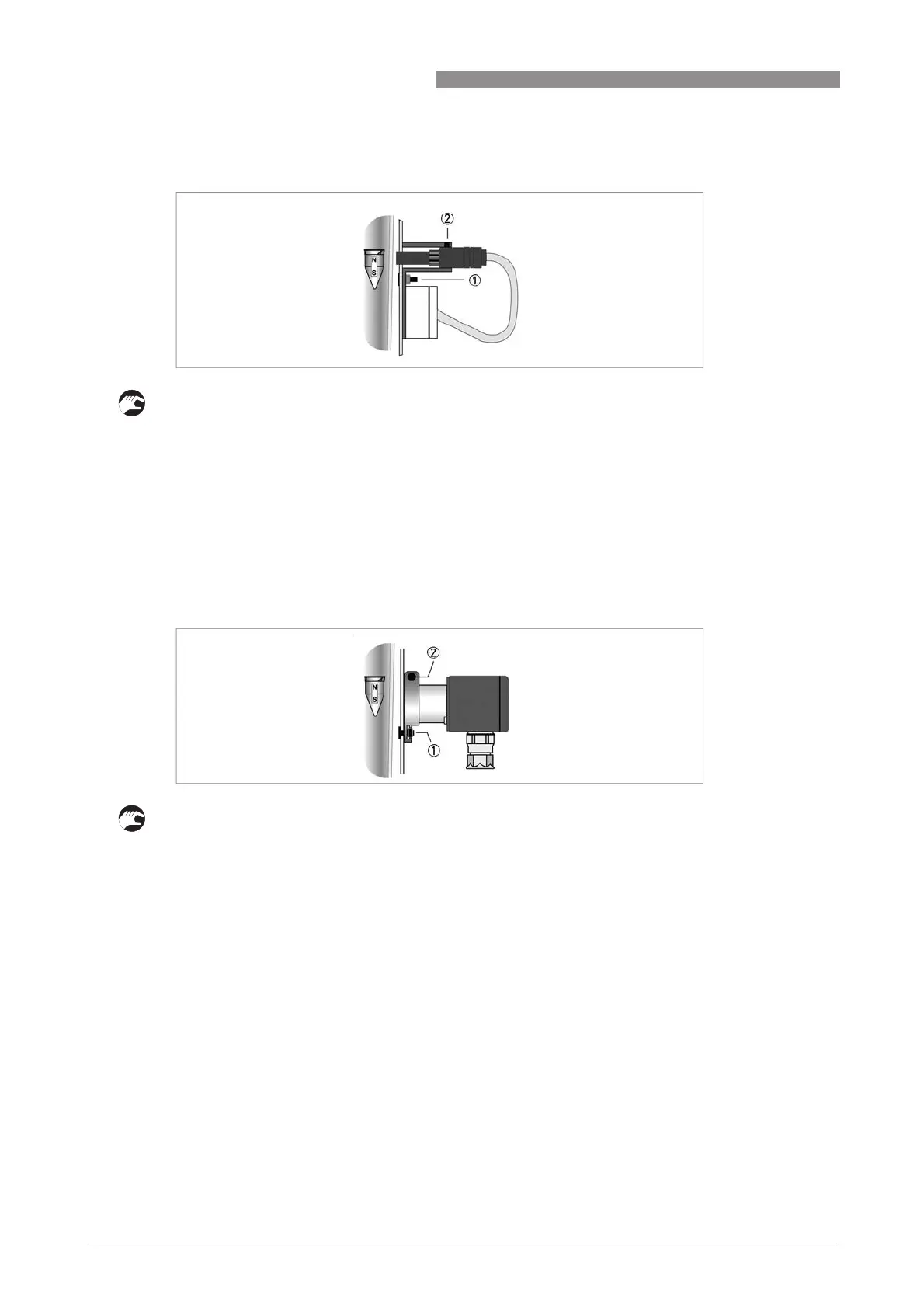
4.3.2 Limit switch settings MS14
• Untighten bracket screw 1 and set switching position
• Secure bracket screw 1
The distance between the limit switch and the casing is factory set with clamp screw 2 so that
the limit switch touches the glass taper at the maximum switching point.
The limit switch must be rotated 180° to reach the lower range of the scale.
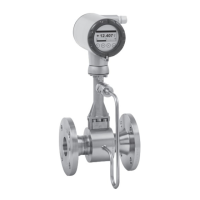
4.3.3 Limit switch settings TG21
• Untighten bracket screw 1 and set switching position
• Secure bracket screw 1
The distance between the limit switch and the casing is factory set at approx. 1 mm (0.039") with
the clamping screw 2.








 To Next Page