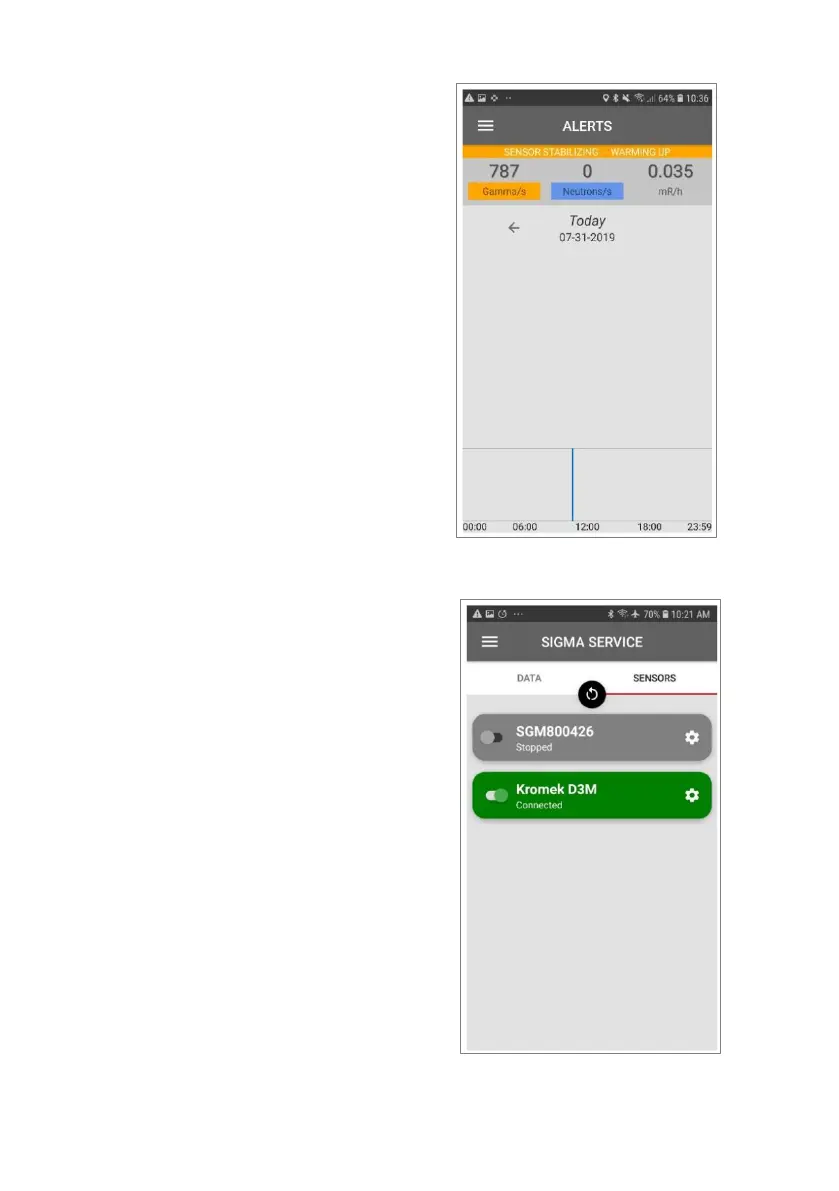
Return to the SIGMA LE application
home then go to Menu > Sigma Service
> Sensors > Kromek D3M. The bar
should be fully green. If the indicator is
red, press the refresh button at the top
of the page to reconnect the two
devices. Ensure that the toggle for the
correct D3M is set to be on.



 To Next Page