-A9-
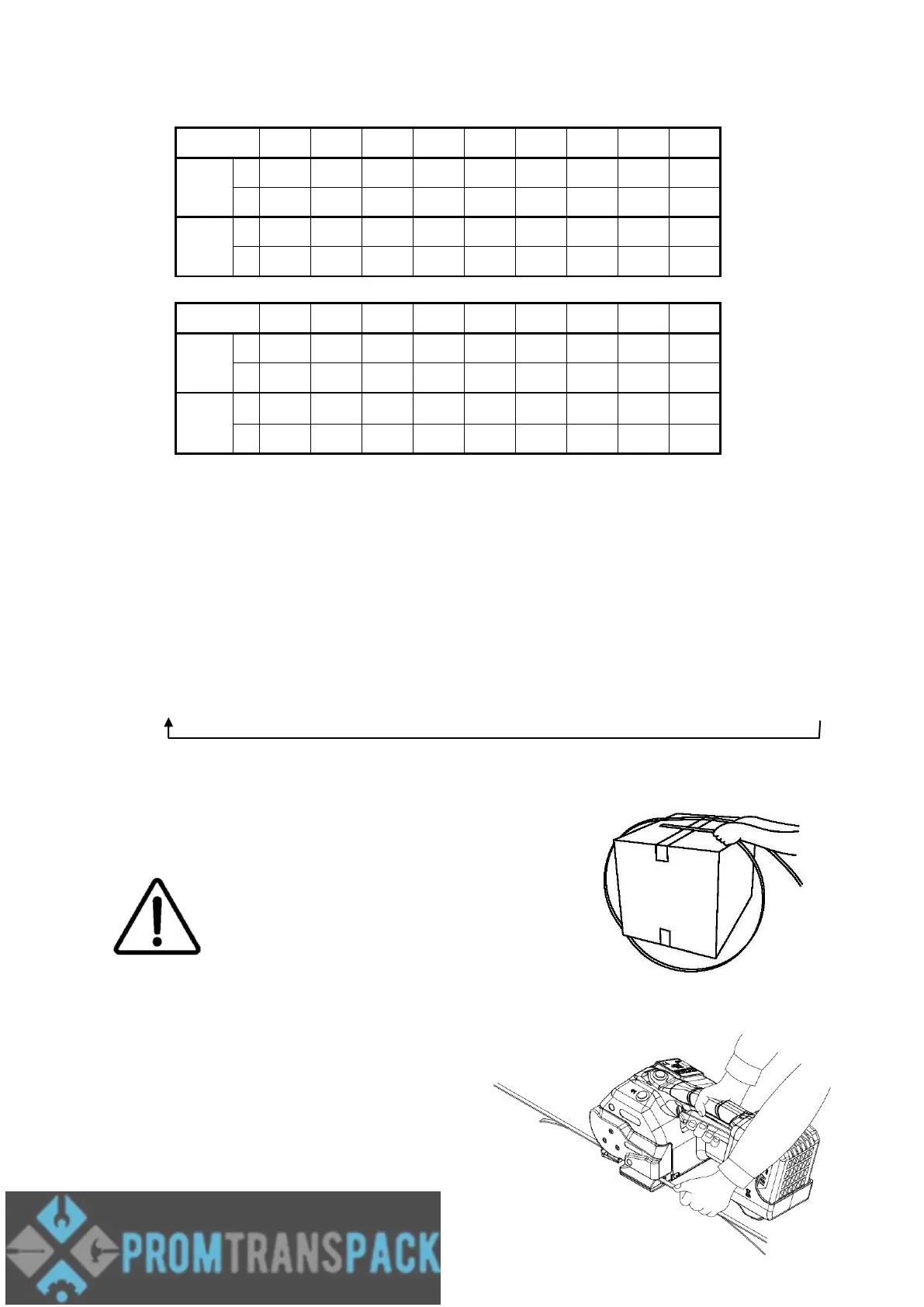
Strap Tension Force Correspondence Table:
5.3.3 Adjusting the Sealing Time
Press and hold the button “D” for 1 sec, if the tool beeps, the tool is for adjusting the
sealing time now. The “F” Digital display will show the current sealing time setting.
Press then release the button “D” to change the sealing time range, and the mode
sequence is as the cycle below. Or press and keep holding the button “D”, then the
sealing time range will be changed automatically with the sequence.
5.4 Feeding the Strap Around the Package
The strapping is fed around the package as illustrated.
Warning! The plastic strap which will be
welded must be free from oil, grease and
other dirt.
Dirty plastic straps can't be welded correct!
5.5 Inserting the Strap
Pull up the handle lever firmly with your right hand.
Insert the two straps well aligned on each other into
the strap guide using your left hand.
Release the handle lever.



 To Next Page