7 Operation
56 of 68
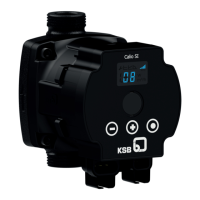
Calio
1157.821/04-EN
Setting
For activating/de-activating the Modbus operating mode and adjusting the Modbus
communication settings, connect the pump to a Modbus network with a suitable,
commercial, shielded data cable.
Press the control element to activate the display from idle mode. The display will
show the current operating mode as well as, in alternation, the electrical input
power and the flow rate. If 5minutes pass without any settings being made or the
control button being pressed, the display will revert to idle mode.
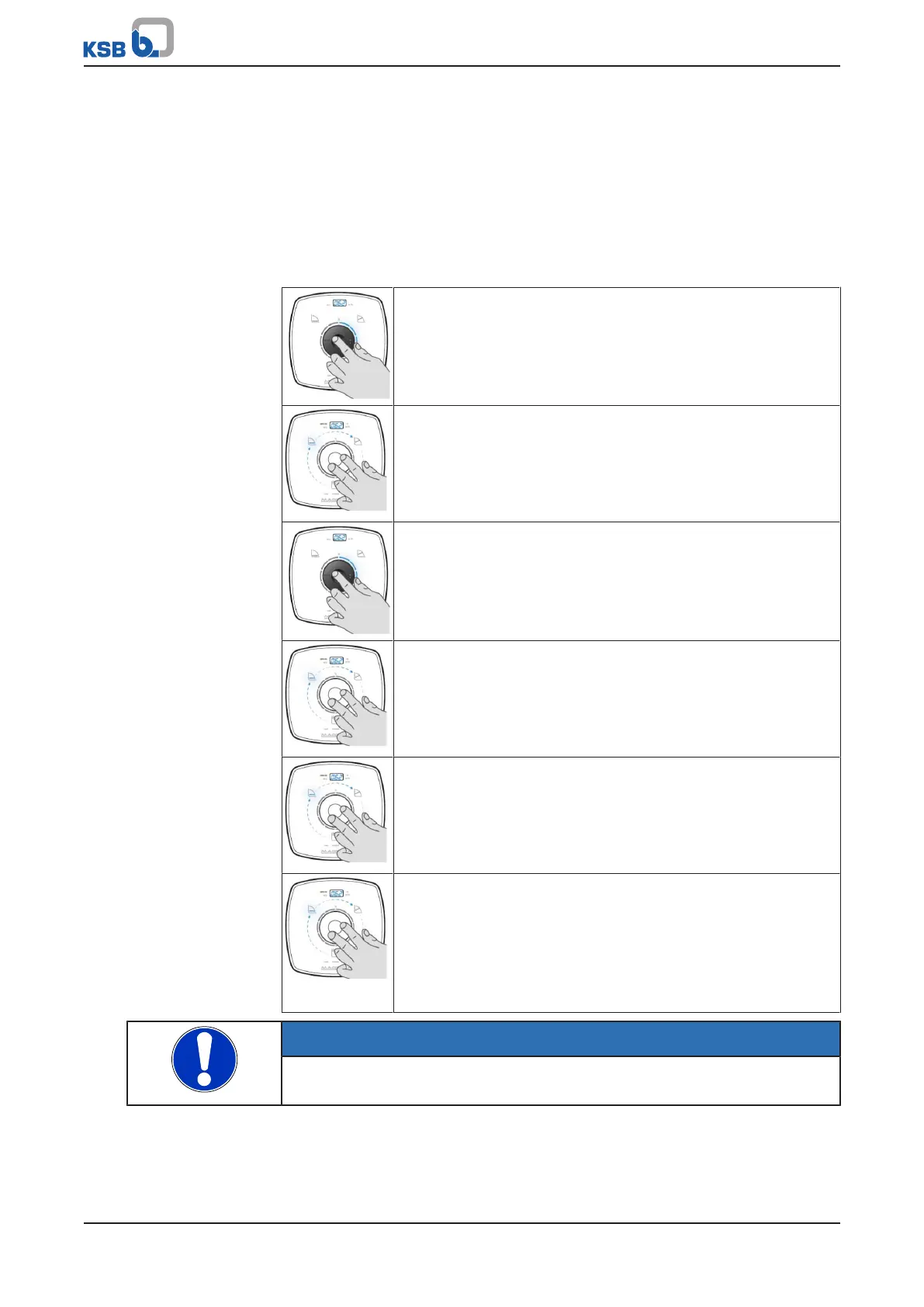
Table32: Activating and de-activating the Modbus operating mode
Step 1: Enabling the sub-mode (DUAL, Modbus, 0-10V)
▪ Press the control element for 6seconds.
– One of the symbols representing the Dual-pump Operation
(DUAL), Modbus and 0-10V sub-modes will start flashing.
Step 2: Selecting the Modbus operating mode
▪ Turn the control element and select the required operating
mode.
Modbus
Step 3: Activating or de-activating the Modbus operating mode
▪ Press the control element.
– The symbol will light up.
Step 4: Setting the Modbus address (flashing display)
▪ Turn the control element and set the required address.
▪ Press the control element.
– Factory setting: 17
Step 5: Setting the Modbus baud rate (flashing display)
▪ Turn the control element and set the required baud rate.
▪ Press the control element.
– Factory setting: 19.2
Step 6: Setting the Modbus parity (flashing display)
▪ Turn the control element and set the parity.
▪ Press the control element.
– Factory setting: PE (Parity Even)
– PO (Parity ODD)
– P- (No Parity)
NOTE
If 10seconds pass without any settings being made, the entries made so far made
will be saved.



 To Next Page