STATUS HANDLING GP800 UPS
- 22 -
Figure 29
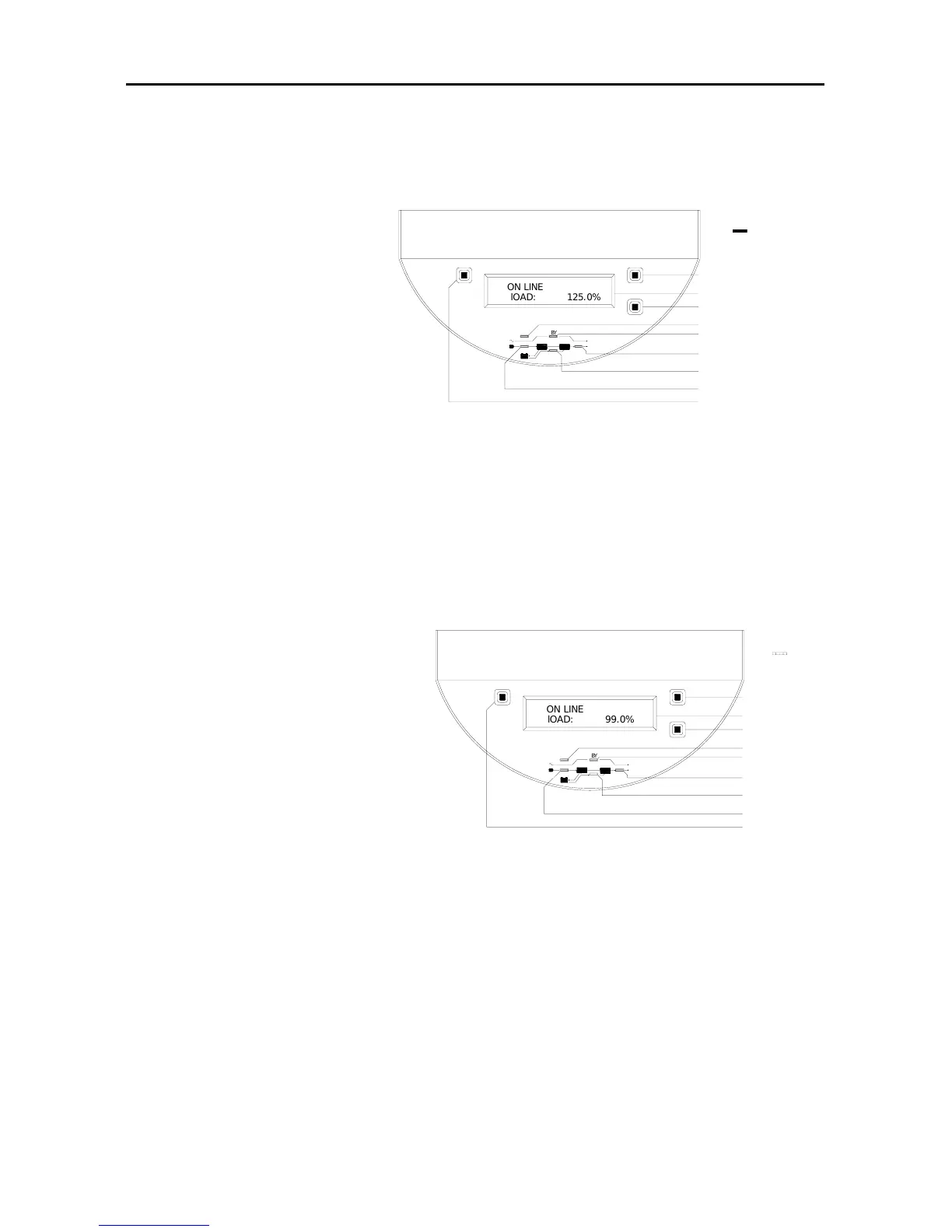
7.panel indicator status is as the right figure:
(1) UPS running status:
Utility power is
normal, UPS runs
abnormally and
convert to be utility
powered.
(2) handling way:
Please refer to flow Chart
4 of status handling.
8.panel indicator status is as the right figure:
(1) UPS running status:
Utility power is
disconnected, UPS is
battery powered and load
is full load. Buzzer beeps
once every four seconds.
The indicator of battery energy
flashes every four seconds (buzzer
and indicator stop beep and flash 90s
later).
(2) Handling way: If utility is
(3) disconnected normally, please remove non-critical loads to
increase used time. If it is disconnected abnormally, please
refer to flow Chart 1 of status handling.
Figure 28
BZ
l
O
A
D
:
1
2
5
.
0
%
O
N
L
I
N
E
OUT
IN
BATT
B
Y
FAULT
Off
Down
On
Sw itch ON
Cycle display button
LCD
Fault indicator
Bypass indicator
Output indicator
battery energy indicator
Input indicator
Switch OFF
BZ
O
N
L
I
N
E
l
O
A
D
:
9
9
.
0
%
Switch OFF
Input indicator
Output indicator
Bypass indicator
Fault indicator
LCD
Sw itch ON
On
Down
Off
FAULT
B
Y
BATT
IN
OUT
battery energy indicator
Cycle display button



 To Next Page