26
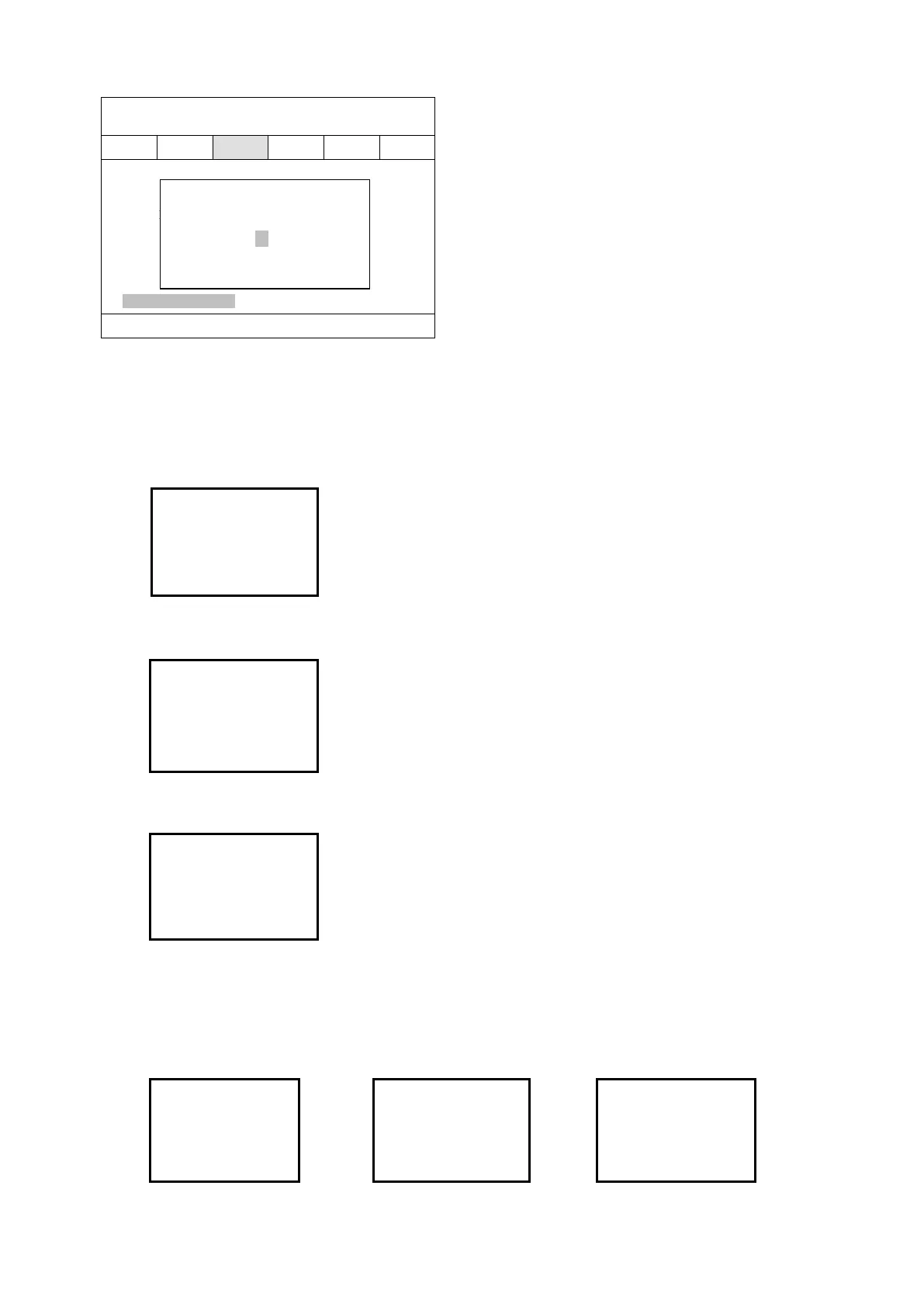
Setting of max. Charge current
4.3.2 UPS Module LCD display
1) Below main interface comes out when power is connected or the system is cold started. Shown
as the picture below.
Main interface
2) Press any key, it will change to the basic status interface,Shown as the picture below.
Basic status interface
3) Press the ◀ or ▶ button, it will change to main menu, Shown as the picture below.
Main menu
4) An arrow icon will come out on the LCD when pressing the ENT, then, the data info, status info,
setting information can be selected by pressing the right or left arrow button, and checking the
details by pressing them.
5) Select and confirm the data information can view the details. It contains the details of the AC
input /output , inverter, battery , BUS, parallel and temperature,Shown as the pictures below.
MAIN INPUT INFO OUTPUT INFO OUTPUT INFO
30KVA 22-12-2008
ID:01 08:30
Single Battery Volt. 12V
Battery Number 20
Battery Group 1
Single Battery Capa. 100AH
Boost Upper Limit Volt. 2.31
Float Base Volt. 2.25
Battery Protect Volt. 1.70
Boost Charge Enable Back
Boost Last Time 231 Min
Max Charge Current 25A Next
Max Charge Current
▼ 25 ▲
Ensure Cancel
MODE:On-Line
Volt:AN BN CN
Vin: 220 219 221
Vout:220
Figure
Mains
A:225.9 B:224.8
C:225.5
Figure
Output
220.0V 0.0A
50.0HZ Load: 0%
Figure
Output
0KW PAK: 0
0KVA







 To Next Page