12
12 http : // www.kvcins.com
7. PARAMETER SETTING OF PRODUCT
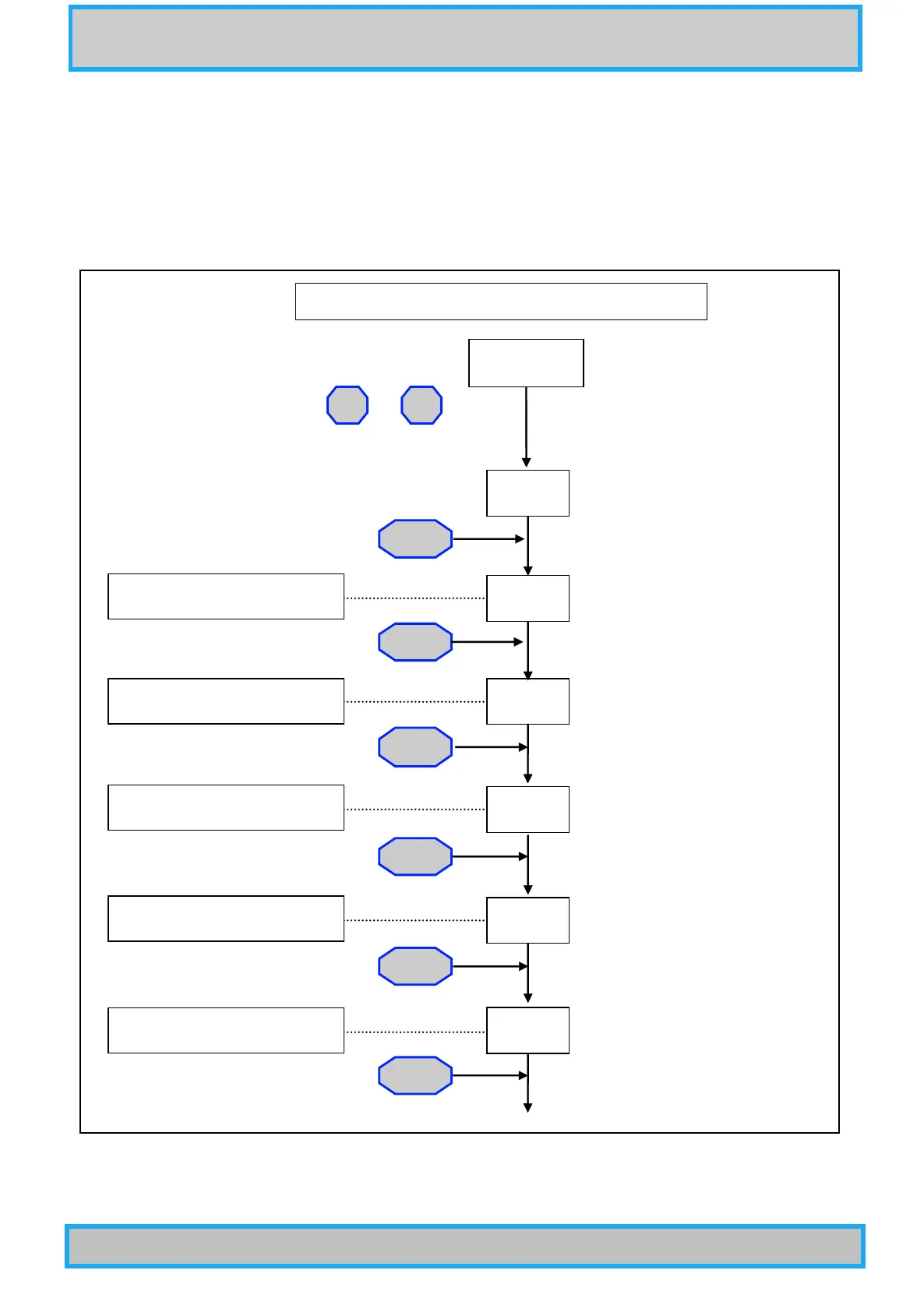
7-1 Setting method
7-1-1 Push at once the ▲ and ▼ keys to change to the function setting mode.
7-1-2 To exit the MODE function during setup, keep pushing the SET key until the vacuum value is displayed.
7-2 Setting flow
+
Press at the same time.
VACUUM
SM-d
MODE
MODE
MODE
Un-t
S1-M
S2-M
S1-b
S2-b
MODE
▲ ▼
MODE
MODE
SP1 Dead band setting
Vacuum unit setting
SP1 high/low alarm setting
SP2 high/low alarm setting
SP2 Dead band setting
Push the SET key to release from the Mode function



 To Next Page