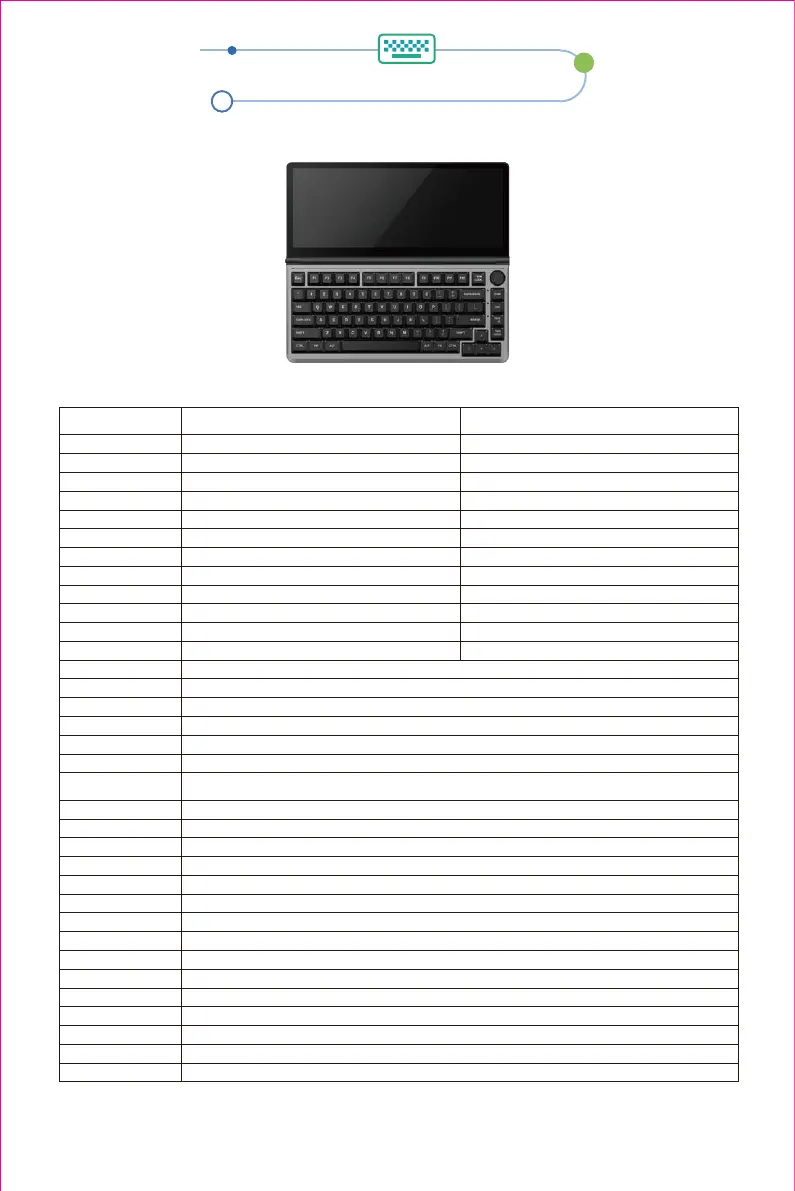
FN function key combination (hold FN)
key definition
Note: The main backlight has a total of 20 lighting effects (custom lighting, rhythm and shadow only
support drive control).
13
Windows combination keys
Fn+F1
Fn+F2
Fn+F3
Fn+F4
Fn+F5
Fn+F6
Fn+F7
Fn+F8
Fn+F9
Fn+F10
Fn+F11
Fn+F12
FN+W
FN+I
FN+\
FN+Home
FN+PGUP
FN+End
FN+PGDW
FN+-
FN+L
FN+=
FN+↑
FN+↓
FN+←
FN+→
FN+Z
FN+X
FN+left Ctrl
FN+left ALT
FN+V
FN+LWIN
Hold FN+ Right Ctr
FN+~
My Computer
Email
Windows Search
Browser Homepage
Multimedia Player
Play / Pause
Previous
Next
Calculator
Mute
Volume-
Volume+
Enter game mode, WASD keys become up, down, left and right keys.
Insert
Under all lighting effects RGB color light mode, adjust the light color to 7 colors single color + RGB cycle.
Always On,Waves ripple,Shadowing,Steady stream,Meteor
Stars twinkle,Caispring Surging,Spectrum cycle,Drift
Dynamic breathing,Sine Wave,Snow,Peak Turn
Colorful vertical and horizontal,Through the snow non-trace,Peaks rising one after another,Laser,
Flowers Blooming
Light off / on
Light speed slows down
Light speed accelerates
Light brightens
Light darkens
Light direction to the left
Light direction to the right
Side light brightness switch, 5 gears, cycle
Side light speed switch, 5 gears, cycle
Side light mode switch, including off, 7 modes total
Switch side light color
Switch between WIN and MAC systems
Lock windows
Long press for 3s to switch to menu key (can be remembered), and then long press to switch back
Long press for 5s to restore factory settings; cannot switch current system Tap to play
Brightness-
Brightness+
Open Task Control
Call out Siri
F5
F6
Previous
Play / Pause
Next
Mute
Volume-
Volume+
Mac combination keys
1.Keyboard key definition


 To Next Page