8-3
8
7. Inspect the handlebar tube for cracks, wear, or
unusual bends.
8. Inspect the handlebar grips for damage or wear.
INSTALLING
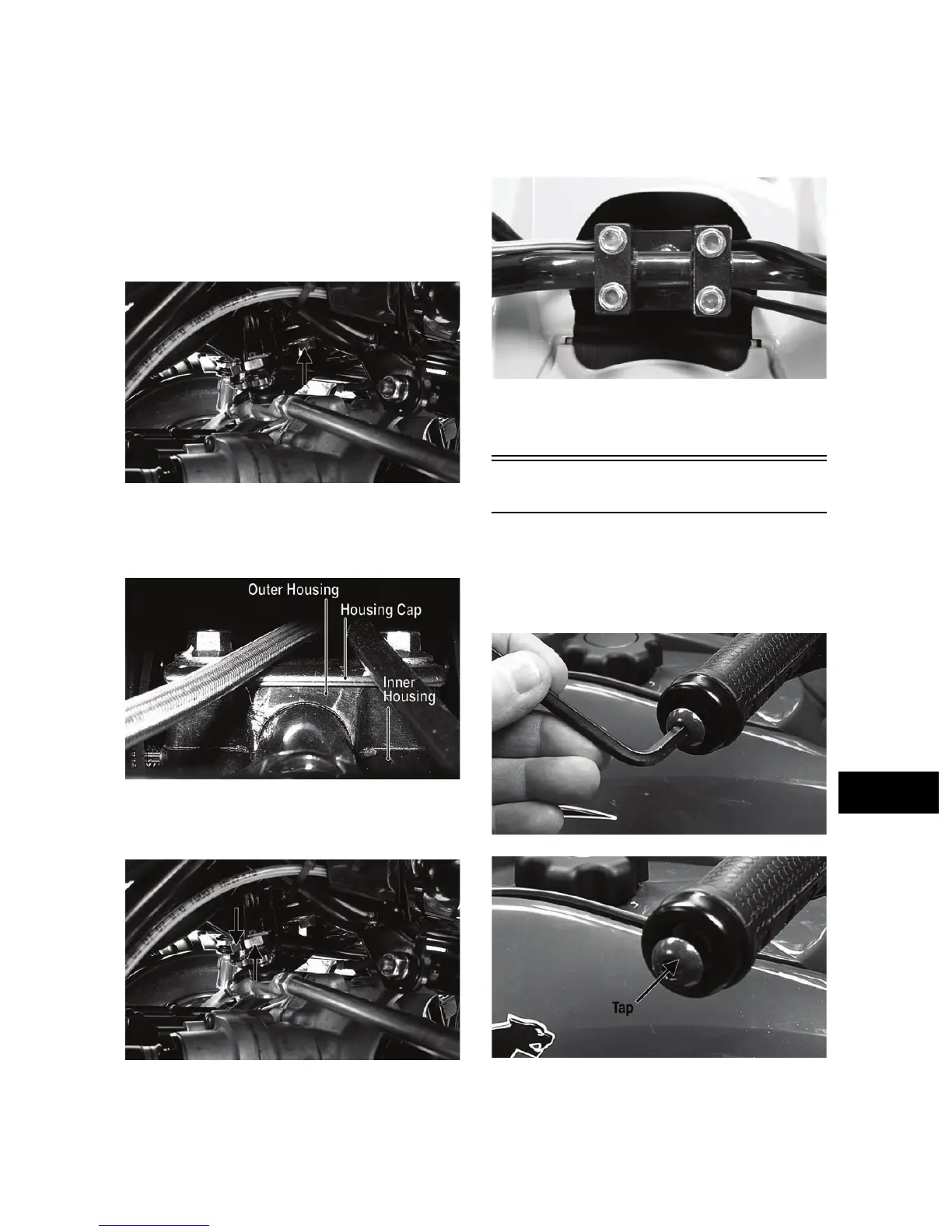
1. Install the steering post into the frame and secure
the lower end in the bearing with a flat washer and
cap screw. Tighten to 40 ft-lb.
KC184B
2. Apply grease to the inner and outer housings of the
upper steering post support; then with the housing
cap in place, secure with the cap screws. Tighten
to 20 ft-lb.
KC307A
3. Using red Loctite #271 on the threads, install the
tie rod ends into the lower steering post arm and
tighten to 30 ft-lb; then install new cotter pins.
KC184A
4. Place the handlebar and caps in place on the steer-
ing post and with the handlebar correctly posi-
tioned, tighten the cap screws to 20 ft-lb.
KC0058
5. Install the steering post cover; then install the front
body panel/fender (see Front Body Panel/Fender
in this section).
Handlebar Grip
REMOVING
1. Loosen but do not remove the cap screws in the
end of the handlebar; then tap lightly on the head
to dislodge the handlebar plug.
KC310
KC309A
2. Grasp the end and remove the cap screw, plug, and
end cap.


 To Next Page