3-26
Removing Left-Side
Components
A. Cover/Stator Assembly
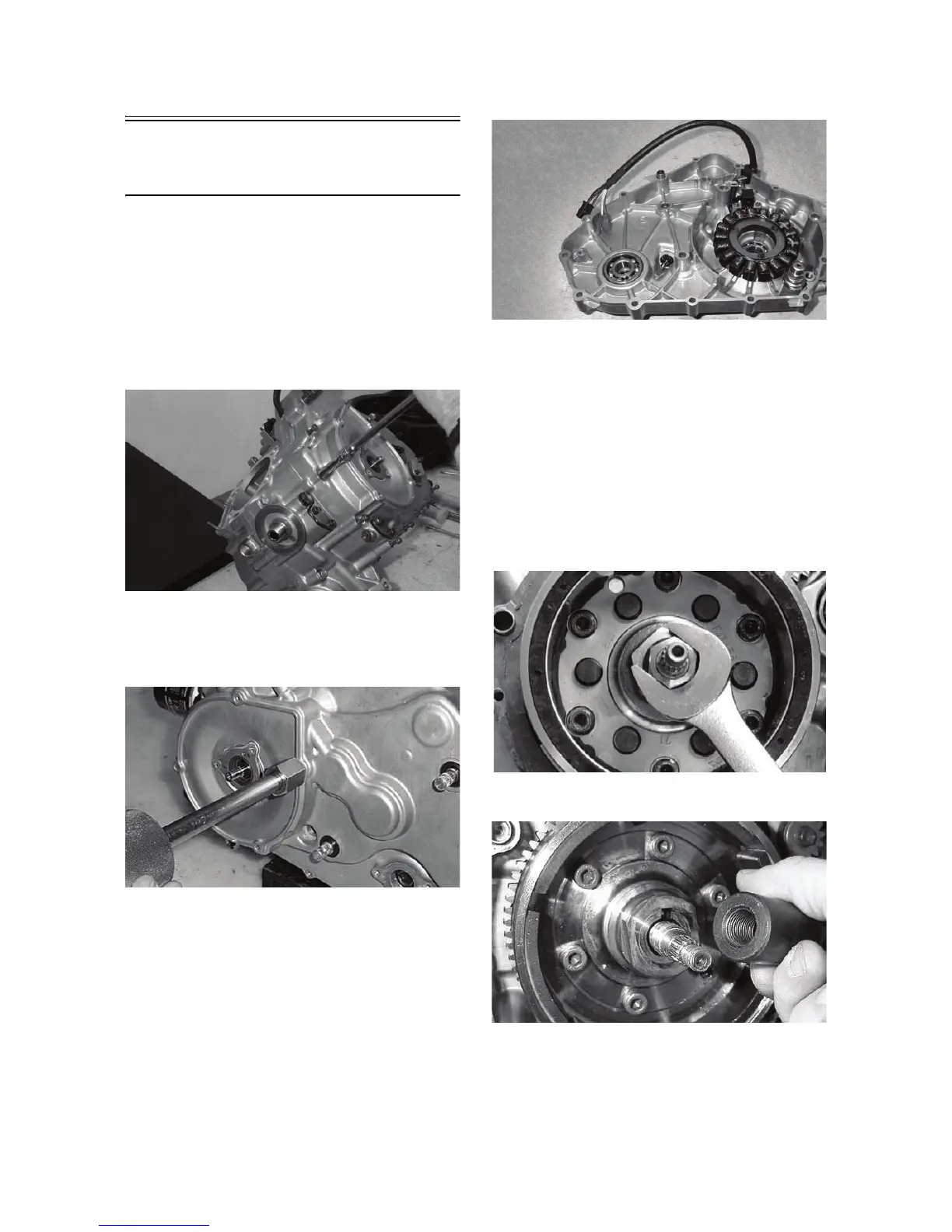
1. Remove the cap screws securing the outer mag-
neto cover and remove the cover.
2. Remove the left-side cover-to-crankcase mounting
cap screws noting the location of the 8 mm cap
screw with the washer near the middle of the
left-side cover. Keep the different-lengthed 6 mm
cap screws in order for installing purposes.
MD1186
3. Using Side Case Puller and the 6 mm adapter,
remove the left-side cover w/stator assembly.
Account for the two alignment pins and the posi-
tion of the shifter bracket for installing purposes.
CC946
MD1188
NOTE: Inspect the inside of the left-side cover for
any shaft washers that may have come off with the
cover. Make sure they are returned to their respec-
tive shafts and that the starter idler gear spacer is
on the shaft or in the cover.
B. Rotor/Flywheel
C. Starter Motor
NOTE: Steps 1-3 in the preceding sub-section
must precede this procedure.
4. Remove the rotor/flywheel nut.
MD1194
5. Install the crankshaft protector.
MD1365



 To Next Page