Phone Calls 38
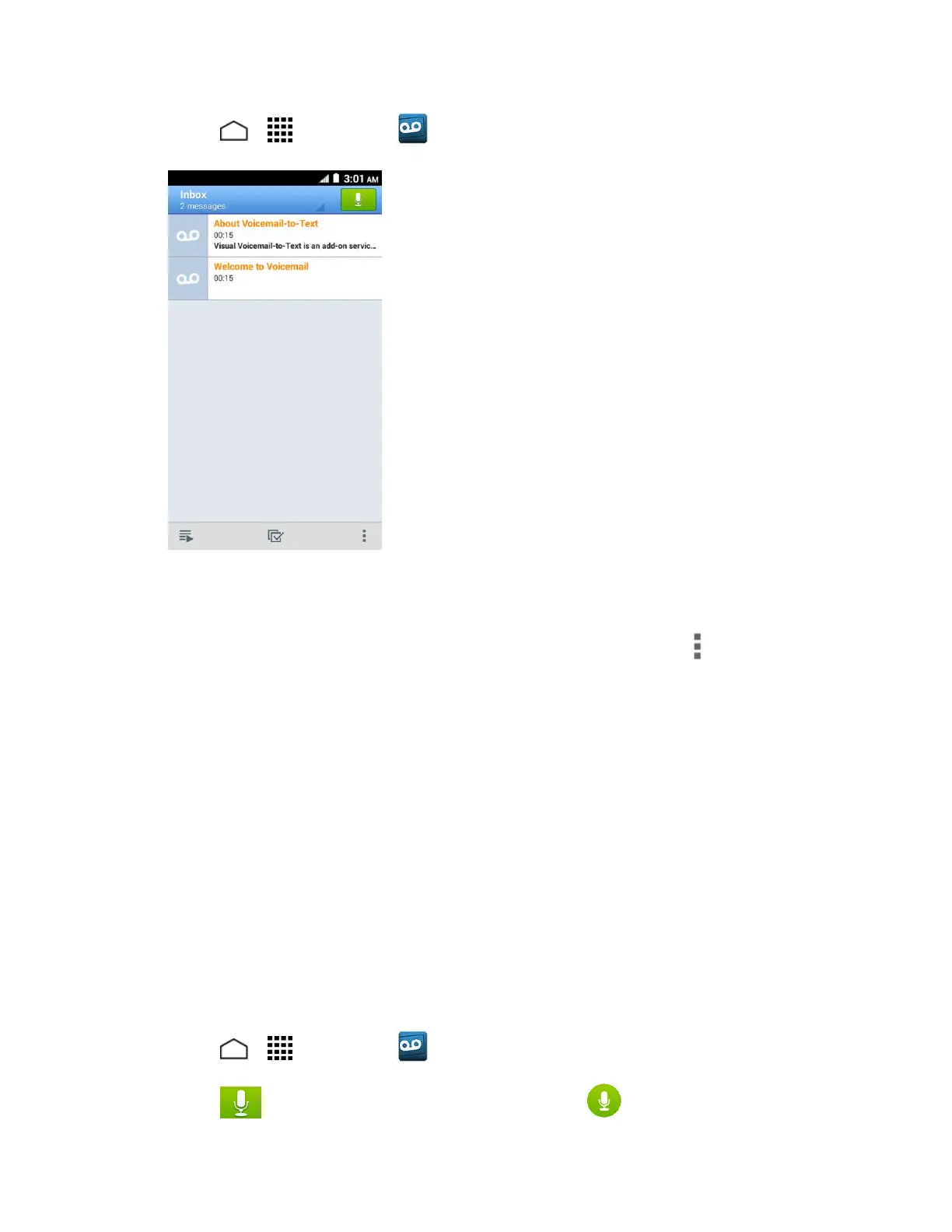
1. Touch > > Voicemail . You will see the voicemail inbox.
2. Touch a message to review it.
Tip: There are several icons at the bottom of the review screen for maintenance, storage,
messaging, and other options. For an explanation of all your options, touch > Help > Visual
Voicemail Menu > Visual Voicemail Menu.
Listen to Multiple Voicemail Messages
When you are done listening to a voicemail message, you can easily access other voicemail
messages without returning to the main voicemail screen.
1. Listen to the current voicemail message.
2. Swipe your finger left or right to display the next or previous message. (It will begin
playing automatically.)
You can navigate through voicemail messages as frequently as you'd like. You can even move
to the next or previous message before you're finished listening to the current one.
Compose a Visual Voicemail Message
Record a voice message and share or send it.
1. Touch > > Voicemail .
2. Touch to access the recording screen and touch to start recording.











 To Next Page