Operation Panel
4-78
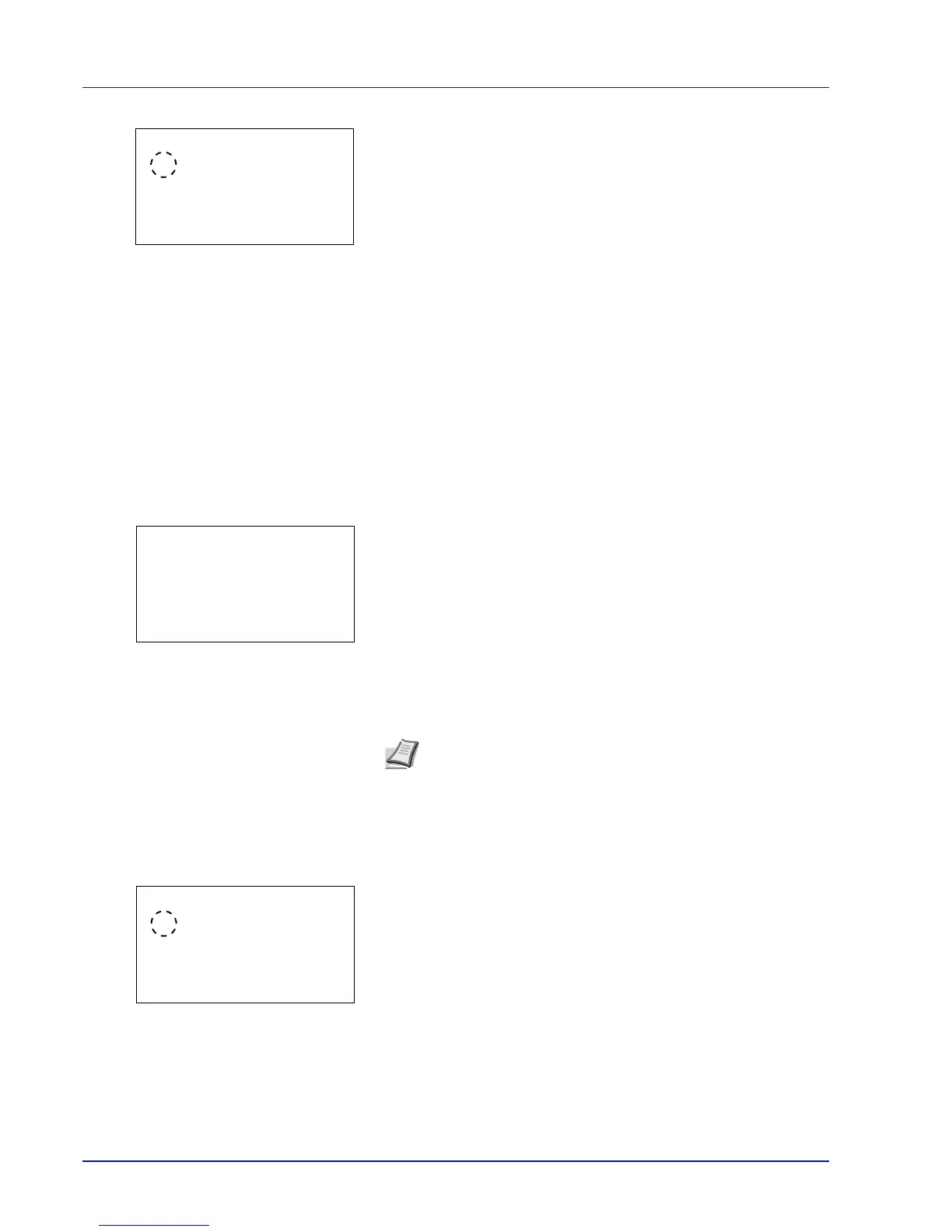
2 Press [OK]. The Date Format screen appears.
3 Press U or V to select the desired date format.
The following date formats can be selected:
Month/Day/Year
Day/Month/Year
Year/Month/Day
4 Press [OK]. The date format is set and the Date Setting menu
reappears.
Time Zone (time difference setting)
Set the time difference from GMT.
1 In the Date Setting menu, press U or V to select Time Zone.
2 Press [OK]. The Time Zone screen appears.
3 Press U or V to select the location.
4 Press [OK]. The time zone is set and the Date Setting menu
reappears.
Summer Time (summer time setting)
Set summer time.
1 In the Date Setting menu, press U or V to select Summer Time.
2 Press [OK]. The Summer Time screen appears.
3 Press U or V to select whether the summer time is enabled.
4 Press [OK]. The summer time is set and the Date Setting menu
reappears.
Note If you select a region that does not utilize summer time, the
summer time setting will not appear.






 To Next Page