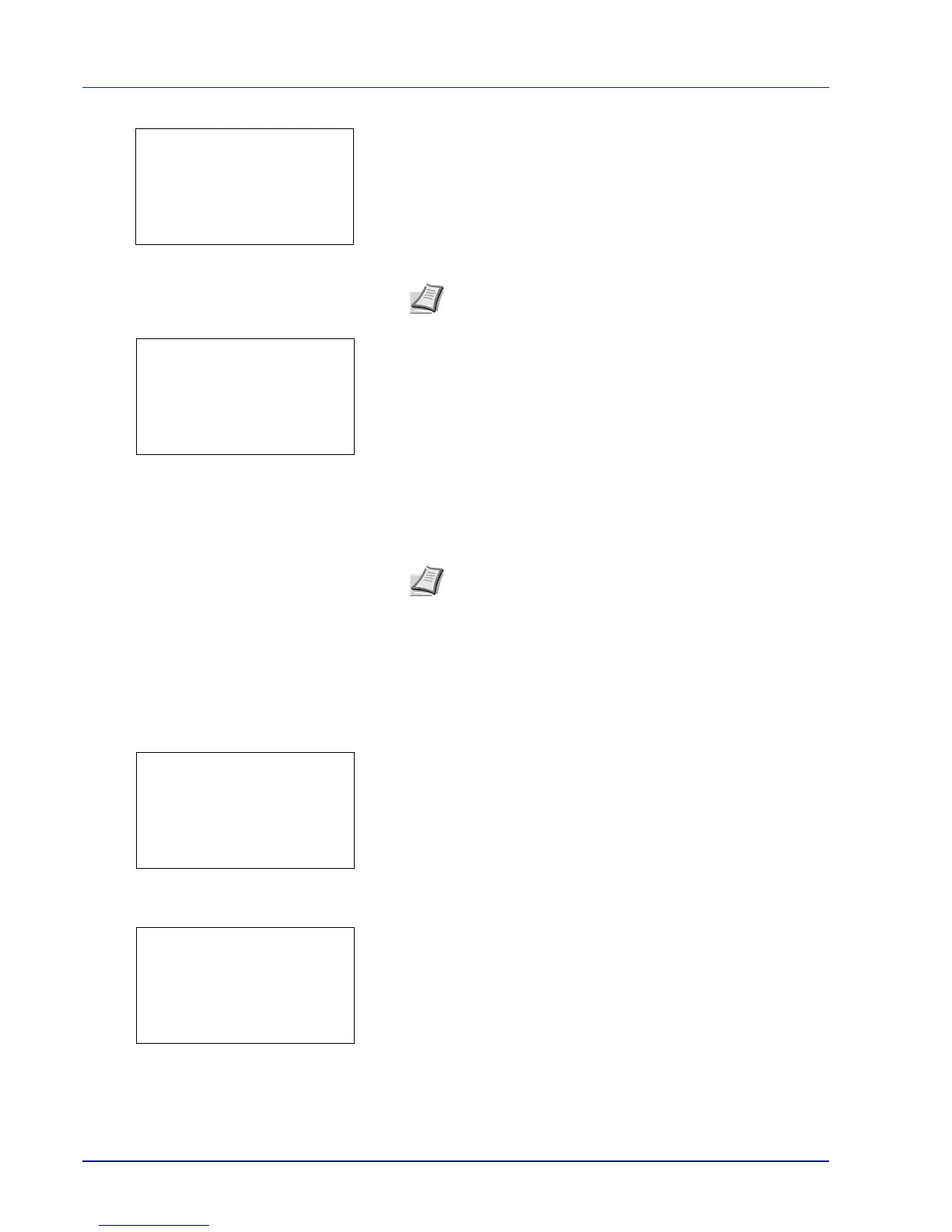
Operation Panel
4-132
15
Press [OK].
16
Use the numeric keys or press U or V to enter the license key.
17
Press [OK].
18
When the confirmation screen appears, press [Yes] ([Left Select]).
IMPORTANT If you change the date/time while using an application,
you will no longer be able to use the application.
Checking Application Details
Use the procedure below to check the details of an application.
1 In the Op Functions menu, press U or V to select the application
to check the details of.
2 Press [OK].
3 Press U or V to select Detail.
4 Press [OK]. You can now view detailed information on the selected
application.
Note Some applications do not require you to enter a
license key.
Note If a message prompting a restart is displayed after
changes have been made then obey the message and switch
the machine OFF and ON again.






 To Next Page