Operation Panel
4-116
Administrator
In the local user list for the machine, 1 user with administrator authority and 1 user with device administrator authority are
registered.
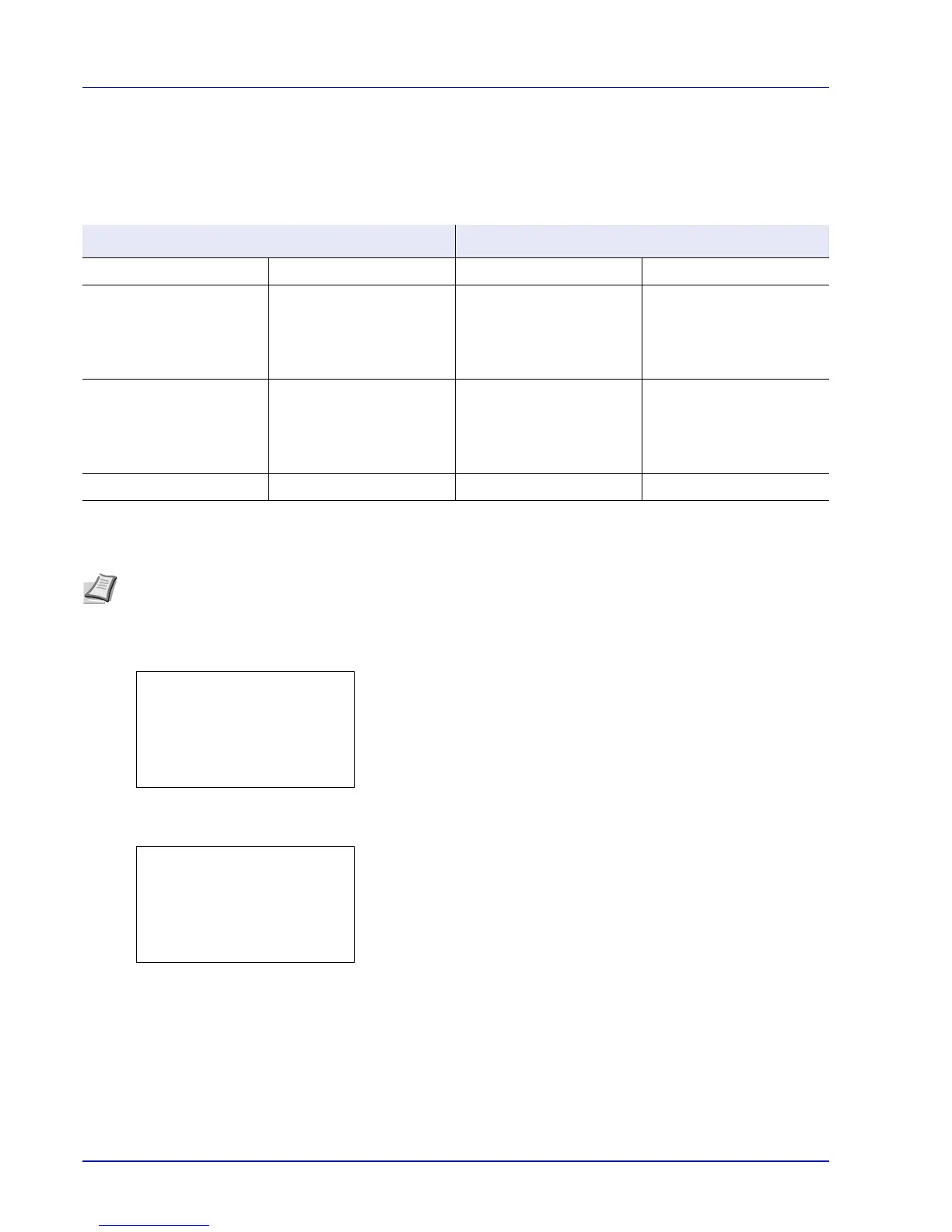
Each user's properties are:
Changing the administrator information
It is possible to change the administrator information. Use the procedure below to change the details registered.
1 In the User Login Set. menu, press U or V to select Local
User List.
2 Press [OK]. The Local User List screen appears.
3 Press U or V to select the administrator to change.
4 Press [OK]. The detailed information for the user is displayed.
Machine Administrator Administrator
User Name: DeviceAdmin User Name: Admin
Login User Name: FS-2100D: 4000
FS-2100DN: 4000
FS-4100DN: 4500
FS-4200DN: 5000
FS-4300DN: 6000
Login User Name: Admin
Login Password: FS-2100D: 4000
FS-2100DN: 4000
FS-4100DN: 4500
FS-4200DN: 5000
FS-4300DN: 6000
Login Password: Admin
Access Level: Machine Administrator Access Level: Administrator
Note Log in as DeviceAdmin to change the administrator information. When logged in as Admin., it is only possible
to check the administrator information.


 To Next Page
 Loading...