Operation Panel
4-124
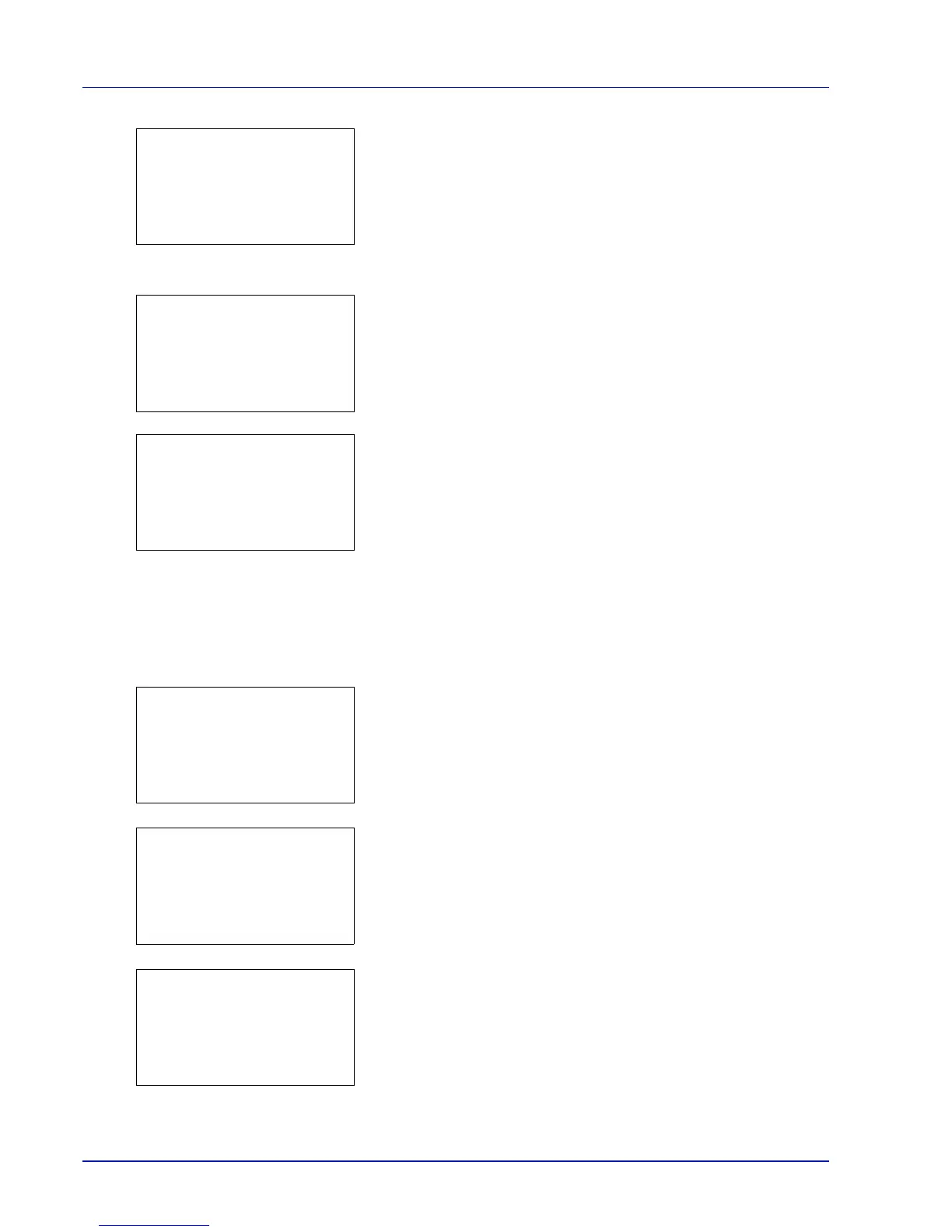
3 Press [Add] ([Right Select]). The Account ID menu screen
appears.
4 Use the numeric keys to enter the account ID to be added.
5 Press [OK]. Once the account has been added, a list of selection
options appears.
This message appears if the account ID has already been registered.
Detail/Edit (Checking/editing registered account ID settings)
This procedure allows you to check or edit registered accounts.
1 In the Job Account.Set. menu, press U or V to select Account.
List.
2 Press [OK]. The Account. List menu appears showing a list of
the registered accounts in ascending order.
3 Press U or V to select an account to check or edit and then press
[OK]. A list of selection options appears.
4 Press U or V to select Detail/Edit and then press [OK]. The
Detail/Edit menu screen appears.


 To Next Page
 Loading...