USER’S MANUAL OF LK-320E
LABEL & MARK INDUSTRIES COMPANY
20
Chapter III Basic Operation
Note:
In order to have a correct print out, please configure material options and
specifications correctly and ensure that the tube printer configuration is
compatible with your material and its specifications.
3.1 Power-on
Upon powered on, the machine will produce the following power-on display. At
this time, the cutter dynamo will run and initialize.
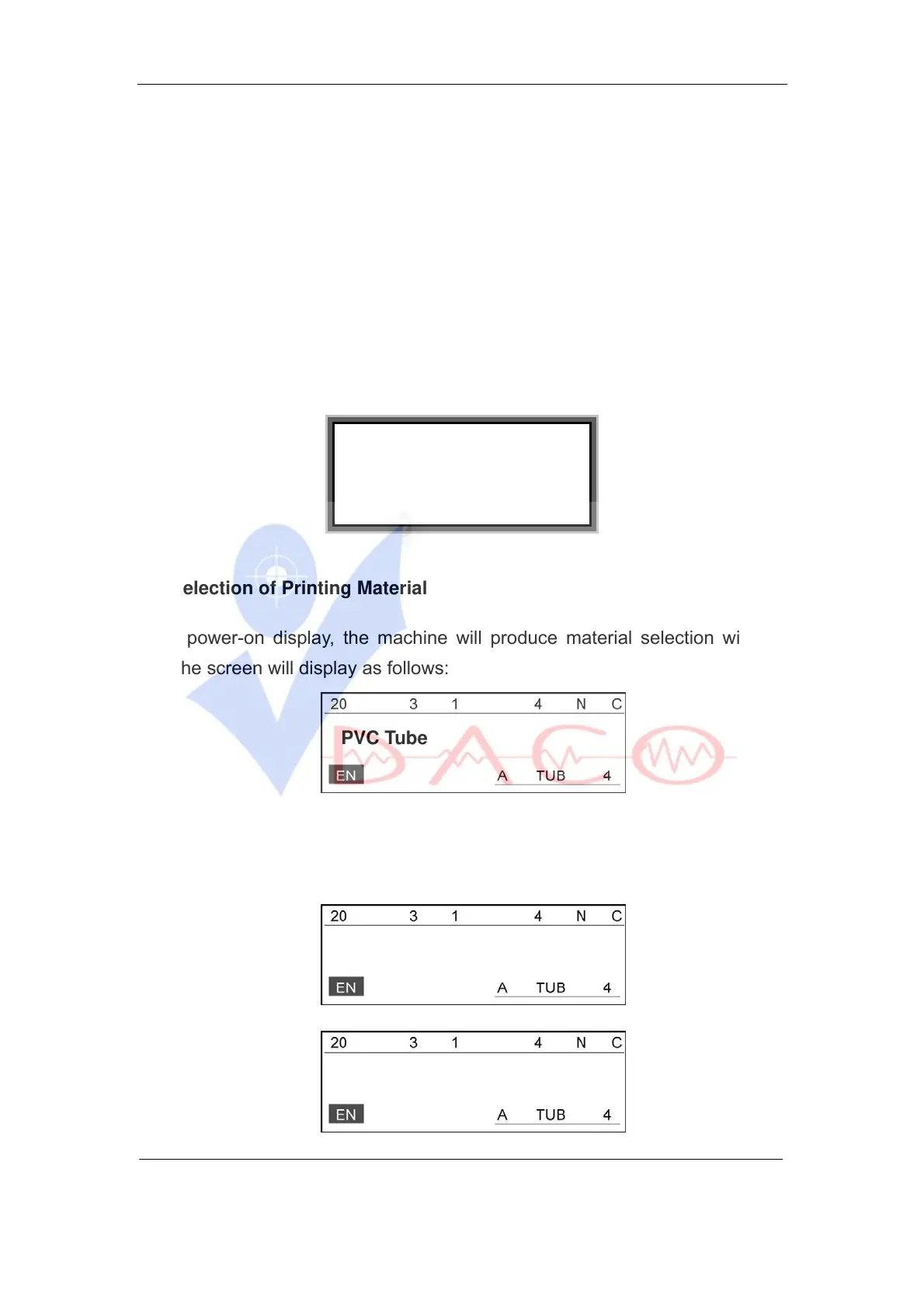
3.1 Selection of Printing Material
After power-on display, the machine will produce material selection window
and the screen will display as follows:
PVC Tube
Use [
↑
] or [
↓
] keys to select the desired printing material, the screen will
display as follows:
Shrink Tube
Label
L-MARK



 To Next Page