USER’S MANUAL OF LK-320E
LABEL & MARK INDUSTRIES COMPANY
16
Removal of Ribbon
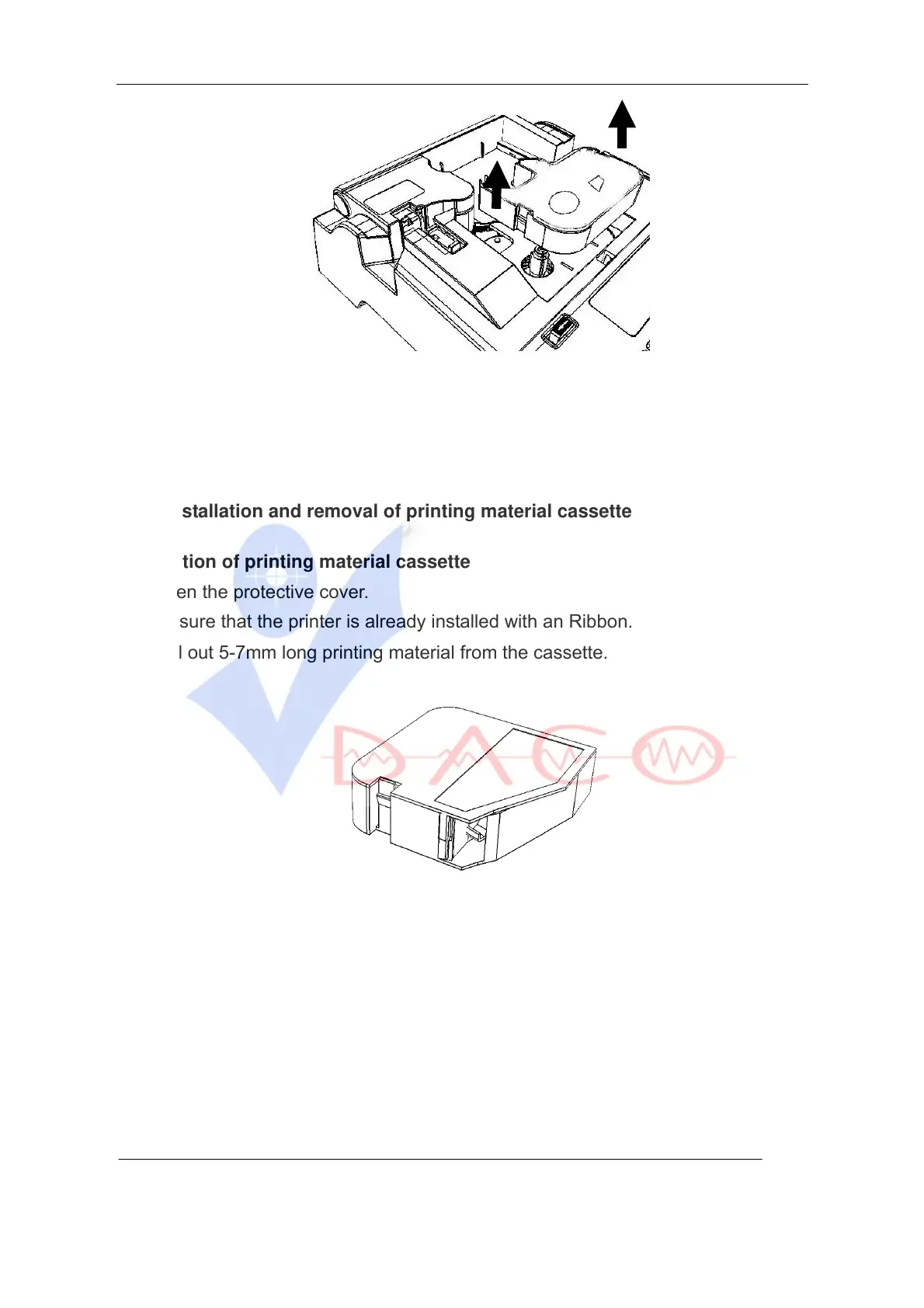
3. Remove the ribbon cassette when the catches on both sides are fully released.
4. Close the protective cover.
2.3.2 Installation and removal of printing material cassette
Installation of printing material cassette
1. Open the protective cover.
Be sure that the printer is already installed with an Ribbon.
2. Pull out 5-7mm long printing material from the cassette.
Label cassette
3. Put the tongue on the right side of the cassette into the trough on the cassette
holder.
4. Press the cassette until you hear a “crack” sound, which indicates the cassette
is installed in its place. Make sure the tongue has returned.



 To Next Page