USER’S MANUAL OF LK-320E
LABEL & MARK INDUSTRIES COMPANY
14
This key is used to delete the character that precedes the cursor
[Print] ( page 42 )
This key is used to print the entire current document under edition
[Shift]
This key is used to in combination with the input keys to input upper-case character.
[Caps Lock]
This key is used to switch between upper-case input mode and lower-case input
mode.
2.3 Installation
2.3.1 Installation and removal of Ribbon
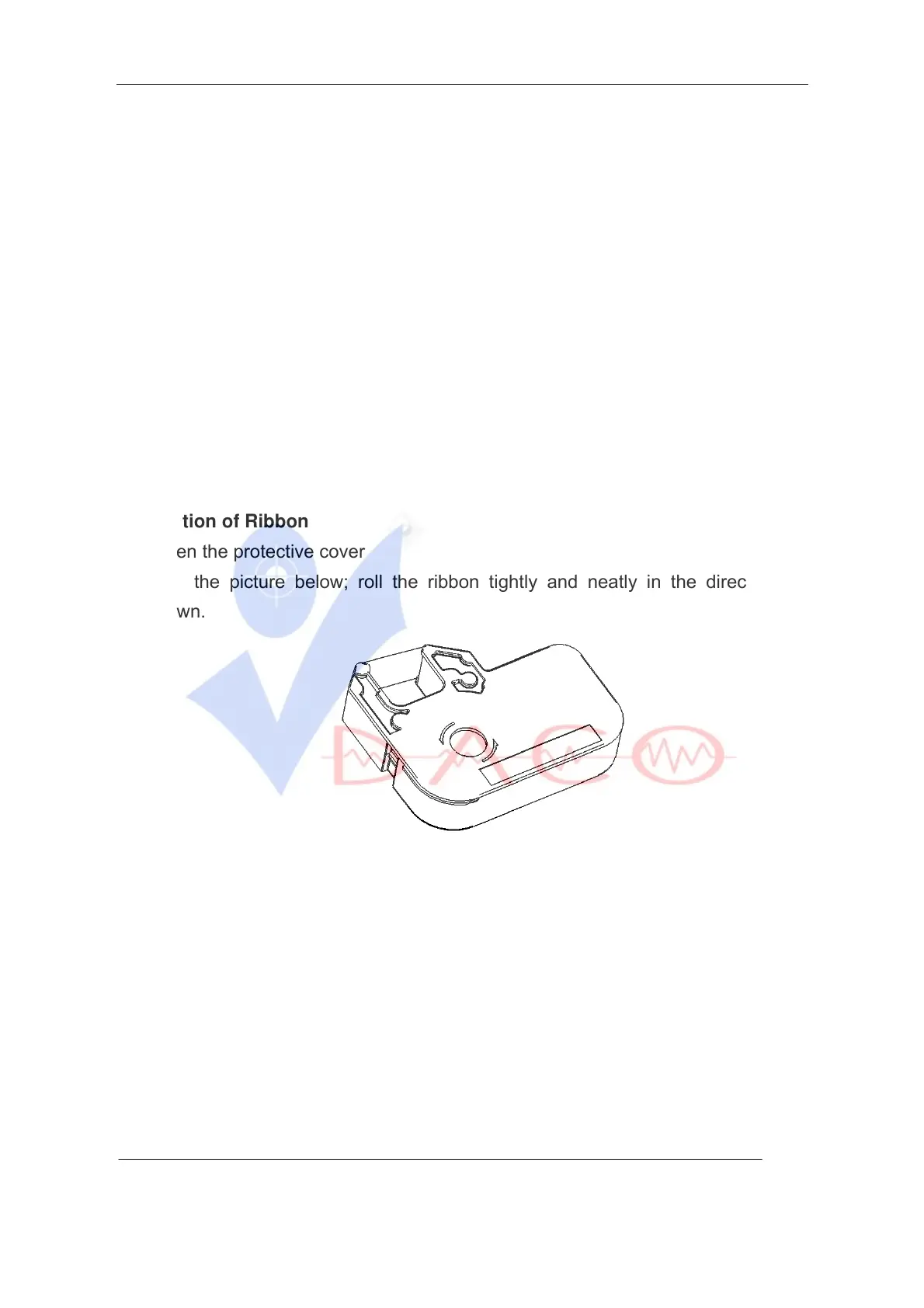
Installation of Ribbon
1. Open the protective cover
2. See the picture below; roll the ribbon tightly and neatly in the direction as
shown.
3. Place the Ribbon in the ribbon holder, as shown in the picture. You will hear a
“crack” sound when it is properly located in its position.



 To Next Page