USER’S MANUAL OF LK-320E
LABEL & MARK INDUSTRIES COMPANY
21
and then press [Enter] key.
3.2 Selection of Printing Material Specifications
3.2.1 Selection of sleeve tube specifications
Select “sleeve tube” on the material selection window and then press [Enter]
key. The following window will be displayed:
3.0 4.0 5.0 6.0
Use [
←
] or [
→
] keys to select the desired specification, and then press [Enter]
key.
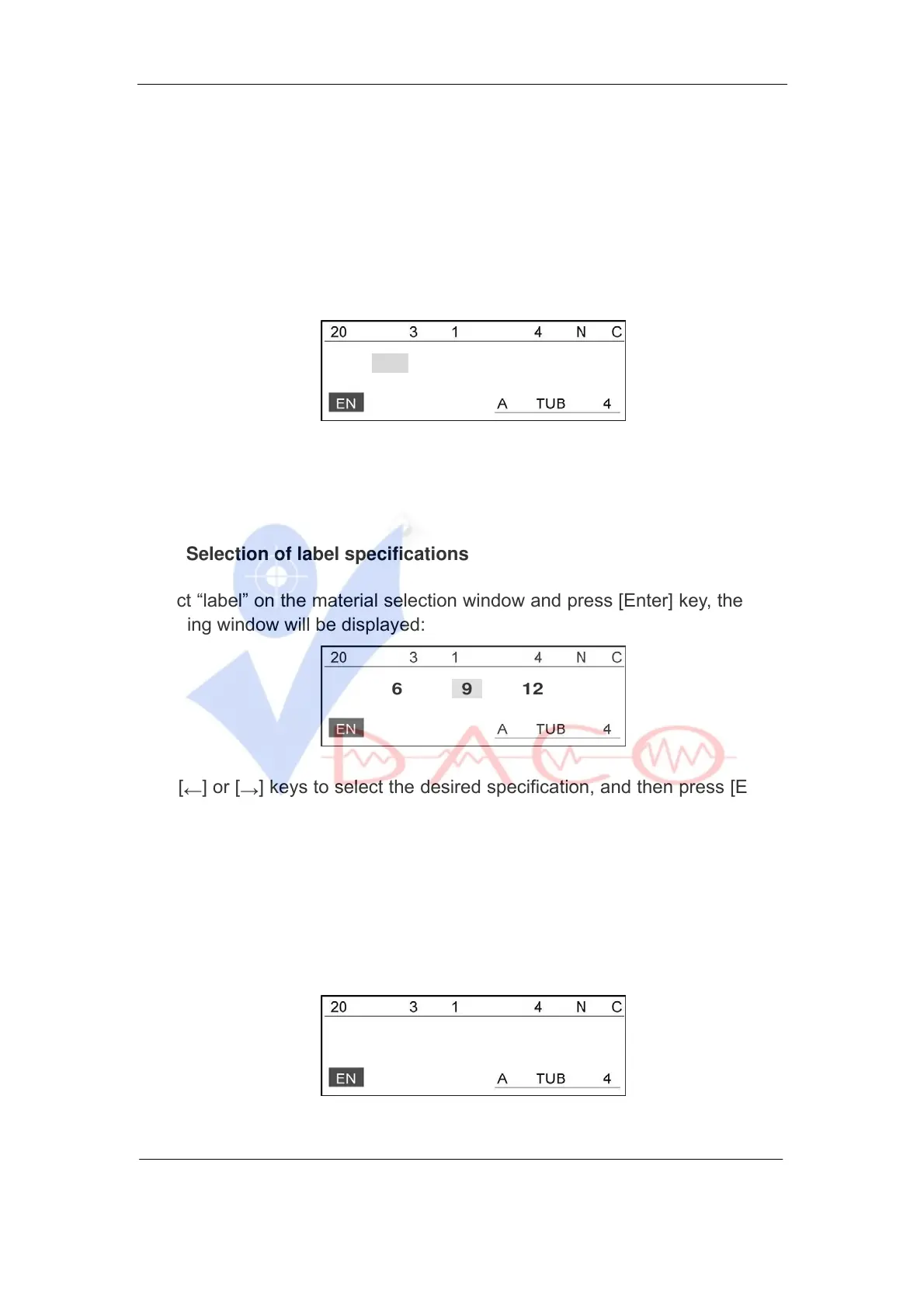
3.2.2 Selection of label specifications
Select “label” on the material selection window and press [Enter] key, then the
following window will be displayed:
6 9 12
Use [
←
] or [
→
] keys to select the desired specification, and then press [Enter]
key.
3.2.3 Selection of heat shrink tube specifications
Select “Shrink tube” on the material selection window and press [Enter] key,
then the following window will be displayed:
3.0 5.2 6.8



 To Next Page