USER’S MANUAL OF LK-320E
LABEL & MARK INDUSTRIES COMPANY
35
4.2.9.4 Alignment
This function is used to set the left alignment or center alignment of the
characters.
This setting is valid for all the contents to be printed.
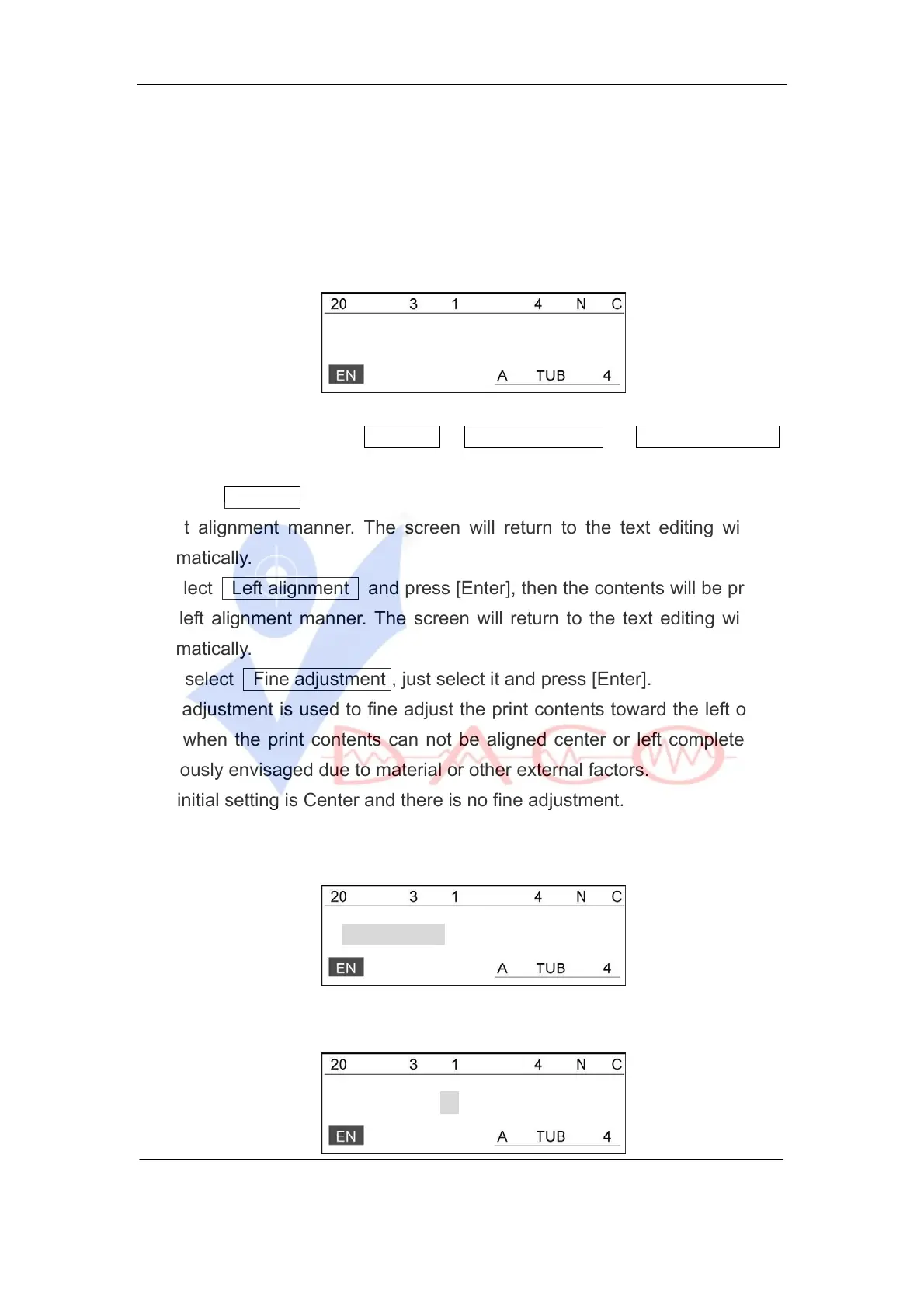
Select [Alignment] and then the screen will display as follows:
Center
Press [↑] or [↑] to choose Center , Left alignment or Fine adjustment ,
and press [Enter].
1. Select Center and press [Enter], then the contents will be printed in a
cinput alignment manner. The screen will return to the text editing window
automatically.
2. Select Left alignment and press [Enter], then the contents will be printed
in a left alignment manner. The screen will return to the text editing window
automatically.
3. To select Fine adjustment , just select it and press [Enter].
Fine adjustment is used to fine adjust the print contents toward the left or the
right when the print contents can not be aligned center or left completely as
previously envisaged due to material or other external factors.
The initial setting is Center and there is no fine adjustment.
¾ If you have selectd the tube after you press [Enter], then the screen will
display as follows:
Tube adjust
Press [Enter], then the screen will display as follows:
Set(+ 0.0):



 To Next Page