USER’S MANUAL OF LK-320E
LABEL & MARK INDUSTRIES COMPANY
42
Delete file
Select Delete file and press [Enter], then the screen will display as follows:
Delete one file
Press[↑] or [↓] to select Delete one file or Delete all file and press [Enter].
A: Delete one by one
Press[↑] or [↓] to select Delete one file and press [Enter].
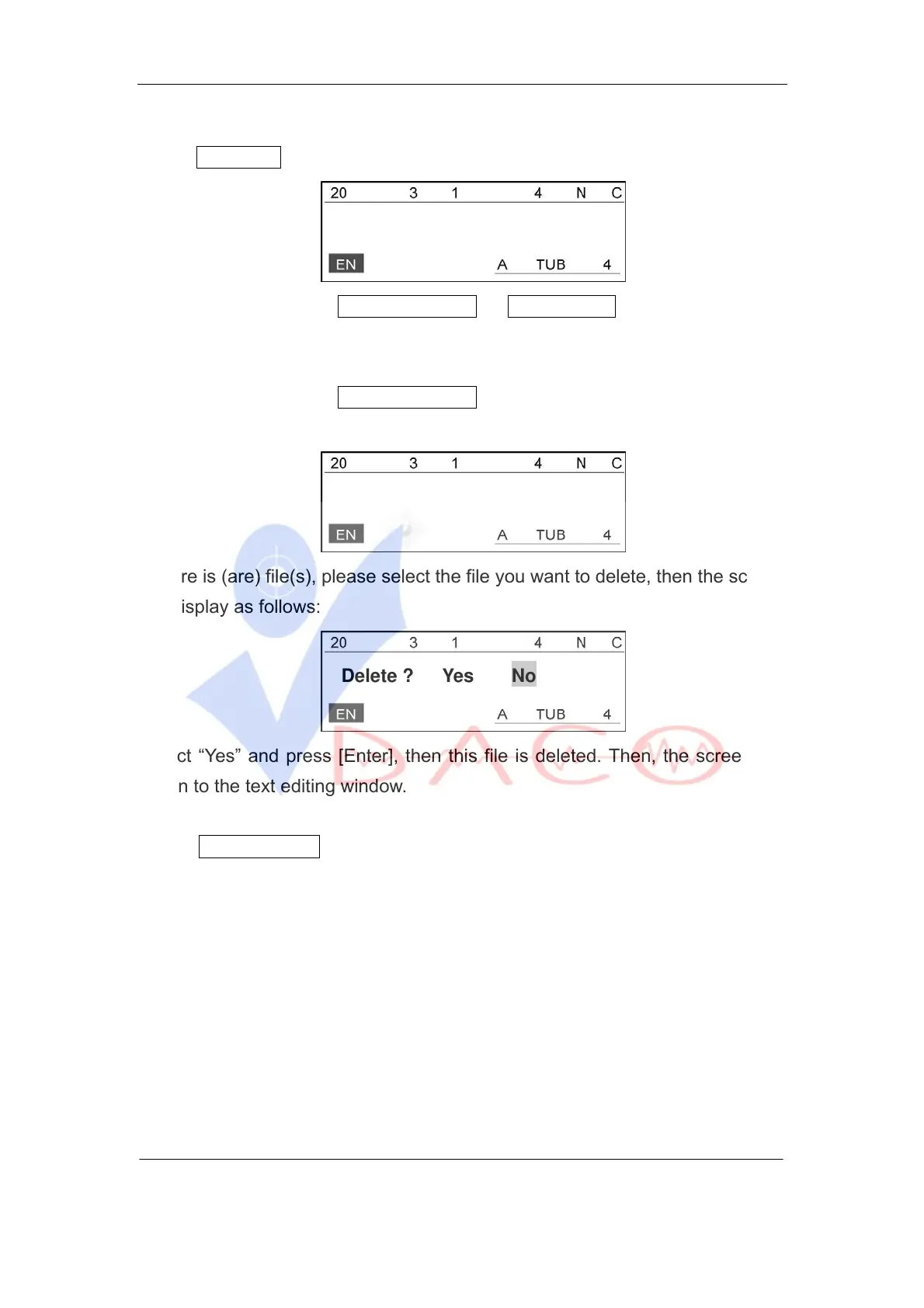
If no file exists, then the screen will display as follows:
No file exists
If there is (are) file(s), please select the file you want to delete, then the screen
will display as follows:
Delete ? Yes No
Select “Yes” and press [Enter], then this file is deleted. Then, the screen will
return to the text editing window.
B: Delete all the files
Select Delete all files, and select “Yes” and press [Enter], then all the saved
files will be deleted and the screen will return to the text editing window.
4.2.9.9 Machine Set
Ⅰ Version
Used to see the Version number of the software.



 To Next Page