USER’S MANUAL OF LK-320E
LABEL & MARK INDUSTRIES COMPANY
41
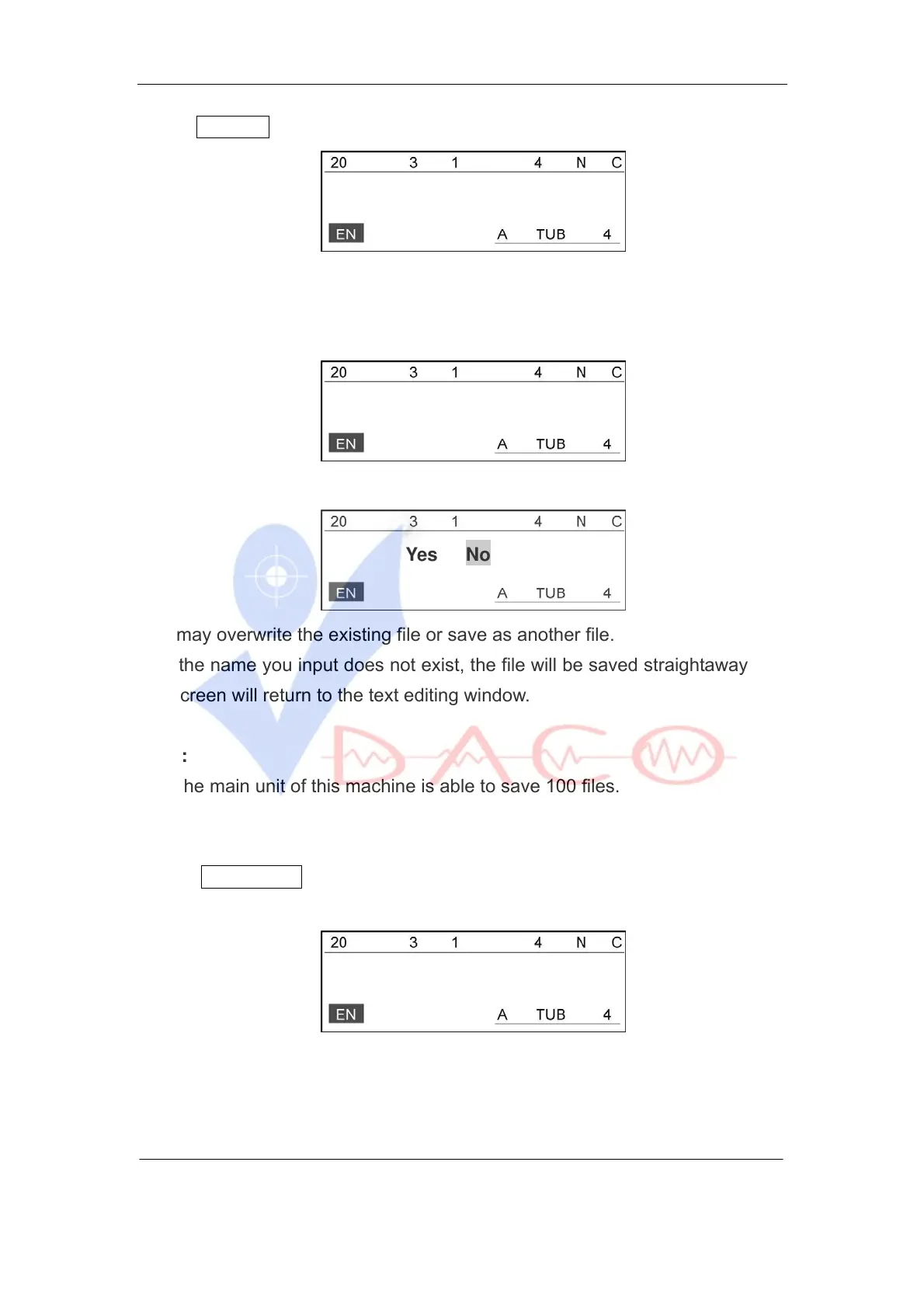
Select Save file and press [Enter], then the screen will be displayed as follows:
Input file name:
input your file name (10 characters at the most).
A: If the name you input exists or the current file has already been saved, then
the screen will display a message as below:
overwrite it?
Then display a message as below:
Yes No
You may overwrite the existing file or save as another file.
B: If the name you input does not exist, the file will be saved straightaway and
the screen will return to the text editing window.
Note:
The main unit of this machine is able to save 100 files.
Open File
Select Open File and press [Enter].
A: If no file exists, the screen will display as follows:
No file exists.
B: If there is (are) file(s), the screen will display the name(s) of the saved
file(s).
Select the name you want and press [Enter], the accessed file will be opened.



 To Next Page