USER’S MANUAL OF LK-320E
LABEL & MARK INDUSTRIES COMPANY
38
¾ If you have selectd the label after press [half-cut depth] and the screen will
display as follows:
Label Cut depth
Adjust half-cut depth of label
Select Label Cut depth and press [Enter] to finish your label semi-cutting
depth. The cutting depth ascends from -3 to +3.
If you have chosen a semi-depth of +3 but are not satisfactory with the
semi-cutting results, then you may need to replace your cutter assembly.
Adjust full-cut depth
Select Full-cut depth and press [Enter] to finish your full cutting depth
setting. The cutting depth ascends from -3 to +3.
4.2.9.7 Correct
This function is provided to correct(revise) the parameter of the printer. Such
like the length,position of the cutter and the print.
Under the tube medium
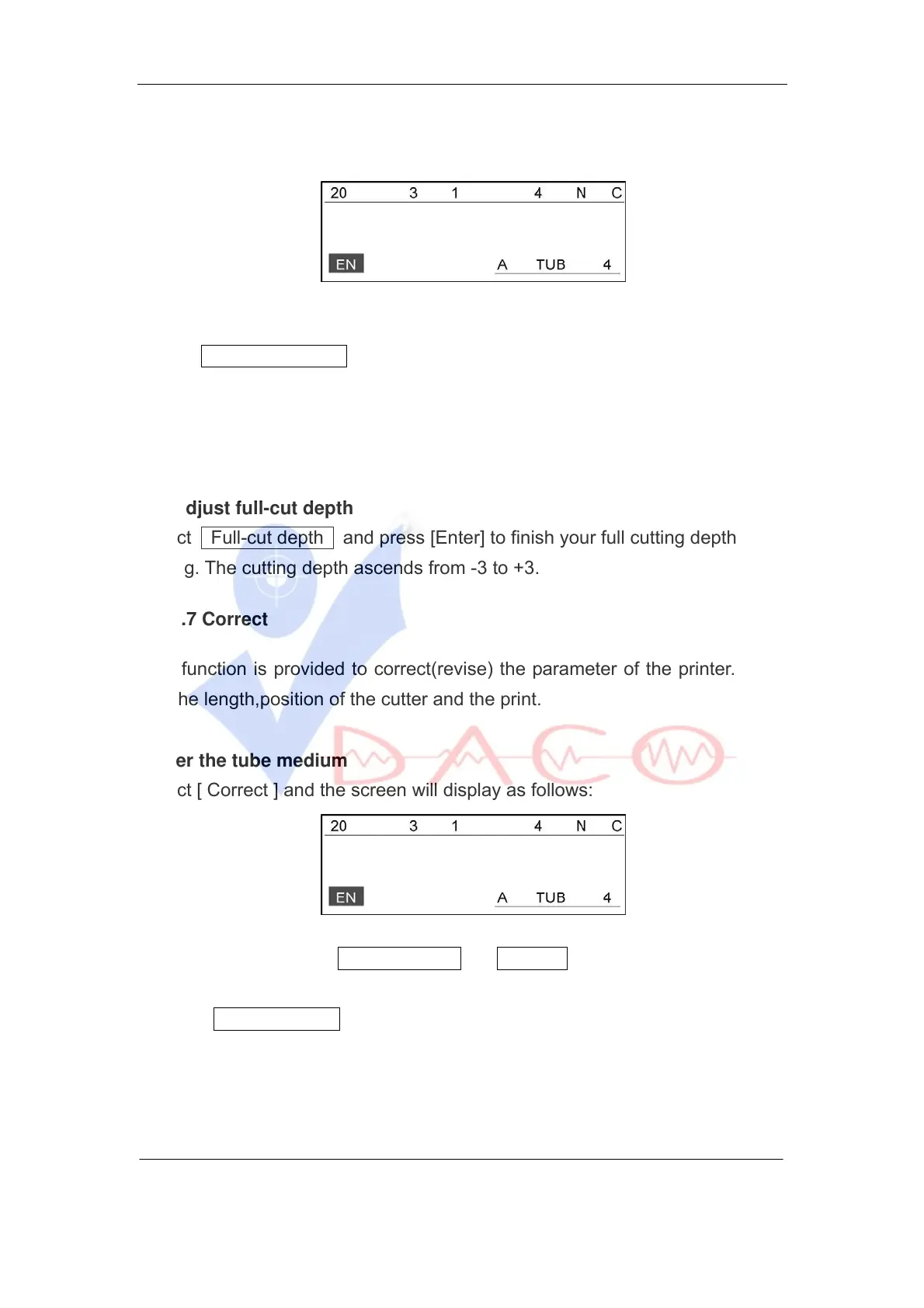
Select [ Correct ] and the screen will display as follows:
Tube depth
Press[↑] or [↓] to select Tube Length or Cutter and press [Enter].
Choose Tube Length , make sure the tube is loaded properly, and press
[Enter] to start printing; Then, you may inspect the printing effect of your tube
printer.



 To Next Page