USER’S MANUAL OF LK-320E
LABEL & MARK INDUSTRIES COMPANY
23
which you are allowed to input the print contents.
For example: to print the following contents in three pages:
L-MARK AA1 220V
Select [Language], [Capital] as appropriate.
Enter L, -, M, A, R, and K one after another and the screen will display as
follows:
1:
L-MARK
Press [Enter] key, then another page is created automatically, and the screen
will display as follows:
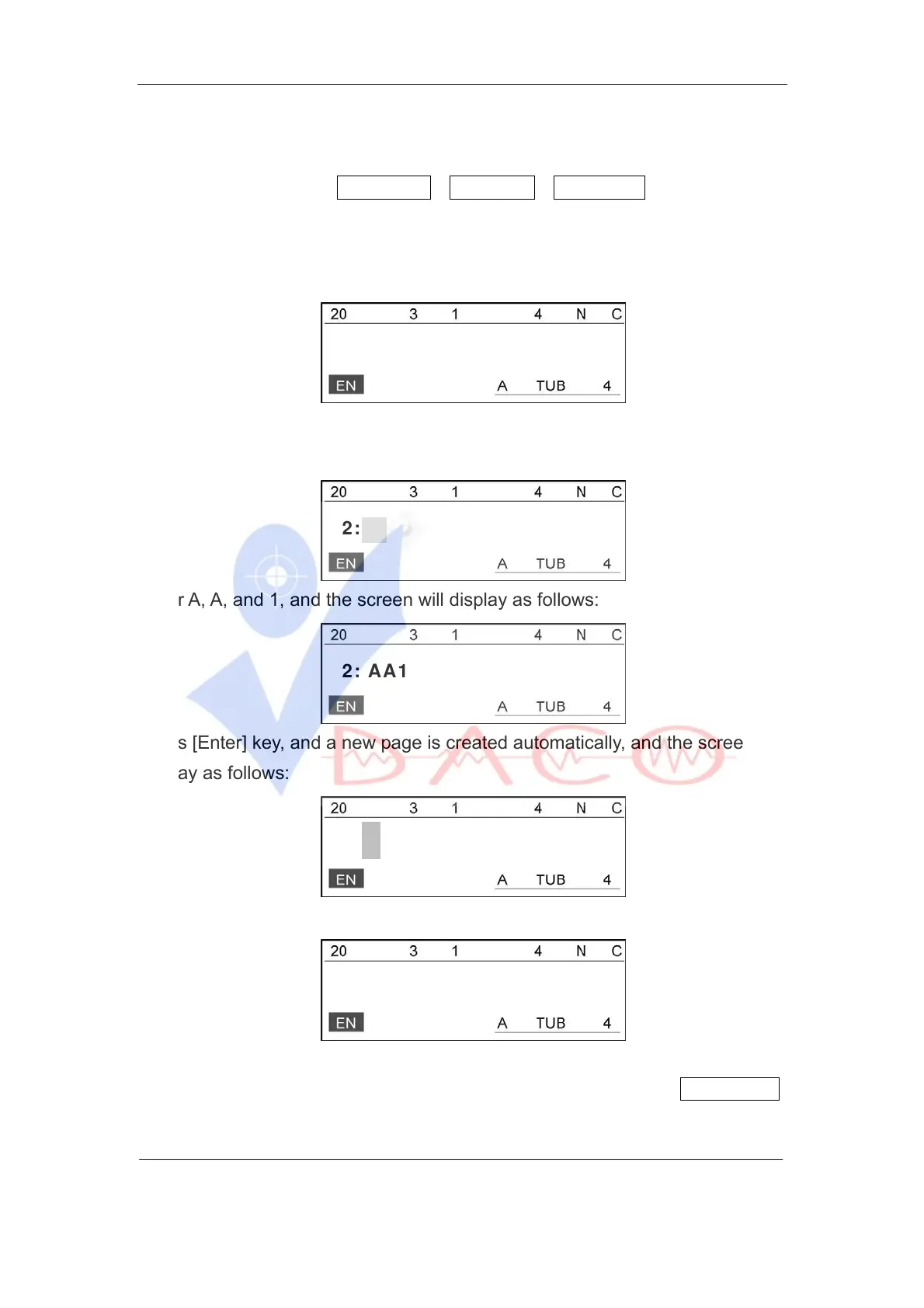
2:
Enter A, A, and 1, and the screen will display as follows:
2: AA1
Press [Enter] key, and a new page is created automatically, and the screen will
display as follows:
3:
Input 2, 2, 0, and V one after another and the screen will be like this:
3:220V
Press [Print] and the machine will print out the input contents and perform
semi-cutting automatically. During printing, the LCD will display Printing… .
When printing is completed, the machine will cut off the sleeve tube



 To Next Page