COMPONENT MAINTENANCE MANUAL
AVIATION RECORDERS
Model FA5000
Rev. 04 Page 108
Feb. 27/14
Testing & Fault Isolation
23–70−40
Use or disclosure of information on this sheet is subject to
the restrictions on the cover page of this document.
(5) Highlight and select Line−in.
(6) Click on Properties.
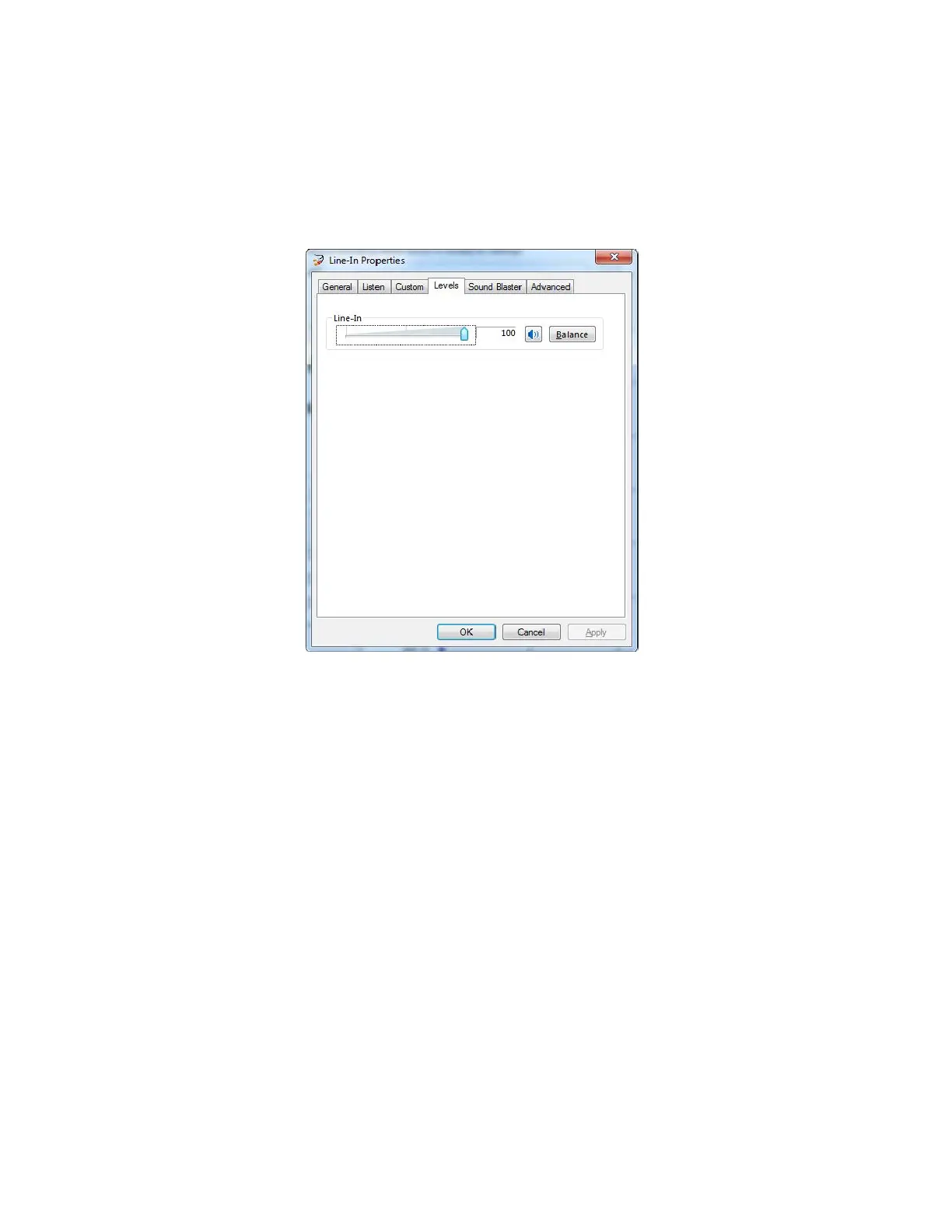
(7) Select the Levels tab.
Figure 105. Line−In Properties, Line−In Level
(8) Make sure that the Line−In level is set at 100 (move the Line−In slider to
maximum.)
(a) Click on OK.
(9) Click on the Playback tab.
The document reference is online, please check the correspondence between the online documentation and the printed version.



 To Next Page