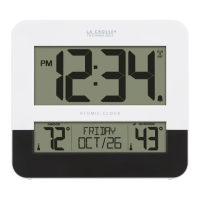
Two-Tone Atomic Digital Clock
POWER UP
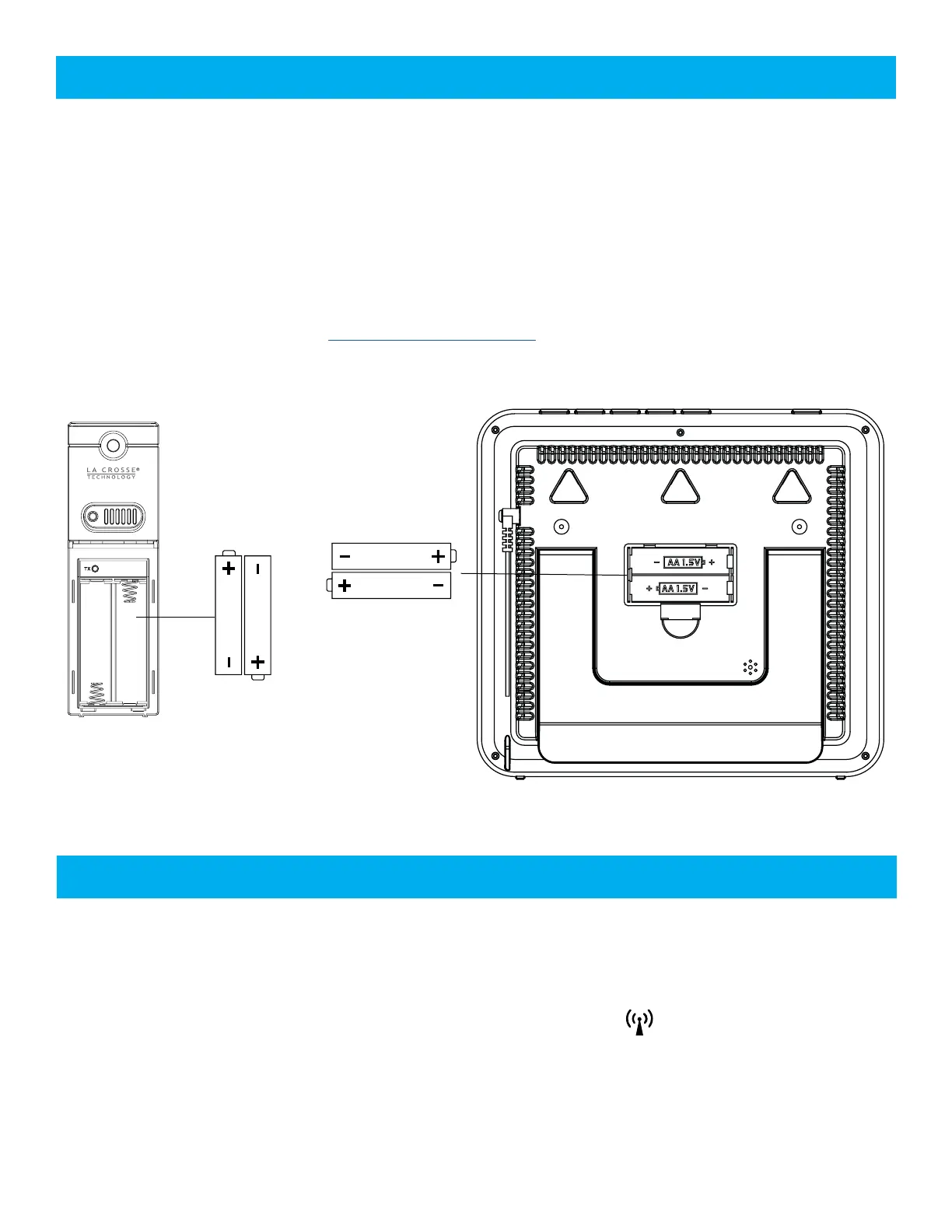
1. Insert 2-AA batteries into your Outdoor Sensor.
2. Insert 2-AA batteries into your Digital Clock.
3. Set time, date, etc.
4. Once the sensor is reading to your clock, place sensor outside in a shaded location.
Watch sensor mounting video: bit.ly/TH_SensorMounting
AA
AA
TX141-Bv3
Outdoor
Sensor
AA
AA
BBB82684
Digital Clock
WWVB ATOMIC TIME SIGNAL
• From normal time display, press and release the SET button to search for the WWVB time signal.
• Your clock will search for the atomic signal at UTC 7:00, 8:00, 9:00, 10:00, and 11:00.
• The atomic time signal icon will flash while searching. The tower icon will be solid when it has
connected.
• If there is no WWVB reception, the station will search for the atomic time signal every 2 hours until the
WWVB time is received.
Page | 3







 To Next Page