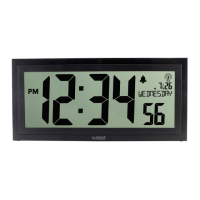
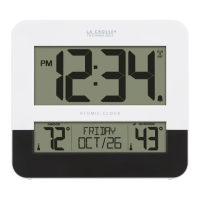
Two-Tone Atomic Digital Clock
SETTINGS MENU
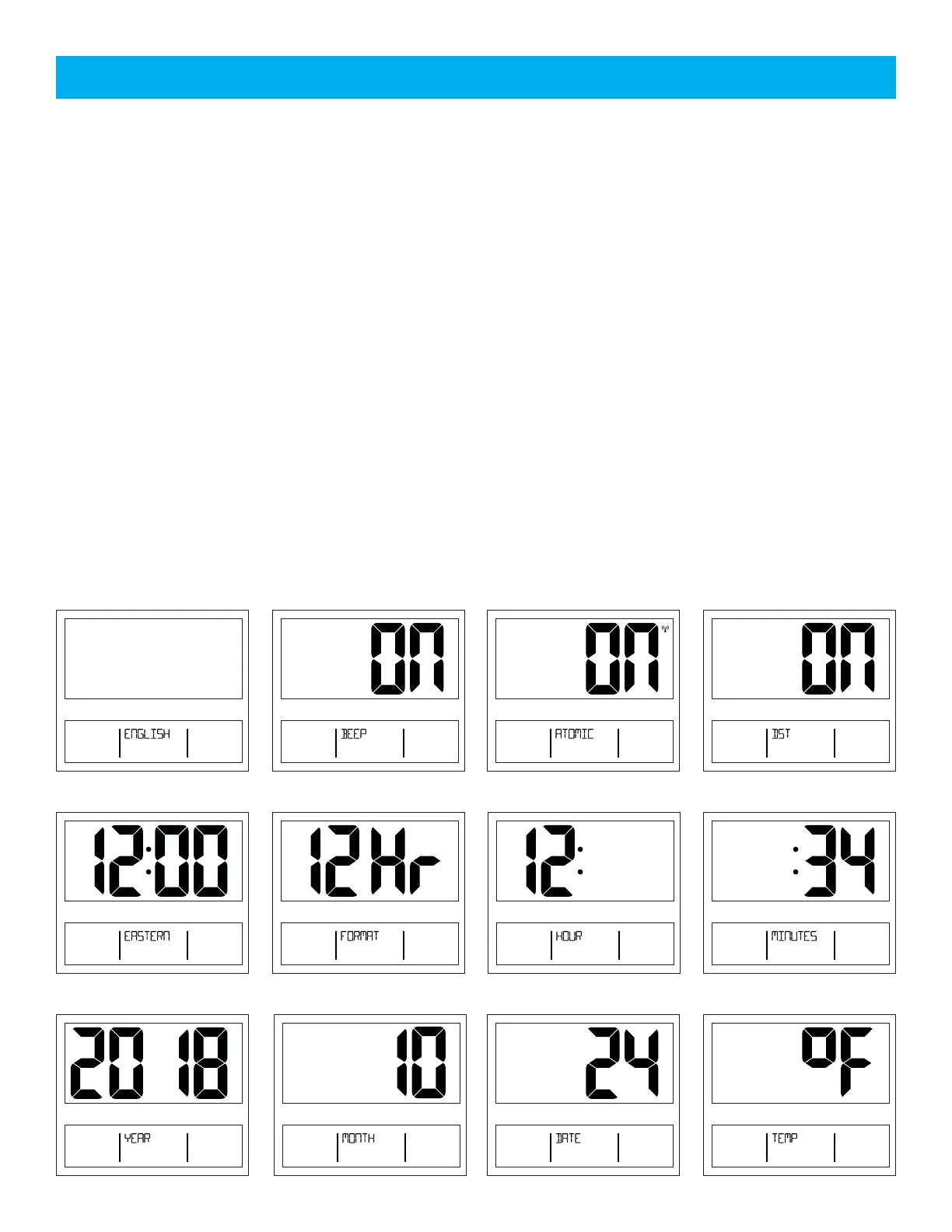
1. Hold the SET button 3 seconds to enter settings mode.
2. Press the + or - button to adjust the flashing values.
3. Hold the + or - buttons to adjust quickly.
4. Press the SET button to confirm adjustments and move to the next item.
5. Press the SNOOZE button at any time to exit.
Settings order:
• Language (English, Español, Francais)
• Beep ON/OFF
• Atomic ON/OFF
• DST ON/OFF
• Time Zone
• 12/24 Hour Format
• Hour
• Minutes
• Year
• Month
• Date
• Temperature Fahrenheit/Celsius
Note: When Español or Francais are selected, the instructions will be in the selected language.
Note: Weekday sets automatically when Year, Month and Date are set.
7 Time Zones:
ATLANTIC
EASTERN
CENTRAL
MOUNTAIN
PACIFIC
ALASKA
HAWAII
DST
LANGUAGE BEEP ON/OFF ATOMIC SIGNAL ON/OFF DST ON/OFF
TIME ZONE 12/24 HOUR FORMAT HOUR MINUTES
YEAR MONTH DATE FAHRENHEIT/CELSIUS
AM
AM
Page | 4







 To Next Page