EasyManua.ls Logo

La Crosse Technology WS-6003U - User Manual

La Crosse Technology WS-6003U
11 pages
Print Icon
To Next Page IconTo Next Page
Loading...
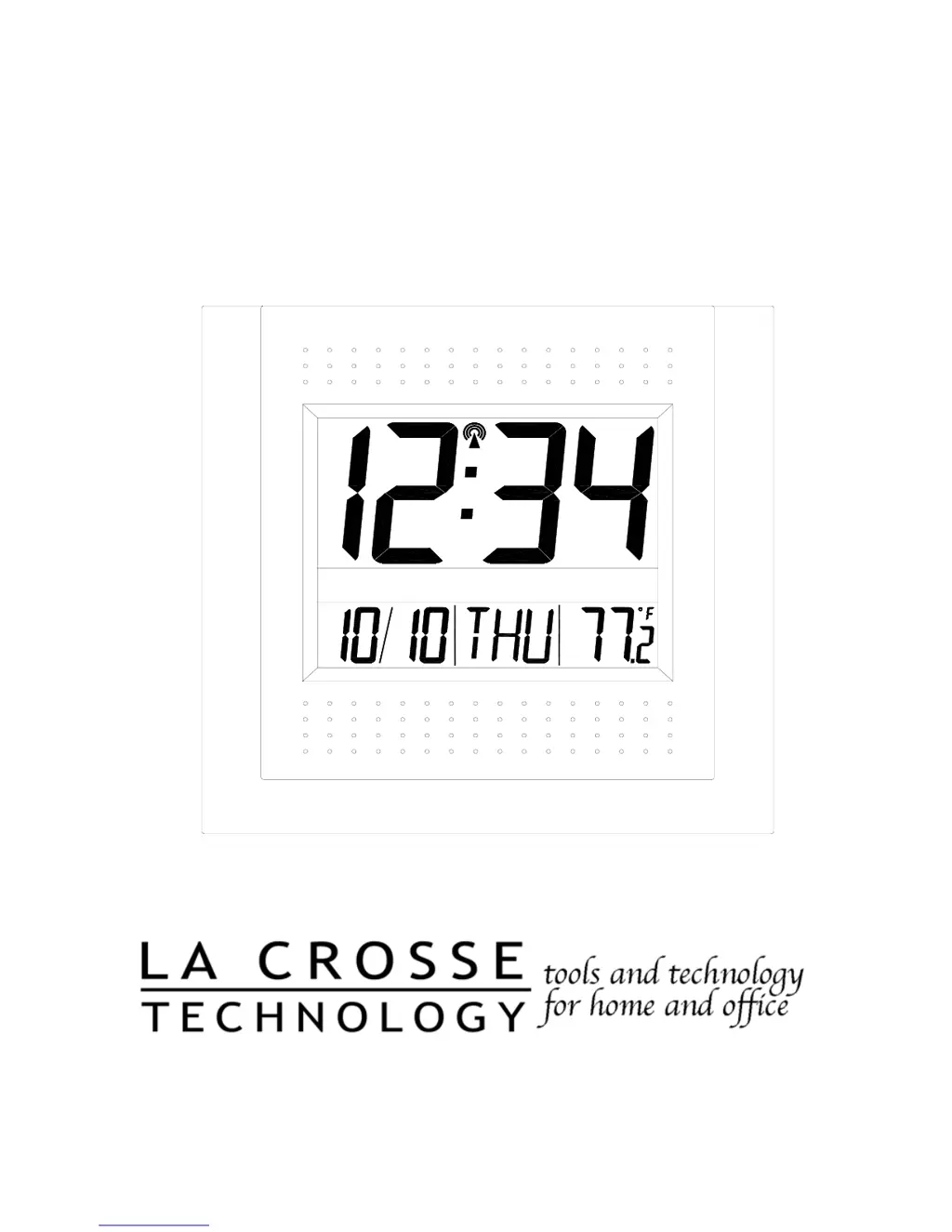
WS-6003U
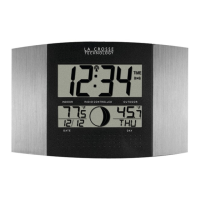
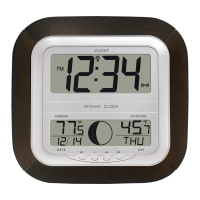
Atomic Clock
Instruction Manual

Questions and Answers

  • N
    nelsonscottJul 30, 2025
    What to do if my La Crosse Technology Clock isn't receiving the WWVB signal?
    • G
      greendavidJul 31, 2025
      If your La Crosse Technology Clock isn't receiving the WWVB signal, try these steps: * Position the front of the clock towards Ft. Collins, Colorado. * Wait overnight for the signal to be received. * Ensure the clock is at least 6 feet away from electrical devices like TVs, computers, or other radio-controlled clocks. * Remove the batteries for five minutes, reinsert them, and leave the unit alone overnight without pressing any buttons.
  • M
    Melissa GrossAug 6, 2025
    What to do if “OFL” appears in the LCD of my La Crosse Technology WS-6003U Clock?
    • R
      Rachel KnightAug 6, 2025
      If “OFL” appears on the LCD of your La Crosse Technology Clock, it means the current surrounding temperature is outside of the measuring range. Move the clock to an area with a warmer or cooler surrounding temperature.
  • A
    ahillAug 15, 2025
    How to fix a faint LCD on my La Crosse Technology WS-6003U Clock?
    • A
      alexis70Aug 15, 2025
      If the LCD on your La Crosse Technology Clock is faint, replace the batteries.
  • K
    Kim HillAug 22, 2025
    Why is the hour incorrect on my La Crosse Technology WS-6003U, but the minute and date are correct?
    • C
      Cheryl RodriguezAug 22, 2025
      If the hour is incorrect on your La Crosse Technology Clock, but the minute and date are correct, ensure that the correct time zone and daylight saving time settings are selected.

Summary

Atomic Clock Basics

About WWVB Signal

Explains the WWVB radio signal used for time synchronization.

Clock Setup and Configuration

Quick Set-Up Guide

A brief overview of the initial setup process for the atomic clock.

Detailed Set-Up Guide

Comprehensive guide for configuring the atomic clock's settings.

Battery Installation

Instructions for inserting and securing batteries in the atomic clock.

Program Mode Navigation

How to enter and navigate the clock's settings menu.

Function Buttons Explained

Description of the clock's physical control buttons.

Time Zone and DST Settings

Configuration for time zone and Daylight Saving Time adjustments.

Language and Display Settings

Setting the weekday language and time format (12/24 hour).

Manual Time and Calendar Entry

Steps for manually setting the time and date.

Temperature Unit Selection

Choosing between Fahrenheit and Celsius for temperature display.

Clock Features and Mounting

Display Mode Variations

How to change the information shown on the LCD screen.

Indoor Temperature Monitoring

Information on how the indoor temperature is displayed and checked.

Mounting the Atomic Clock

Methods for placing or hanging the atomic clock.

Using the Table Stand

Instructions for deploying the foldout table stand.

Wall Mounting Procedure

Guide for securely attaching the clock to a wall.

Maintenance, Troubleshooting, and Specifications

Maintenance and Care Instructions

Guidelines for cleaning and preserving the atomic clock.

Common Troubleshooting Solutions

Answers to frequently asked questions and issues.

Technical Specifications Overview

Detailed technical data and measurements of the atomic clock.

Warranty and Compliance

Warranty Information Details

Information on the product's warranty coverage and terms.

La Crosse Technology WS-6003U Specifications

General IconGeneral
DisplayLCD
Outdoor Temperature Range-39.8°F to 139.8°F (-39.9°C to 59.9°C)
Humidity Range20% to 95%
Indoor Humidity Range20% to 95%
Outdoor Humidity Range20% to 95%
Power Source (Sensor)2 "AA" Batteries (Not included)
Wireless Range330 ft (100 meters) in open air

Related product manuals