
 Need help?
Do you have a question about the La Crosse Technology WS-8008U and is the answer not in the manual?
Resets the digital clock to its original factory state to resolve issues.
Instructions for switching the temperature display between Fahrenheit and Celsius.
Guidance on how to display the time in either 12-hour or 24-hour format.
Information on the available time zones and their functionality.
Explanation of error messages like dashes or OFL for indoor temperature.
Clarification on whether the clock features a backlight.
Troubleshooting steps for when the clock time is off by hours.
Guidance on how DST affects time changes and settings.
Instructions for manually setting the time and date via the program menu.
Troubleshooting steps for when the WWVB time signal icon is not displayed.
Step-by-step guide on how to set the alarm hour and minute.
Instructions on how to turn the alarm on or off and recognize its status.
Details on how the snooze function works when the alarm sounds.
Troubleshooting steps for a distorted or frozen digital clock display.
Steps to resolve a blank display with no letters, numbers, or lines.
Guidance on how to correct the day of the week setting.
Advice on diagnosing and fixing issues causing quick battery depletion.
Troubleshooting for missing segments on the digital clock display.
This document provides a comprehensive FAQ and troubleshooting guide for the La Crosse Technology WS-8008U and WT-8008U digital clocks.
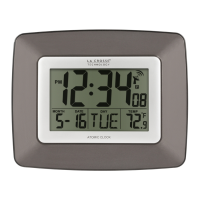
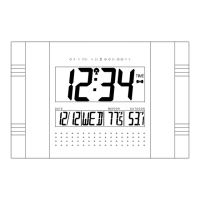
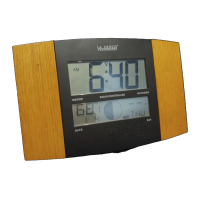
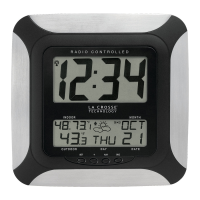
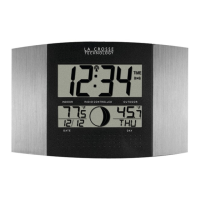
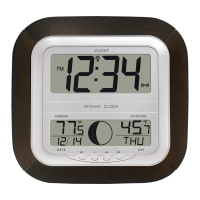
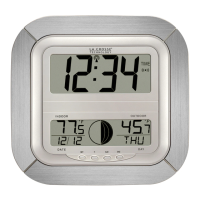
The WS-8008U/WT-8008U is a digital clock designed to display time, date, and indoor temperature. It features atomic time reception (WWVB signal) for automatic time synchronization in North America, ensuring accuracy. The clock supports both 12-hour and 24-hour time formats, and users can switch between Fahrenheit and Celsius for temperature display. It includes time alarm functionality with a snooze feature, and it automatically adjusts for Daylight Saving Time (DST) in most regions. The clock is battery-operated, making it portable and suitable for various indoor environments.
 General
| Brand | La Crosse Technology |
|---|---|
| Model | WS-8008U |
| Category | Clock |
| Language | English |



 To Next Page