EasyManua.ls Logo

La Crosse Technology WS-8007U - User Manual

La Crosse Technology WS-8007U
12 pages
Print Icon
To Next Page IconTo Next Page
Loading...
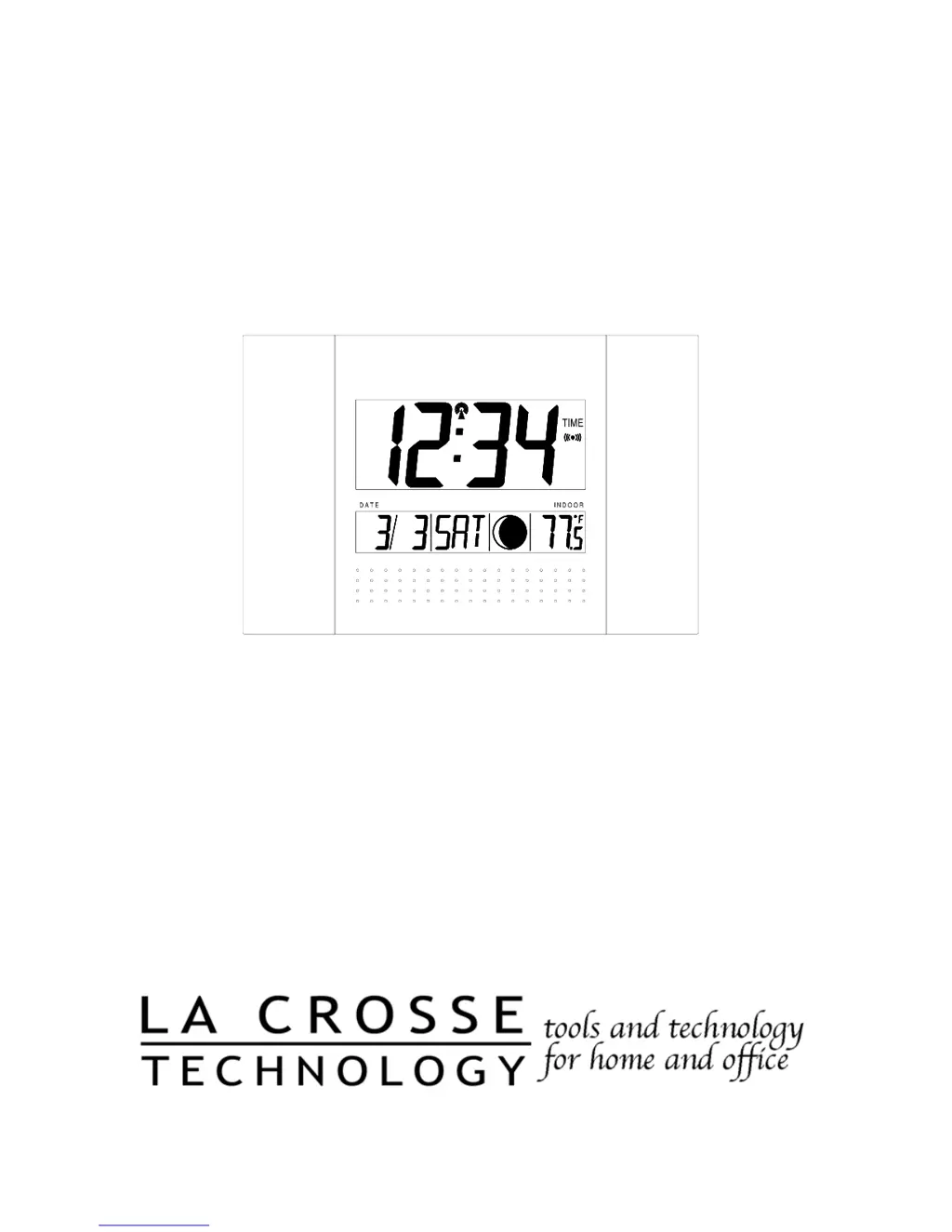
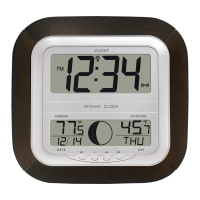
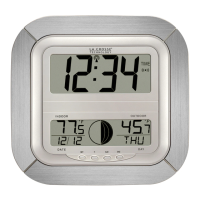
WS-8007U
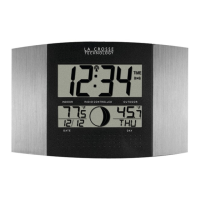
Radio Controlled Moon Phase Clock
Instruction Manual

Questions and Answers

  • D
    drichardsonJul 28, 2025
    What to do if La Crosse Technology Clock hour is incorrect?
    • A
      Amy BuckJul 29, 2025
      If the hour on your La Crosse Technology Clock is incorrect, but the minute and date are correct, ensure that you have selected the correct time zone and daylight saving time settings.
  • A
    Audrey LaneAug 2, 2025
    What to do if my La Crosse Technology WS-8007U Clock doesn't receive WWVB signal?
    • K
      Kenneth ClarkAug 2, 2025
      If your La Crosse Technology Clock isn't receiving the WWVB signal: 1. Try facing the front of the clock towards Ft. Collins, Colorado. 2. Wait overnight for the signal to be received. 3. Ensure the clock is at least 6 feet away from electrical devices like TVs or computers. 4. Remove the batteries for five minutes, reinsert them, and leave the unit overnight without pressing any buttons. 5. If problems persist contact La Crosse Technology.
  • M
    mccannrobertAug 6, 2025
    What to do if "OFL" appears in my La Crosse Technology WS-8007U display?
    • B
      Brooke WaltonAug 6, 2025
      If “OFL” appears on the LCD of your La Crosse Technology Clock, it indicates that the surrounding temperatures are outside of the measuring range. Move the clock to an area with a warmer or cooler surrounding temperature.
  • L
    Lindsey BlackAug 10, 2025
    What to do if my La Crosse Technology WS-8007U Clock Radio isn't receiving the WWVB signal?
    • H
      Hailey JonesAug 10, 2025
      If your La Crosse Technology Clock Radio isn't receiving the WWVB signal, try these steps: 1. Face the front of the clock towards Ft. Collins, Colorado, to improve reception. 2. Wait overnight for the signal to connect. 3. Ensure the clock is at least 6 feet away from electrical devices like TVs or computers. 4. Remove the batteries for five minutes, then reinsert them and leave the unit overnight without pressing any buttons. 5. If the problem continues, further assistance may be needed.
  • E
    erikajosephAug 15, 2025
    Why is the hour incorrect on my La Crosse Technology Clock Radio?
    • J
      James PerezAug 15, 2025
      If the hour is incorrect but the minute and date are correct on your La Crosse Technology Clock Radio, ensure that you have selected the correct time zone and daylight saving time settings.
  • L
    Laura DavisAug 19, 2025
    What to do if “OFL” appears on my La Crosse Technology WS-8007U Clock Radio display?
    • K
      Kristin DuncanSep 12, 2025
      If “OFL” appears on the LCD of your La Crosse Technology Clock Radio, it means the surrounding temperature is outside the measuring range. Move the unit to an area with a warmer or cooler surrounding temperature.
  • C
    Christina WilliamsAug 23, 2025
    How to fix a faint LCD display on my La Crosse Technology Clock Radio?
    • K
      Kari HarringtonAug 23, 2025
      If the LCD display on your La Crosse Technology Clock Radio is faint, replace the batteries.

Summary

About WWVB

Quick Set-Up Guide

Detailed Set-Up Guide

Battery Installation

Instructions for installing batteries in the moon phase clock.

Initial Clock Setup

Describes the initial setup process after battery installation, including WWVB signal search.

Program Mode

Function Buttons

Time Zone Setting

DST Setting

Language Selection

Time Setting

Calendar Setting

12;24-Hour Setting

Temperature Unit Selection

Features & Operations

Display Mode

How to cycle through different display modes for date, seconds, and temperature.

Alarm Setting

Step-by-step guide to setting the alarm time.

Alarm Activation;Deactivation

Snooze Function

Suspend Alarm

Moon Phase Display

Indoor Temperature Display

Mounting Options

Foldout Table Stands

Instructions for using the built-in table stands.

Wall Mounting

Maintenance & Care

Troubleshooting

Specifications

Warranty Information

La Crosse Technology WS-8007U Specifications

General IconGeneral
BrandLa Crosse Technology
ModelWS-8007U
CategoryClock
LanguageEnglish

Related product manuals