4
QUICK SET-UP GUIDE
1) Insert two AAA batteries into the remote transmitter.
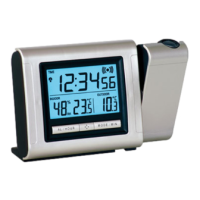
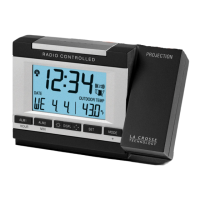
2) Insert two AA batteries into the Projection alarm and/or plug into wall
3) Wait 10 minutes for WWVB reception and remote temperature.
4) If there is no WWVB reception, manually set the time and date (instructions
in the Program Mode).
5) Program the settings.
6) Mount the WT-5721 in a suitable location, where WWVB and transmitter
signals can be received.
7) Mount the transmitter where remote temperature measurement is desired
(on the North side of a house for example).
8) The projector will activate and remain on if the alarm clock is plugged in. If
only batteries are used, the projector will only be activated when a button is
pressed.
9) See the “Features” section III. for instructions on projection direction, etc.








 To Next Page