LAARS Heating Systems
Page 42
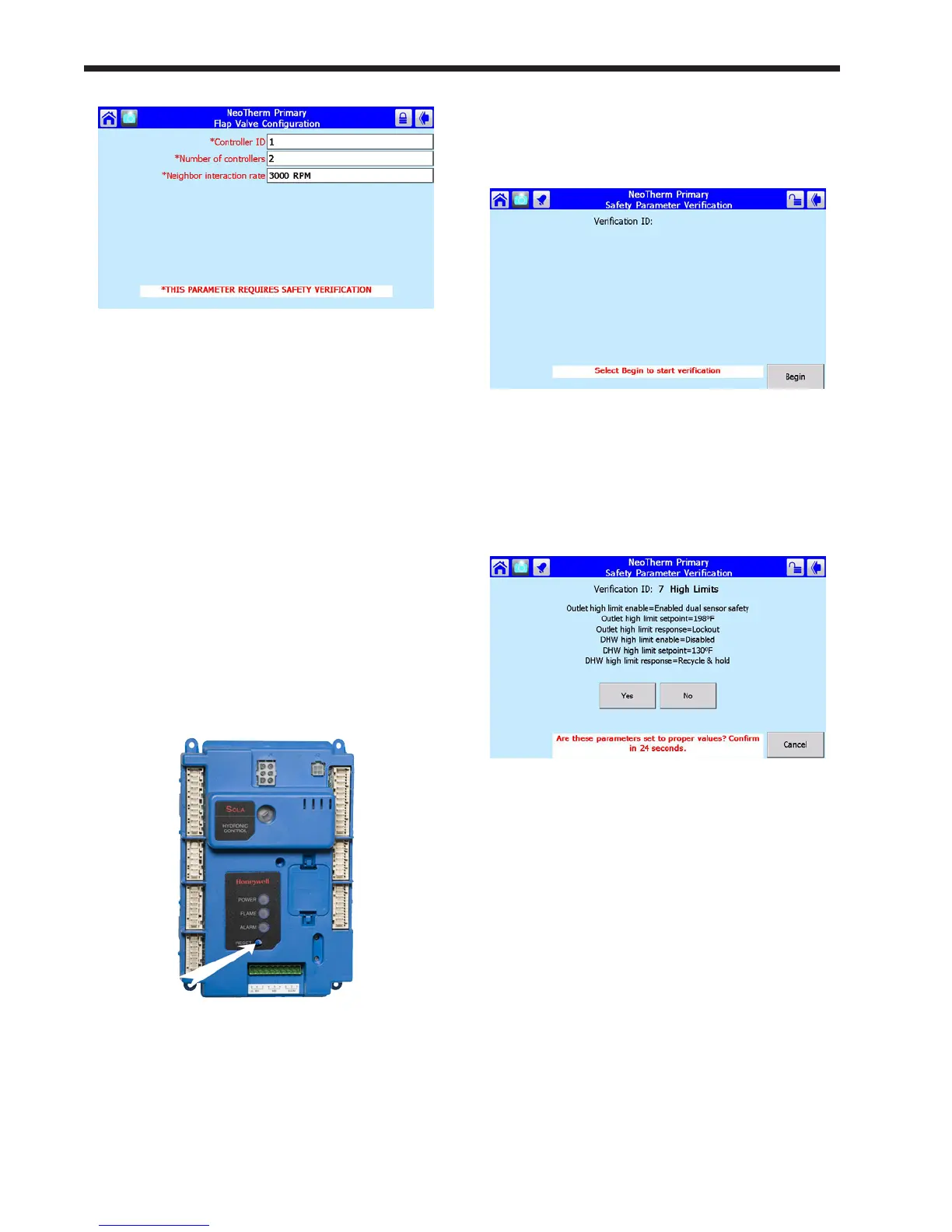
Fig.43-VericationNeeded
Notes –
• Once you change one of these safety-related
parameters, you must nish the verication
process for the group that includes the parameter,
or the control system will not let the boiler
operate. You can wait to do the verication until
you have changed parameters in other groups,
but before you return the boiler to service, you
have to do the verication for all of the groups you
changed.
• At the end of the verication process, you
must press the Reset button on the front of the
controller. See Fig. 44. You have to do this within
30 seconds, or the verication will be cancelled.
To make it easy to reach the Reset button, open
the door on the front of the boiler and slide out the
control panel before beginning the verication.
Fig. 44 - Reset Button on Controller
3. Don’t press the Reset button yet. We just want
to show you where the Reset button is located.
Change the parameter(s) you want to change.
4. When you are done entering parameters, the
next job is to do the verication. Login to the
system and press Begin.
Fig. 45 - Edit Safety Data
5. Once you are done changing safety
parameters, press Conrm. The system will
present a listing for each group of parameters
which includes a changed safety parameter.
See Fig. 46.
Fig.46-SafetyParameterConrmation
6. For each group, check the list carefully. Press
Yes if all of the parameters in the group have
been entered correctly.
If you made changes in other safety-related
groups, verify the entries in those groups in
the same way. When the process is complete,
the system will tell you to reset the control
system.



 To Next Page