Activity Guide
6 Tech-Design by Lab-Volt
Basic Robotics Automation & Robotics
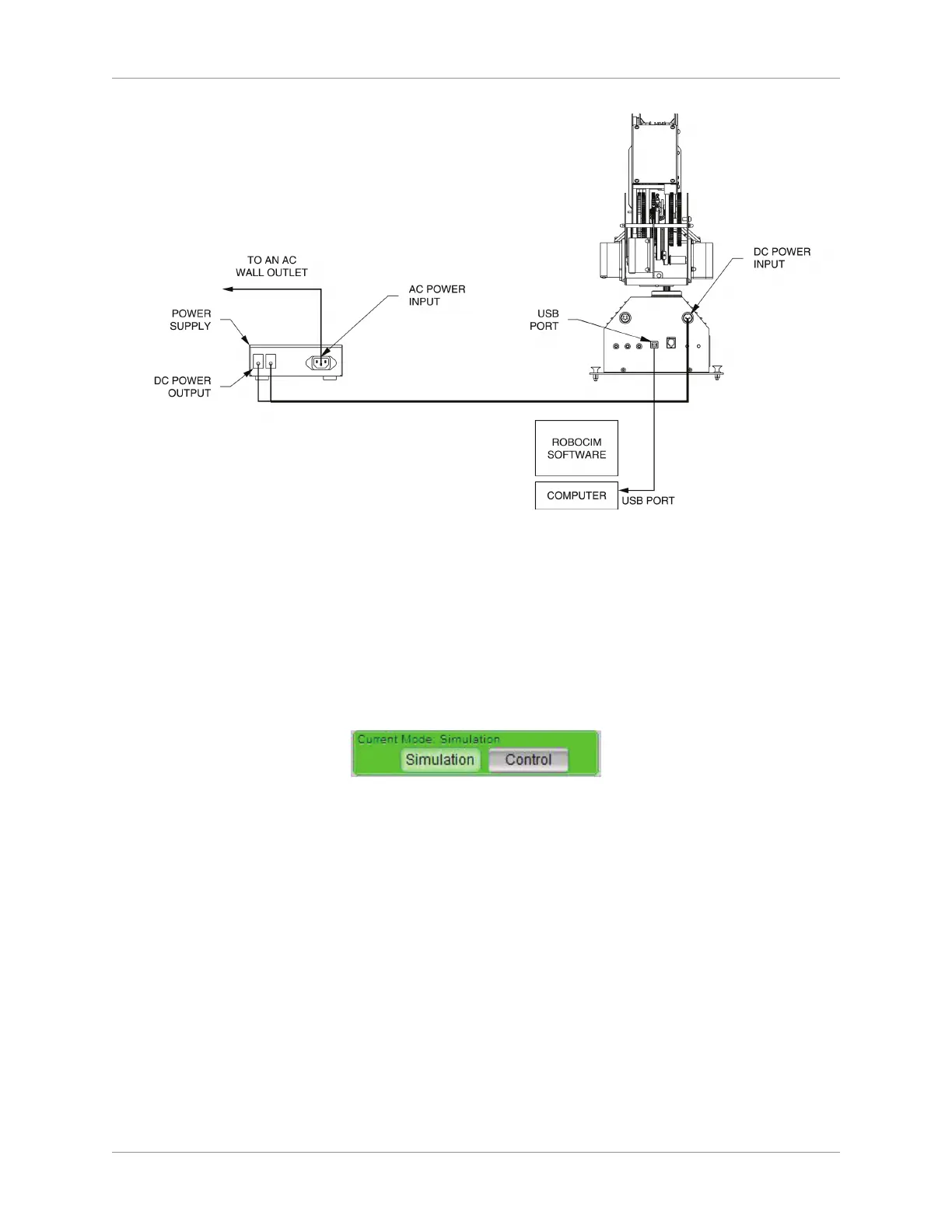
Equipment Conguration
RoboCIM Simulation Mode
You are now ready to control the robot using RoboCIM in the Simulation Mode.
Open the 1. RoboCIM software.
From the Welcome screen, select Create a new RoboCIM workspace. The 2. RoboCIM main window
appears.
You will be working in the Simulation mode rst, so make sure you are in Simulation mode.3.
Current Mode: Simulation
Select the Motion tab from the Tabbed Dialog Section. The Motion window appears. 4.



 To Next Page