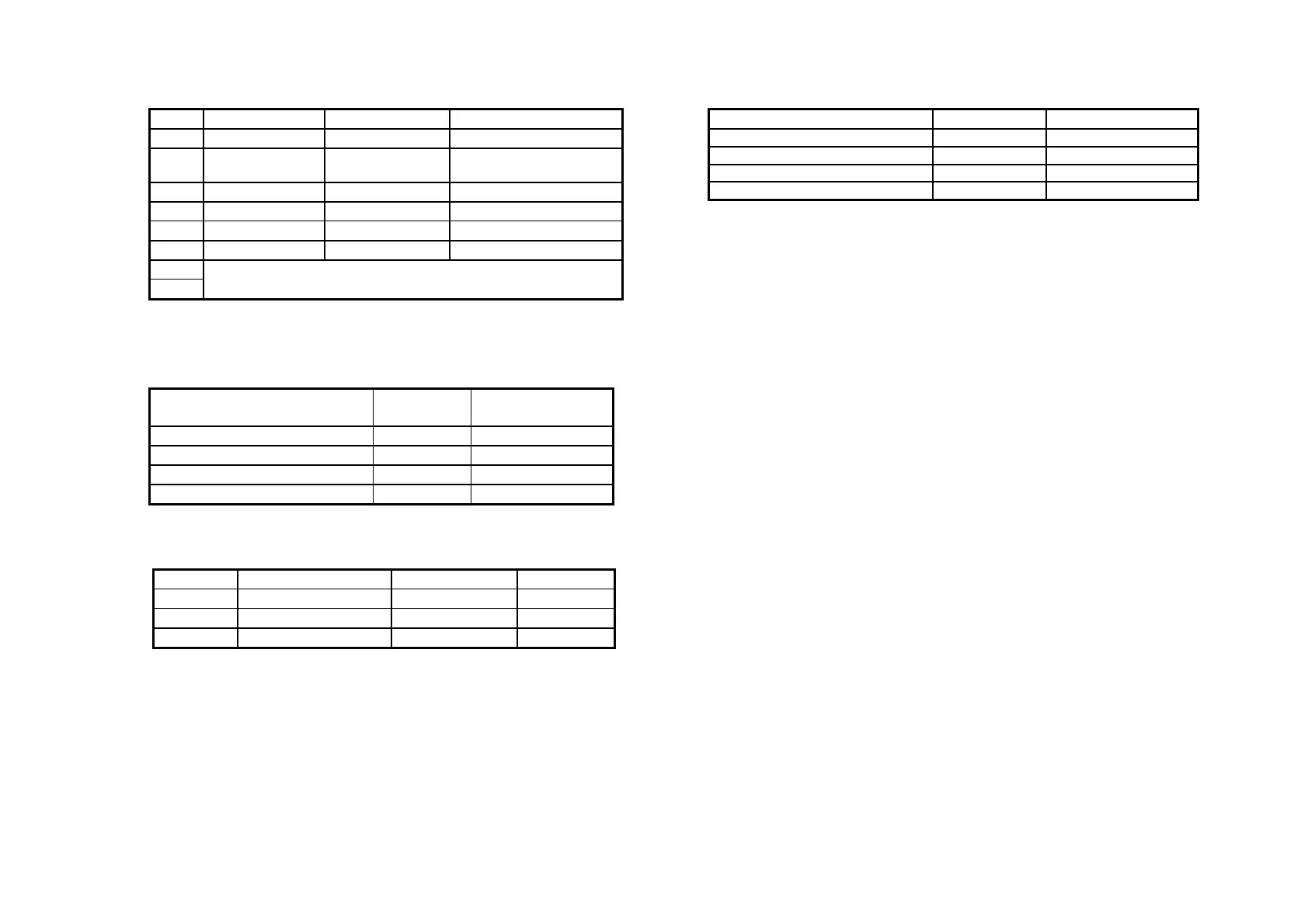
Set 2
Transmission Speed
Set 3
SW Function ON OFF
3-1
Buzzer1 setting Disable Enable
3-2
Buzzer 2 setting Disable Enable
3-3 ~ 3-8
Undefined - -
A-2
Dip Switch and Paper Near End Settings
Print Density Selection
Notes:
If the DIP switch setting is changed after the printer power is
turned on, the change does not take effect until the printer is
turned on again or is reset.
DIP switches should not be changed while the printer power is
on.
DIP Switch and Paper Near End Settings
A–3
Print Density SW 1-3 SW 1-4
1 Low power consumption mode ON ON
2 (Normal) OFF OFF
3 ON OFF
4 (Dark) OFF ON
SW Function ON OFF
2-1
Data receive error Ignored Prints “?”
2-2
Receive buffer
capacity
80K bytes 2K bytes
2-3
Handshaking XON / XOFF DTR / DSR
2-4
Data word length 7 bits 8 bits
2-5
Parity check Enabled Disabled
2-6
Parity selection Even Odd
2-7
2-8
Transmission speed (See the table below)
Transmission Speed
(BPS) –bits per second
2 - 7 2 - 8
4800
OFF ON
9600
ON OFF
19200
OFF OFF
38400
ON ON


 To Next Page