Parallel interface specification
Set 1
Set 2
Set 3
A-4
Dip Switch and Paper Near End Settings
Print Density Selection
Notes:
If the DIP switch setting is changed after the printer power is
turned on, the changed does not take effect until the printer is
turned on again or is reset.
DIP switches should not be changed while the printer power is on.
DIP Switch and Paper Near End Settings
A–5
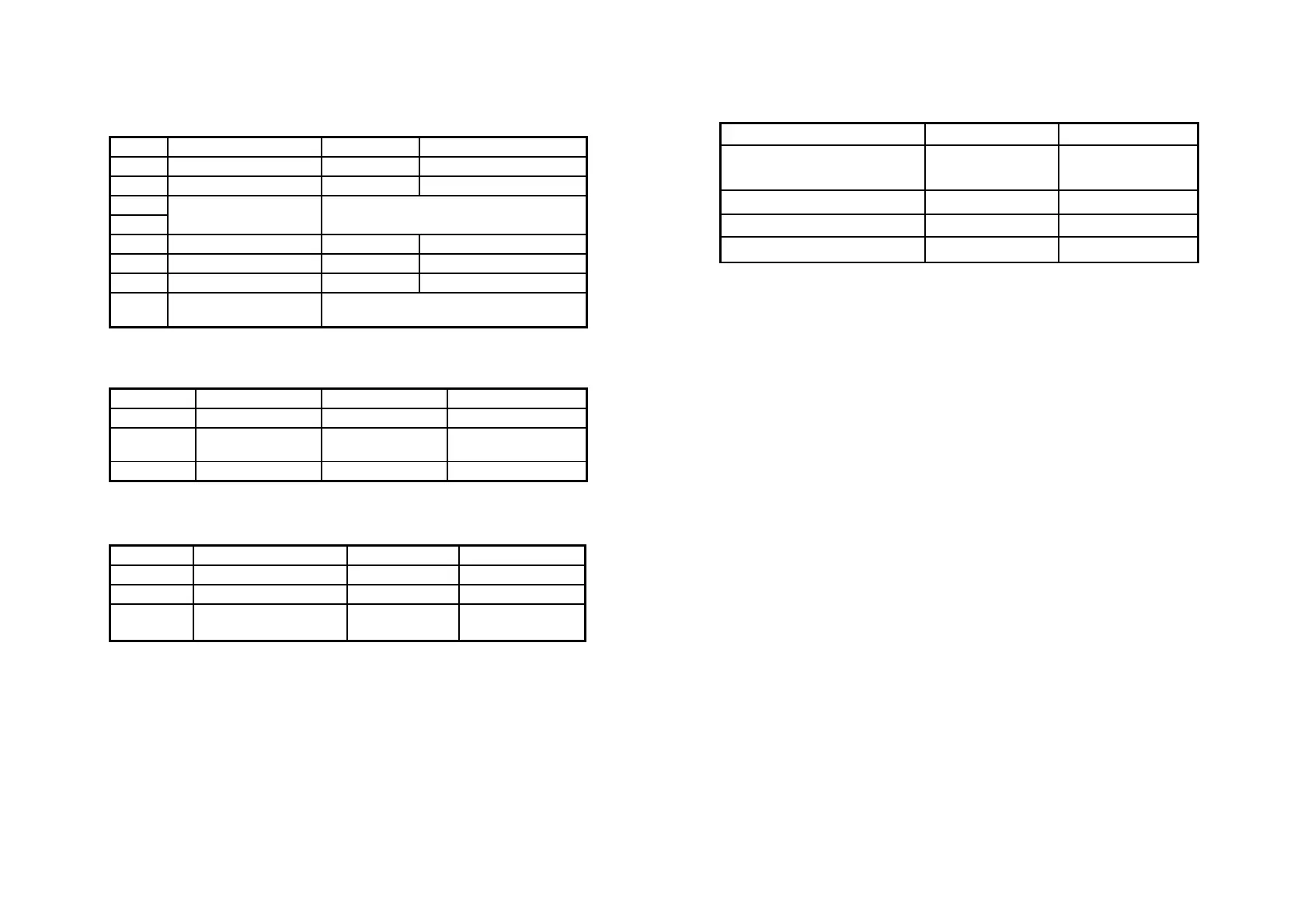
SW Function ON OFF
1-1
Print emulation TM200 EPSON Emulation
1-2
Paper near end sensor Vertical Horizontal
1-3
1-4
Selects print density Refer to page “A-5” table
1-5
Cutter setting Disable Enable
1-6
Parallel port supports EPP SPP/EPP
1-7
Cutter mode Full Partial
1-8
Reserved: do not
change settings
Fixed to OFF
SW Function ON OFF
2-1
Auto line feed Always enabled Always disabled
2-2
Receive buffer
capacity
2K bytes 80K bytes
2-3 ~ 2-8
Undefined - -
SW Function ON OFF
3-1
Buzzer1 setting Disable Enable
3-2
Buzzer 2 setting Disable Enable
3-3 ~ 3-8
Undefined
- -
Print Density SW 1- 3 SW 1- 4
1 Low power consumption
mode
ON ON
2 (Normal) OFF OFF
3 ON OFF
4 (Dark) OFF ON


 To Next Page