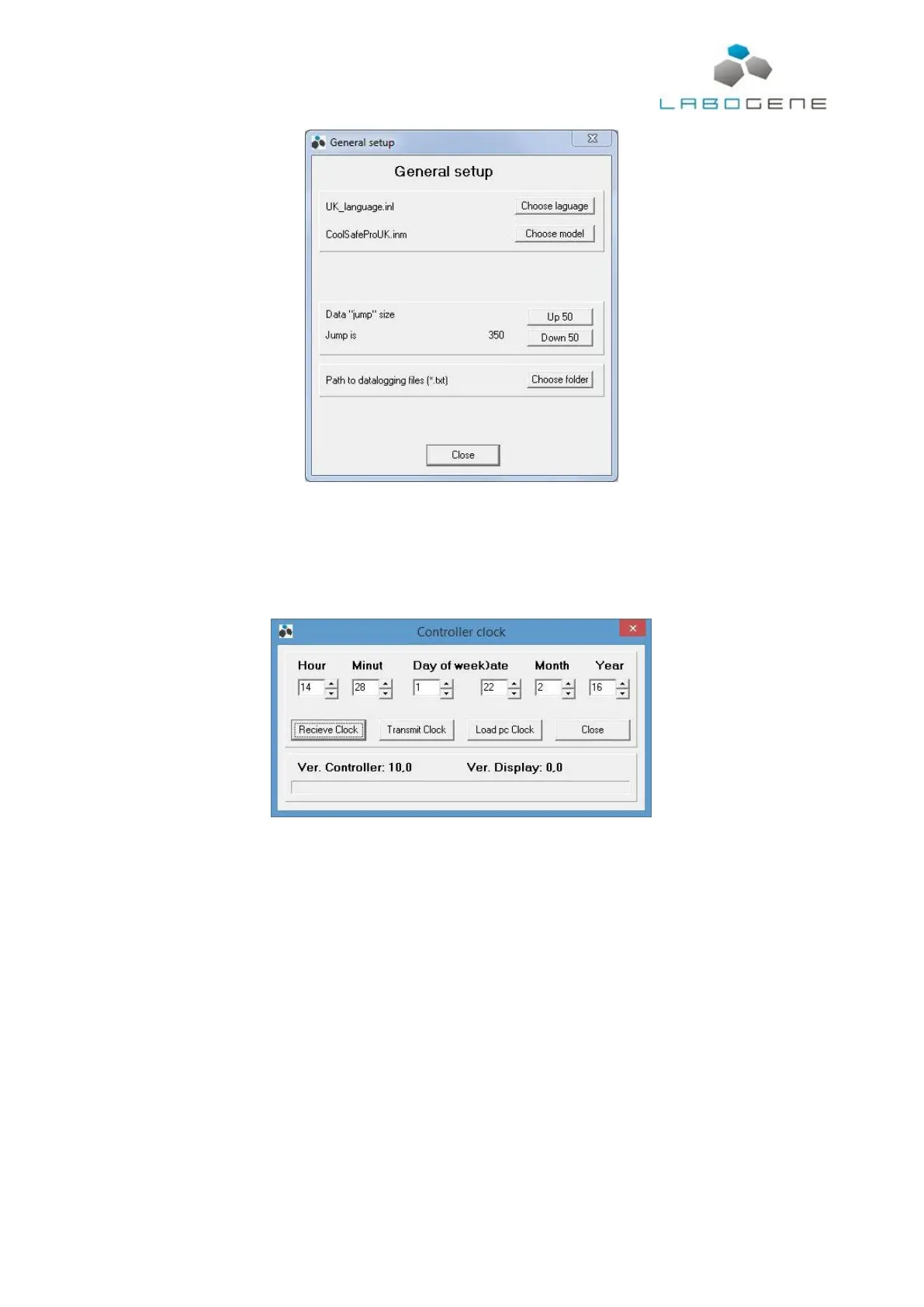
When done, press close.
To check that the communication between the CoolSafe and computer is working properly, press F4
or open the “Data from controller” menu and select the “Controller clock” option. The window shown
below will open.
Press the “Receive Clock” button. If the controller clock values appear the connection is up and
running correctly.
The final step is to press the “Connect” button which will open a “Save As” window. Here the name
of the file for data logged must be given.



 To Next Page