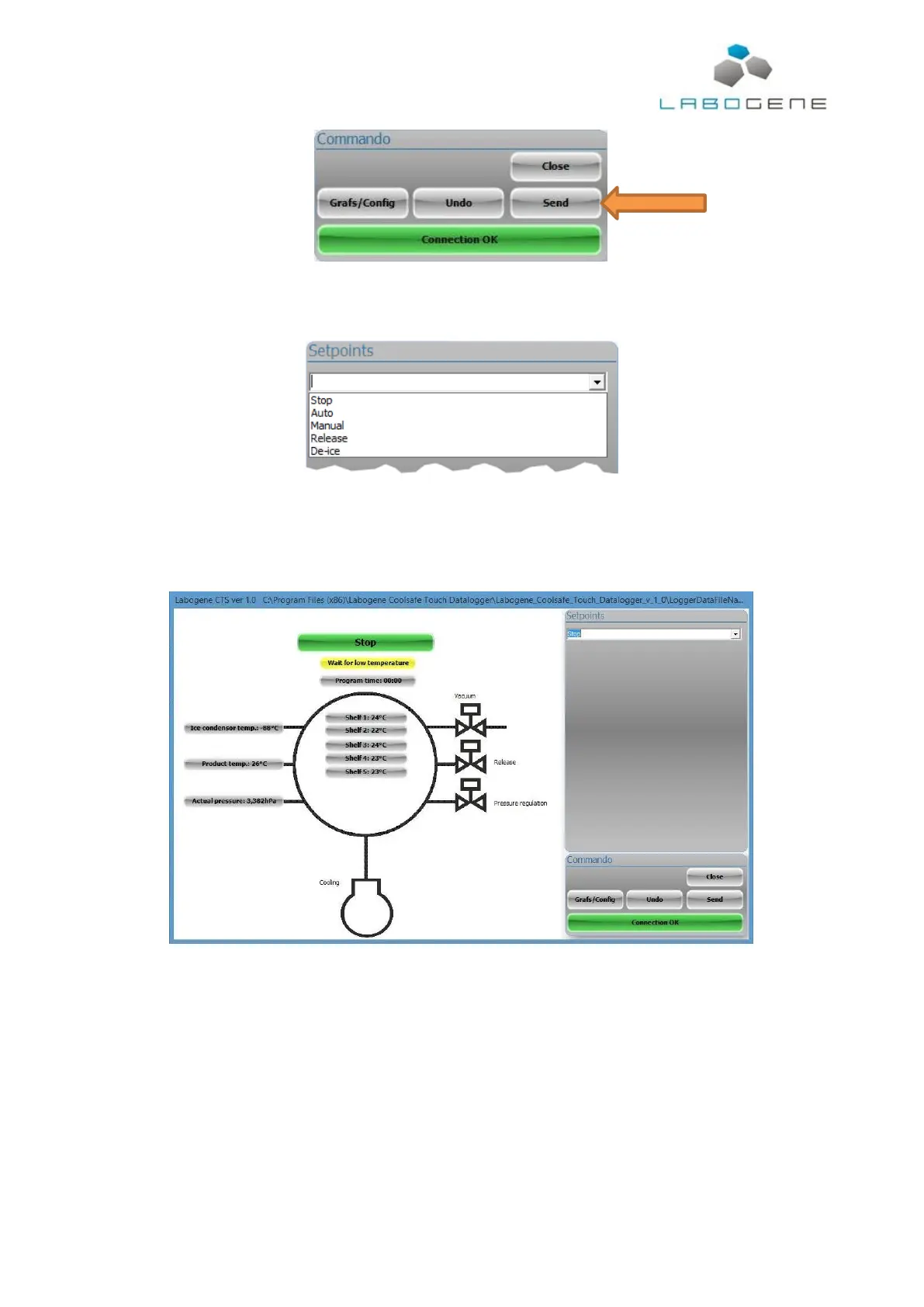
Navigating the control software is done from the “Setpoints” box, where a dropdown list gives all
available options.
Choose the desired option and press “Send” for the choice to take effect.
Before starting any freeze drying process manual or automatic, it is recommended to make sure all
is stopped by sending the “Stop” command from the “Setpoints” menu.
3.1 Running an automatic freeze drying process
To run an automatic freeze drying process, send “Auto” from the “Setpoints” menu. This command
will open the Auto screen shown below.
In this window a complete freeze drying cycle can be defined and executed. Pre-freezing in 5 steps
can be defined, alarm pressure must be defined and the primary drying can be defined in 10 steps.



 To Next Page