EasyManua.ls Logo

LaboGene CoolSafe - 4 Datalogging, Data Managing and Viewing; General

LaboGene CoolSafe
25 pages
Print Icon
To Next Page IconTo Next Page
To Previous Page IconTo Previous Page
Loading...
Instruction manual for CoolSafe
01032016QA01
Item No. 701157
CopyRight © 2016
Page 20 of 25
4 Datalogging, data managing and viewing
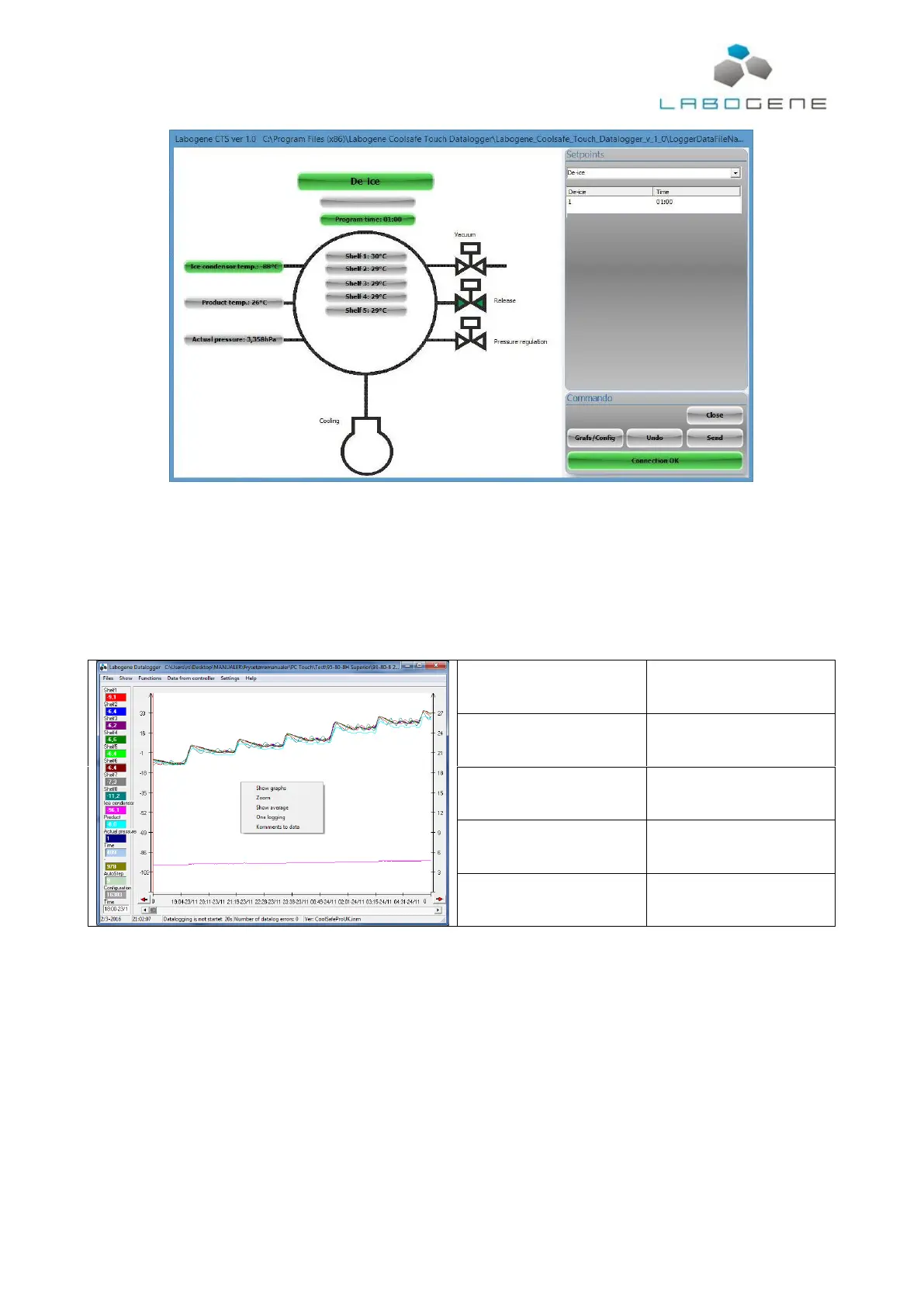
To view the datalogging press the “Grafs/Config” button on the main screen of the freeze dryer
control software.
4.1 General
In the Datalogger window, right click and the popup shown below appears.
Show graphs
Selection of what data will be
shown.
Zoom
Zooms in or out on the time axis
on the graph.
Show average
Opens window where average,
maximum and minimum values
for each parameter is shown.
One logging
-
Comments to data
Comment to data can be
added. Is shown on the printed
version of the data.

Related product manuals