MSD Legend Series Operation & Maintenance Manual | 11
CONNECT TO EXCAVATOR DC POWER
6. Connect one 5A fuse holder to the white wire of the power supply cable.
7. Connect a length of 18 AWG wire from the terminal on the opposite end of the 5A fuse holder to the positive
terminal of the excavators main battery disconnect switch.
8. Connect the green wire to chassis ground.
CONNECT TO THE EXCAVATOR IGNITION SWITCH
Note: InSite power is electrically connected to the excavator ignition switch. This doesn’t mean you need to wire
ignition switch, as long as InSite power will be OFF when the excavator key is removed.
9. Connect one 5A fuse holder to the black wire.
10. Connect a length of 18 AWG wire from the terminal on the opposite end of the 5A fuse holder to the excavator
ignition switch.
Confirm InSite is Communicating
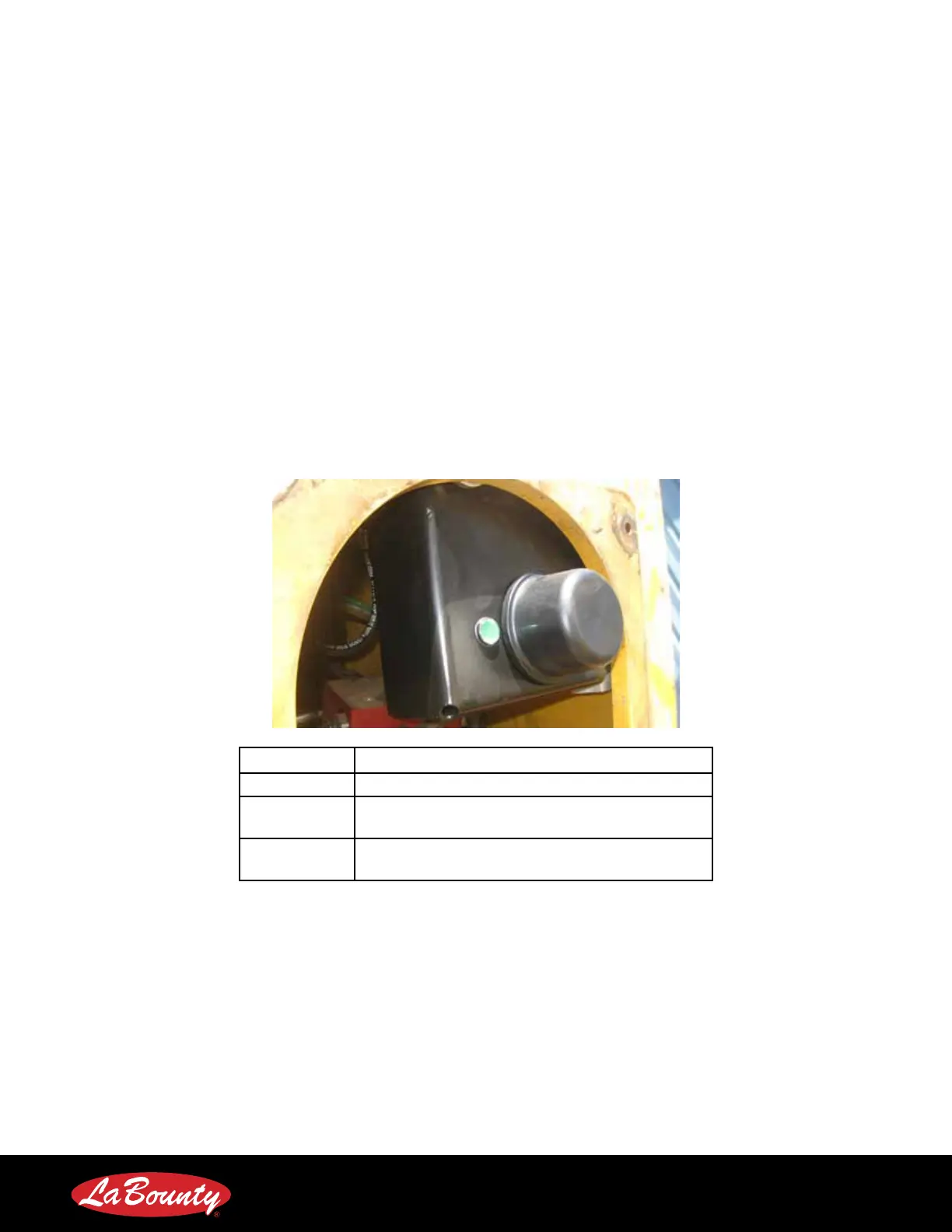
InSite has two LED’s that we can use to conrm that the unit is working properly.
LED Meaning
Solid Green InSite is powered and connected via cellular.
Flashing
Green
InSite is powered, but is searching for a cellular
connection.
No Light
InSite is not powered. Check electrical
connections.



 To Next Page