

 To Next Page
W
webbjamesAug 25, 2025
How to reconnect LabStyle Dario Blood Glucose Meter?
- AAngela ChristensenAug 26, 2025
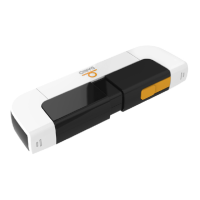
To reconnect your LabStyle Blood Glucose Meter, ensure that your smart device volume is appropriately set. Follow the instructions in the Dario App to adjust the settings on your mobile device: 1. Ensure that Mono Audio is set to OFF. 2. Adjust the audio balance to the middle of L and R. 3. Ensure that your ringer and alerts volume is set to the maximum level. 4. Allow Dario to use your microphone and ensure that your music volume is set to the maximum level.
 General