LANCOM 821+ – LANCOM 1711+ VPN – LANCOM 1721 VPN
Chapter 2: Installation
17
EN
tion about a later assignment of the configuration password see the
section “Security settings”.
Online
The online LED displays the general status of all WAN interfaces:
ADSL status
( LANCOM
821+ and
LANCOM
1721 VPN
only)
Information on connection status at the ADSL connector:
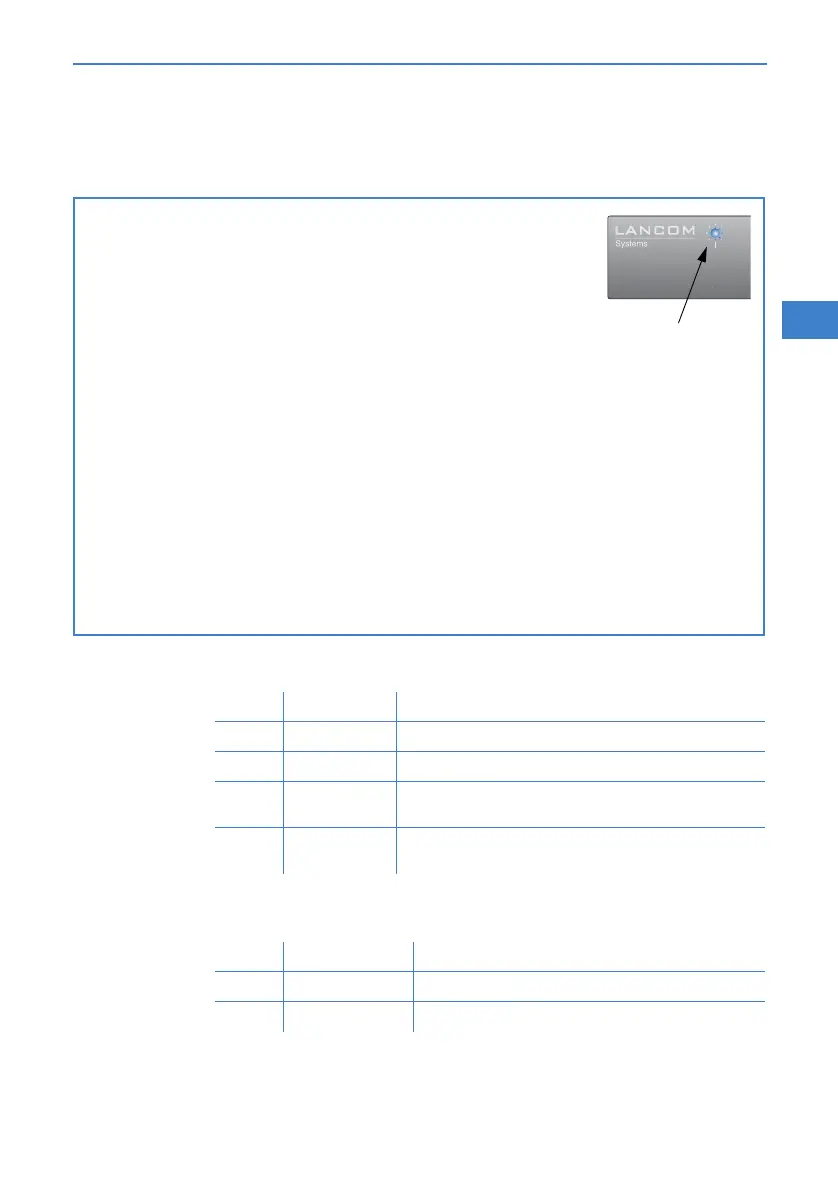
Flashing Power LED but no connection?
There's no need to worry if the Power LED blinks red and you can no
longer connect to the WAN. This simply indicates that a preset time or
connect-charge limit has been reached. There are three methods
available for unlocking:
Reset connect charge protection.
Increase the limit that has been reached.
Completely deactivate the lock that has been triggered (set limit
to '0').
If a time or connect charge limit has been reached, you will be notified in LANmonitor. To
reset the connect charge protection, select Reset Charge and Time Limits in the context
menu (right mouse click). You can configure the connect charge settings in LANconfig under
Management Costs (you will only be able to access this configuration if 'Complete con-
figuration display' is selected under View Options…).
You will find the connect charge protection reset in WEBconfig and all parameters under
Expert Configuration Setup Charges-module.
Signal for reached time
or connect-charge
limit
P
ower
P
ower
Off No active connection
Green Flashing Opening the first connection
Green Inverse flashing Opening an additional connection
Green On (perma-
nently)
At least one connection is established
Red On (perma-
nently)
Error establishing the last connection
Off Interface deactivated
Green Blinking/flashing Handshake/training
Green Permanently Synchronization successful



 To Next Page