microSTAR®ii User Manual v1.3 76
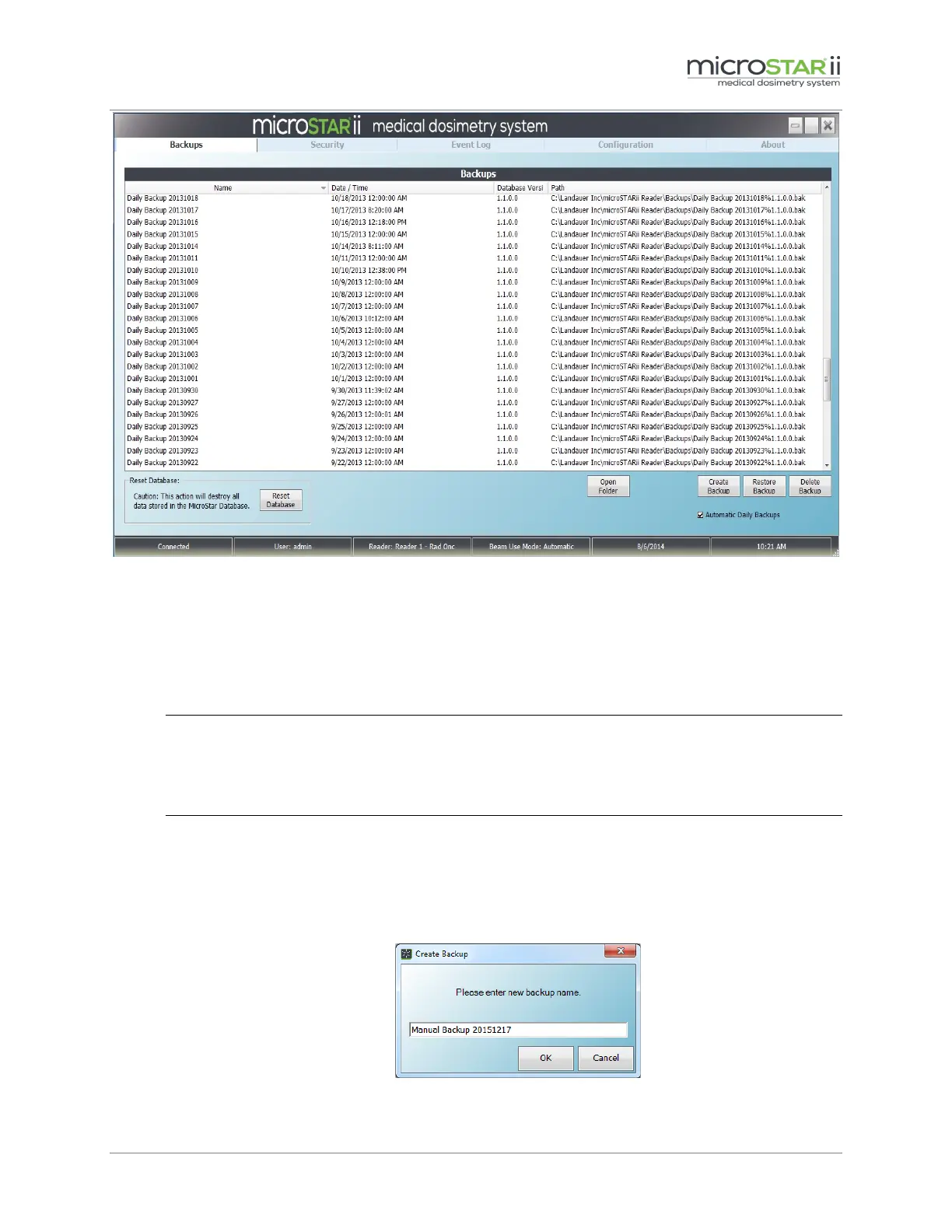
Figure 10-7: Backup Tab
In addition, Administrators can perform more advanced backup management from the Backup
tab:
1. Configure Automatic Daily Backups
Select the Automatic Daily Backups check box to enable this feature. Unselect to turn it off.
NOTE: When enabled, the database will be backed up at just past midnight each day unless
the software is not running at that time. If the software is not running, the backup will be
performed automatically the next time the software is launched. Automatic backup files are
listed in the grid with the following format: Daily Backup YYYYMMDD.
2. Create Backup
a. Click the Create Backup button under the backup file listing to generate a new backup file.
b. Enter a name for the new file in the Create Backup dialog box.
c. Click OK to generate a backup file.
Figure 10-8: Create Backup Filename



 To Next Page