Manual radarTOUCH Version 3.4
T. Schwirten LANG AG
14.10.10
Page 17
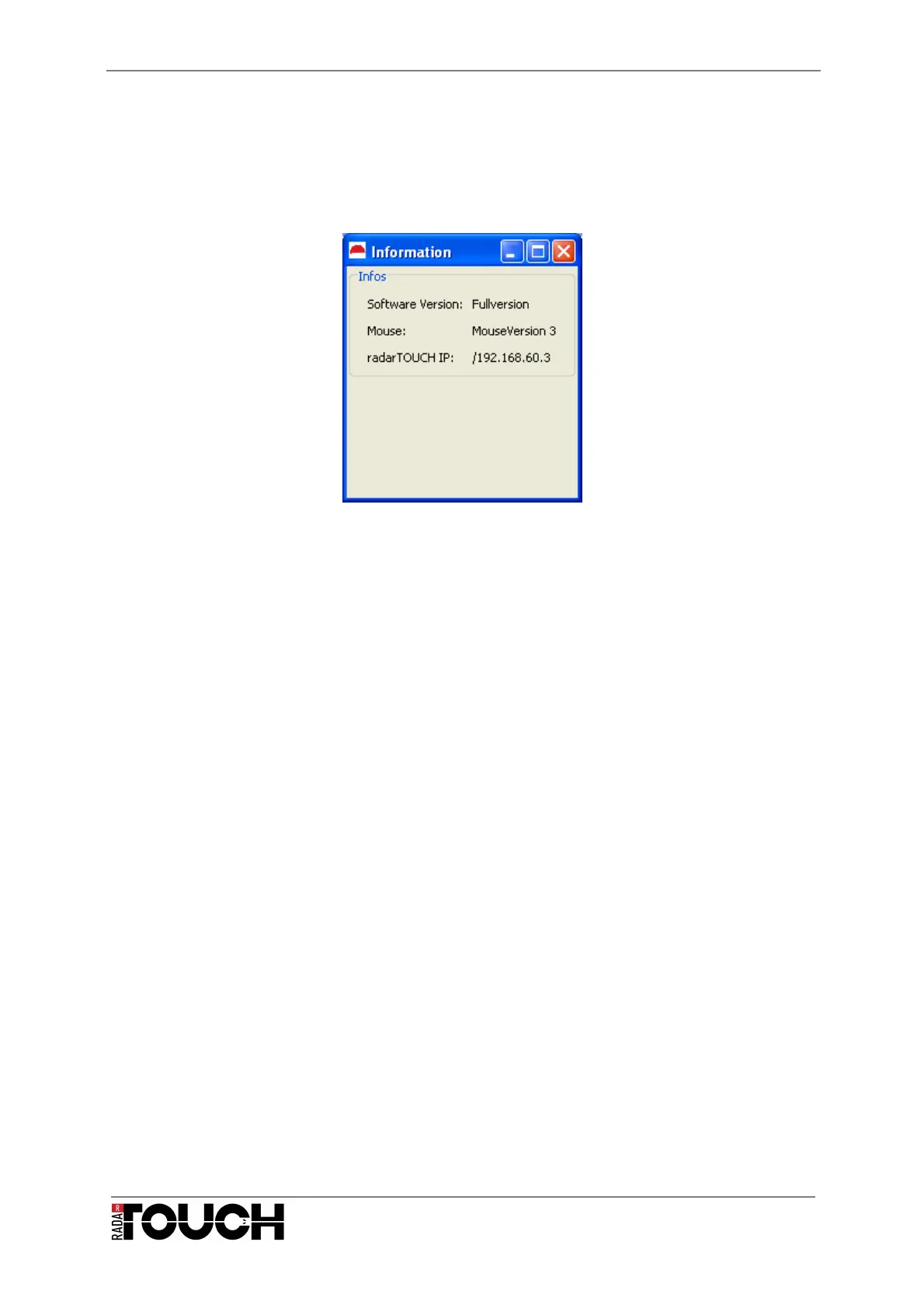
4.1.3 The Info-Window
The Info-Window (Options → Info) informs you for example regarding network setting and
used output interfaces.
Figure 25 The Info-Window
4.2 Output interfaces
In the radarTOUCH software output interfaces are used to send data of detected obstacles to
a receiving software. There are a lot of possibilities to do this. In most cases the
radarTOUCH software sends the data via OSC or it simply controls the windows mouse
directly. Controlling a windows mouse usually offers only single touch or dual touch
interaction. These interfaces will be described in the next paragraph.
4.2.1 Mouse Emulation
First of all it is important to know that the radarTOUCH is not a device that can be used as a
complete mouse replacement. If emulating a mouse, the software has to run on the PC
whose mouse shall be controlled. Furthermore, it is important to know how the mouse should
react. Shall the left button be clicked and released when entering the active area with an
obstacle? Or shall it work like a drag and drop function which keeps the button clicked as
long as the obstacle is detected?


 To Next Page