Manual radarTOUCH Version 3.4
T. Schwirten LANG AG
14.10.10
Page 27
5.4 Solving Problems
Problems that might appear are:
» The system detects obstacles that are physically not located in front of it
→ Clean the front window of the measurement device with a dry soft cloth.
» The measurement data seems to be disturbed/ defective
→ Surfaces like glass or anything shiny can cause these effects.
» The red LED flashes the whole time and nothing else happens
→ The mains adapter is too weak
→ Power supply cable might be damaged, check connectors
» The pointer is not precise.
→ The measurement device should be as close as possible to your screen.
→ Maybe you also have to readjust the active area.
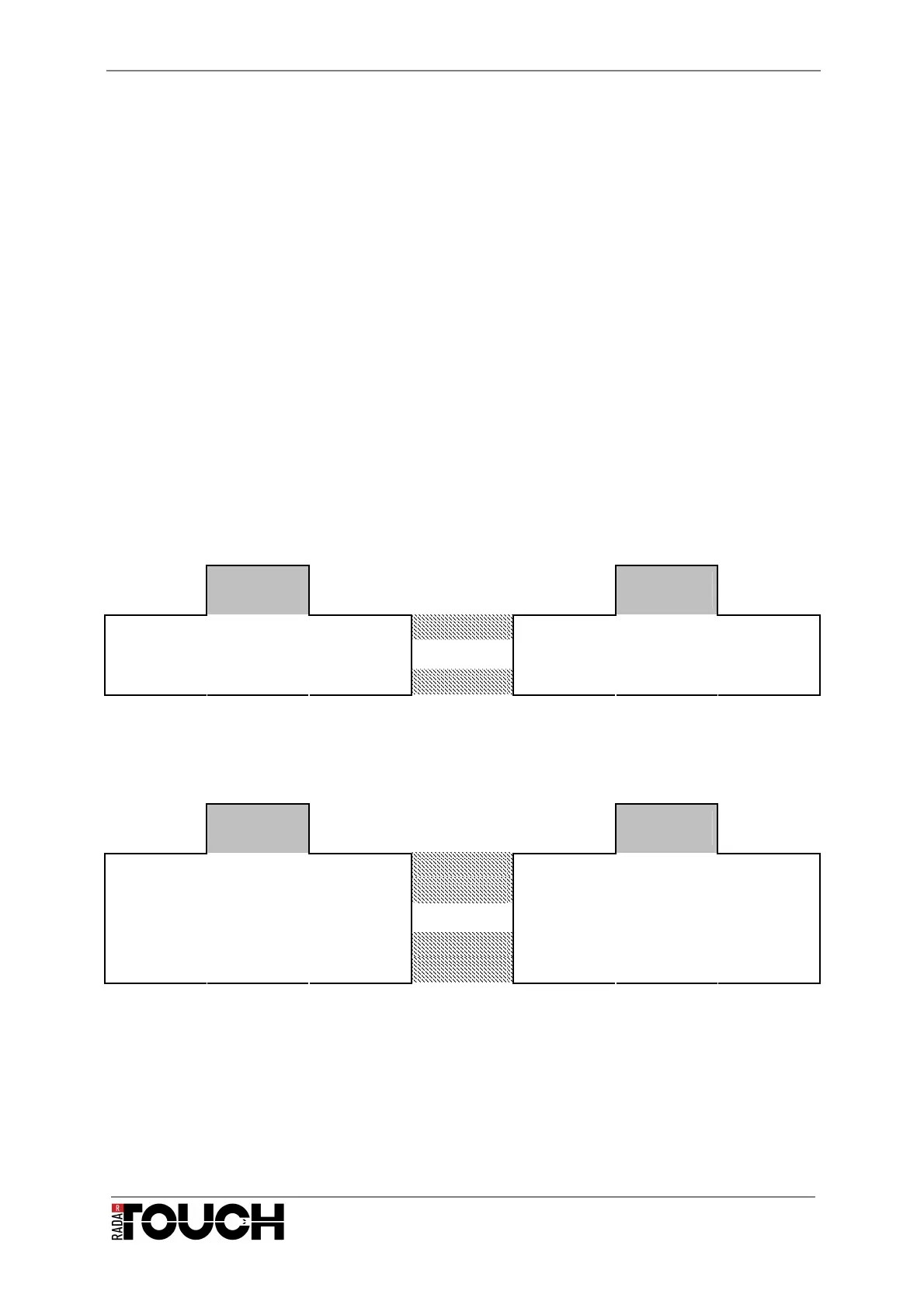
5.5 Pin Assignment
Power supply
3 Pin XLR
Female
3 Pin XLR
Male
Pin 1
plus red & pink
Pin 1
Pin 2
↔
Pin 2
Mains
adaptor
Pin 3
minus blue
Pin 3
radar
TOUCH
Ethernet connection
5 Pin XLR
Female
5 Pin XLR
Male
Pin 1
Green/white
Yellow
Pin 1
Pin 2
Green Orange
Pin 2
Pin 3
↔
Pin 3
Pin 4
Red/white White
Pin 4
CAT 5
Cable
Pin 5
Red Blue
Pin 5
radar
TOUCH


 To Next Page