Network Computing Platforms
Installing a mSATA Module
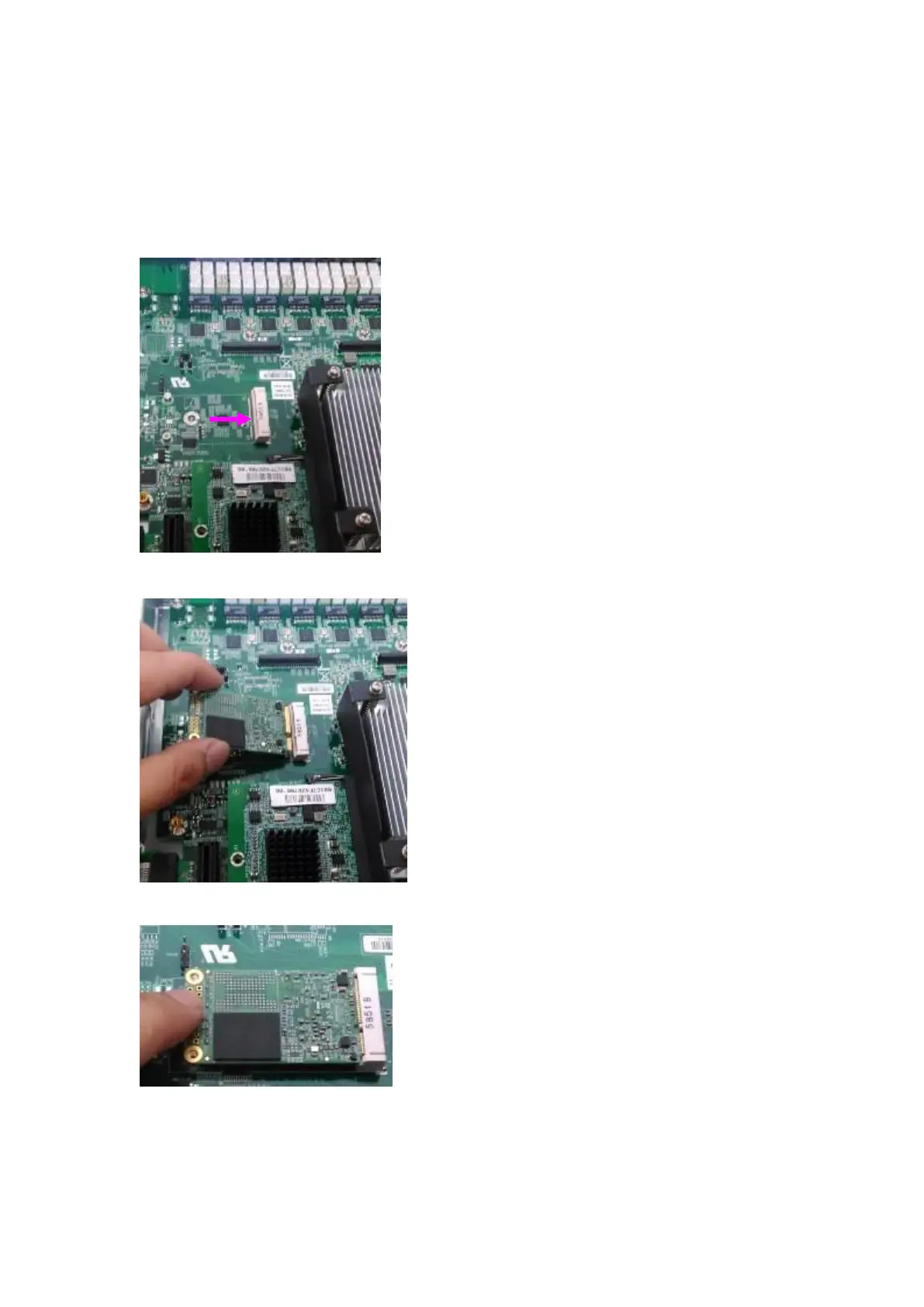
The motherboard provides one mSATA slot. Follow the procedures below for installing a
mSATA card.
1. Locate the mSATA socket.
2. Insert a mSATA module as shown in the image below card.
3. Press the module down and apply two screws to secure it.



 To Next Page