Network Computing Platforms
Installing an IPMI Card (Project-based)
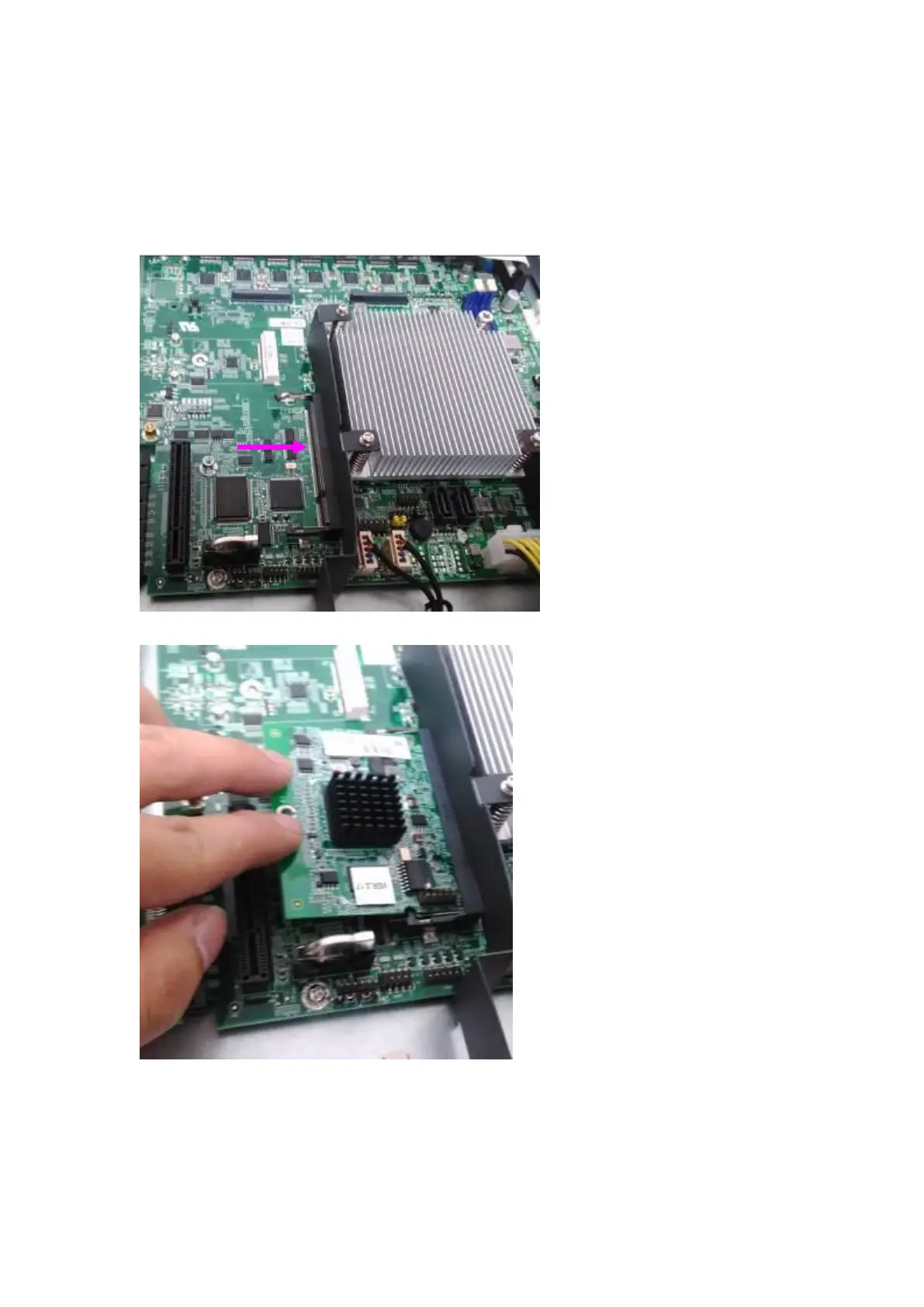
The motherboard provides one OPMA socket which is used to install an IPMI card. Please
follow the steps below for instructions.
1. Locate the OPMA socket.
2. Insert an IPMI card into the socket and then press it down.



 To Next Page