Network Computing Platforms
Replacing Cooling Fans
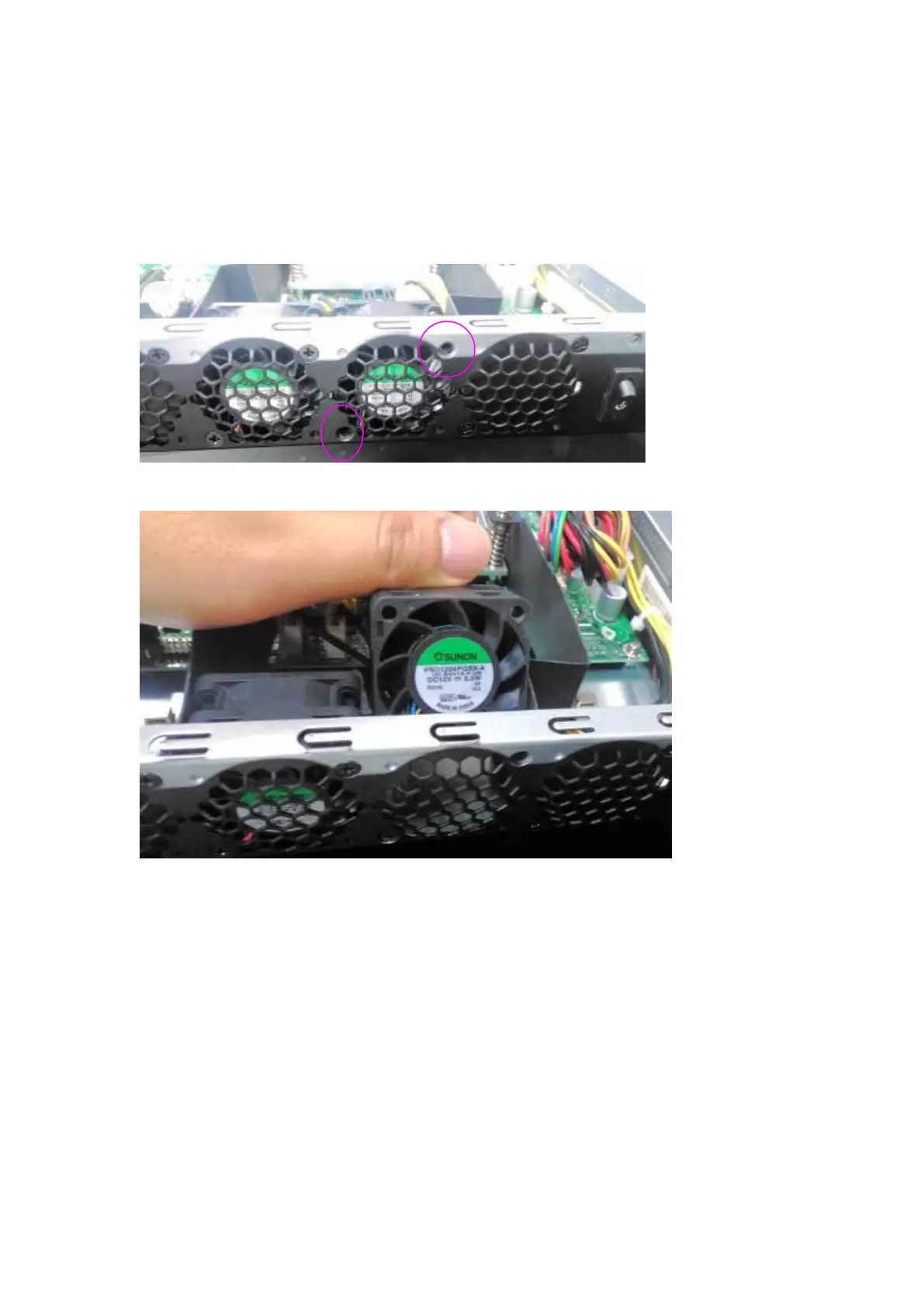
NCA-4010 supports 2 cooling fans. To replace a worn-down fan, please follow the steps
below.
1. Remove the screws circled below.
2. Apply some force and pull the fan out of its original place, as shown in the image below.
3. To install a new one, just place the new fan to the original place and apply two screws.



 To Next Page