Network Computing Platforms
Installing Ethernet NIC Modules
NCA-4010 supports one Ethernet NIC module space to expand its network throughput. Please
follow the instructions below.
Notes: For information about compatible modules, please refer to the “Ordering Information”
and “Optional Accessories” sections, or contact Lanner for more details.
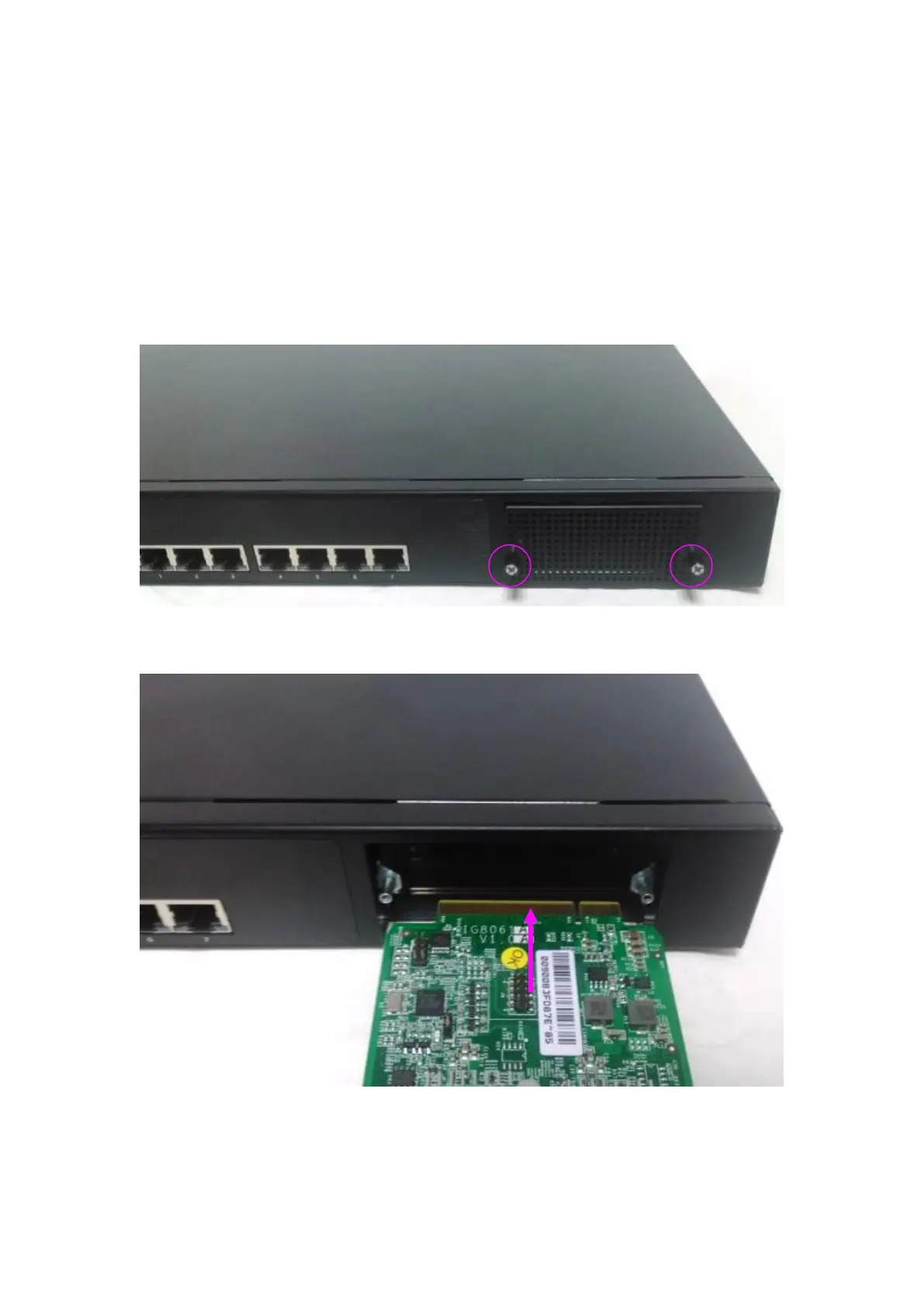
1. Remove the two captive screws on the bezel of the module slot and open the bezel.
2. Position the gold finger of module as shown in the image below. When sliding the module
into the slot, make sure the module stays in the guides of the expansion slot.



 To Next Page