Network Computing Platforms
Chapter 4: Hardware Setup
Preparing the Hardware Installation
To access some components and perform certain service procedures, you must perform the
following procedures first.
WARNING:
To reduce the risk of personal injury, electric shock, or damage to the equipment, please
remove all power sources.
Please wear ESD protected gloves before conducting the following steps.
1. Power off NCA-4010 completely.
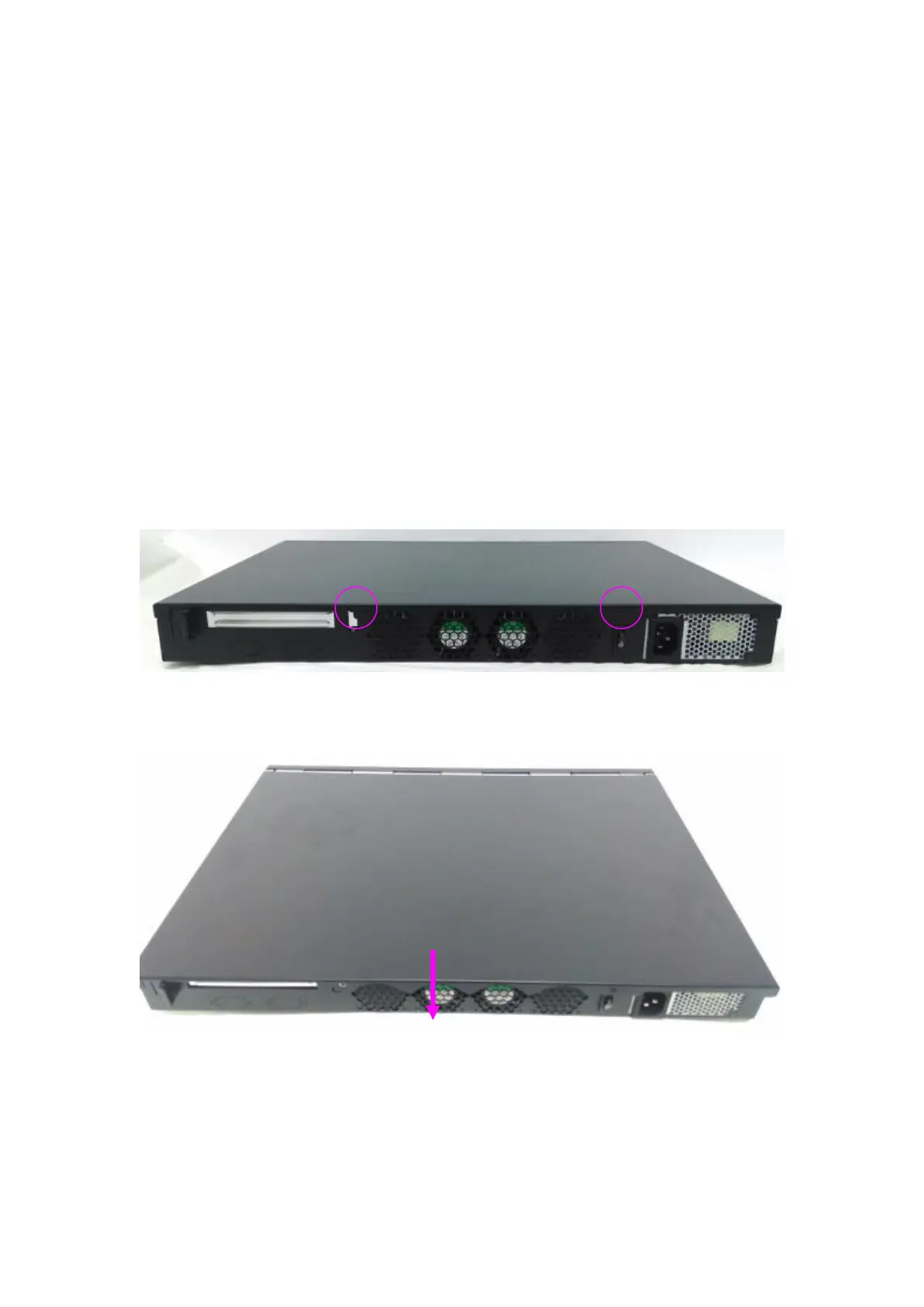
2. Remove the two screws at the rear, as circled in the figures below.
3. Slide and pull the top compartment as the arrow of direction below.



 To Next Page