Network Computing Platforms
Rackmount Installation
Attach the Inner Rails
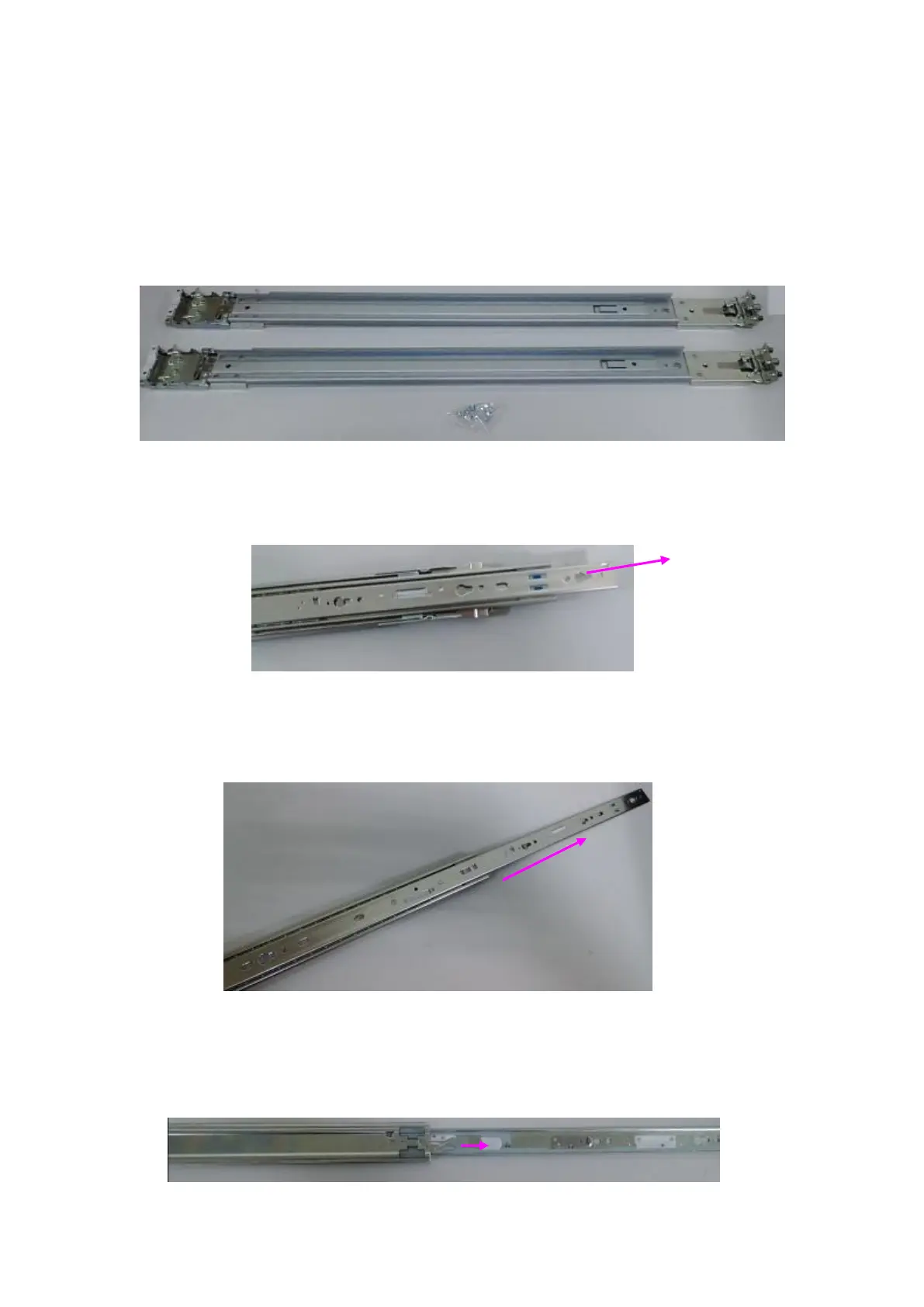
1. Check the package contents.
2 x 438mm Slide-Rails
1 x pack of screws
2. Turn a slide rail upside down and release the inner bracket.
4. Slide the inner bracket all the way up to end of the slide-rail assembly. You may
hear a “click” sound.
5. Push the white slide-rail lock outwards as the arrow of direction below. Then pull
the inner bracket out of the slide-rail assembly.
6.



 To Next Page